Walmart WFS setup works best when sellers prepare item data, eligibility, inventory, packaging, inbound order details, and replenishment controls before sending products to Walmart's fulfillment network. WFS can simplify fulfillment, but sellers still own catalog accuracy and operational readiness.
Key Takeaways
- Walmart WFS setup is not just enrollment. Sellers need eligible items, clean item data, accurate inventory, and reliable replenishment.
- WFS is not identical to Amazon FBA, so sellers should verify Walmart-specific requirements before launch.
- Product identifiers, dimensions, packaging, labels, and inbound order details can create downstream issues if they are wrong.
- Exact WFS requirements, fees, labels, routing, and Seller Center paths should be verified near publishing.
- Qubeq treats WFS setup as a marketplace operations workflow, not a one-time account toggle.
What is Walmart WFS?
Walmart Fulfillment Services, or WFS, is Walmart's fulfillment program for eligible Marketplace items. In a WFS workflow, Walmart can handle storage, packing, shipping, returns, and customer support for Walmart-fulfilled orders, while the seller remains responsible for item setup, catalog quality, inventory planning, and compliance with current program requirements.
The seller-operations question is simple: is the item ready for Walmart to receive, identify, store, sell, fulfill, and replenish without avoidable catalog or inventory errors?
What sellers should prepare before WFS setup
Sellers should prepare account eligibility, item eligibility, item data, inventory counts, packaging, and replenishment logic before starting WFS setup. Missing data creates friction later.
| Setup area | What to check | Why it matters |
| Account readiness | Marketplace account status and WFS enrollment | WFS options may not appear without eligibility |
| Item readiness | Published item, identifiers, category, dimensions | WFS needs clean item records |
| Content accuracy | Title, images, attributes, descriptions | Bad content can hurt conversion and quality signals |
| Inventory planning | Launch quantity and replenishment cycle | Prevents stockouts or stranded inventory |
| Packaging and labels | Prep, carton data, item labels | Reduces receiving errors |
| Inbound order | Routing, quantities, ship-from details | Connects physical inventory to Walmart records |
Do not start WFS setup with uncertain item data. Fixing product identity after inventory is in motion is harder.
Walmart WFS setup workflow
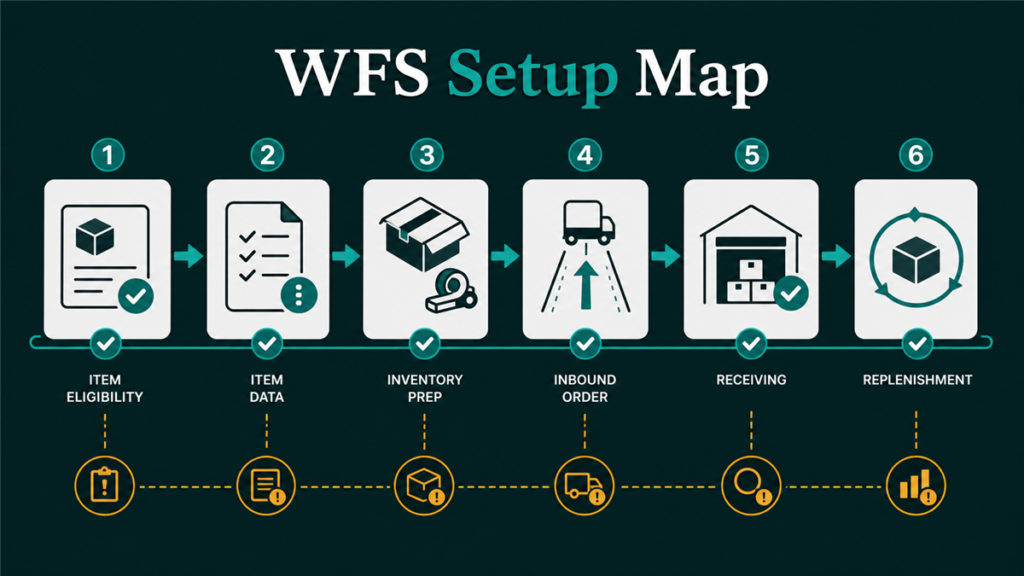
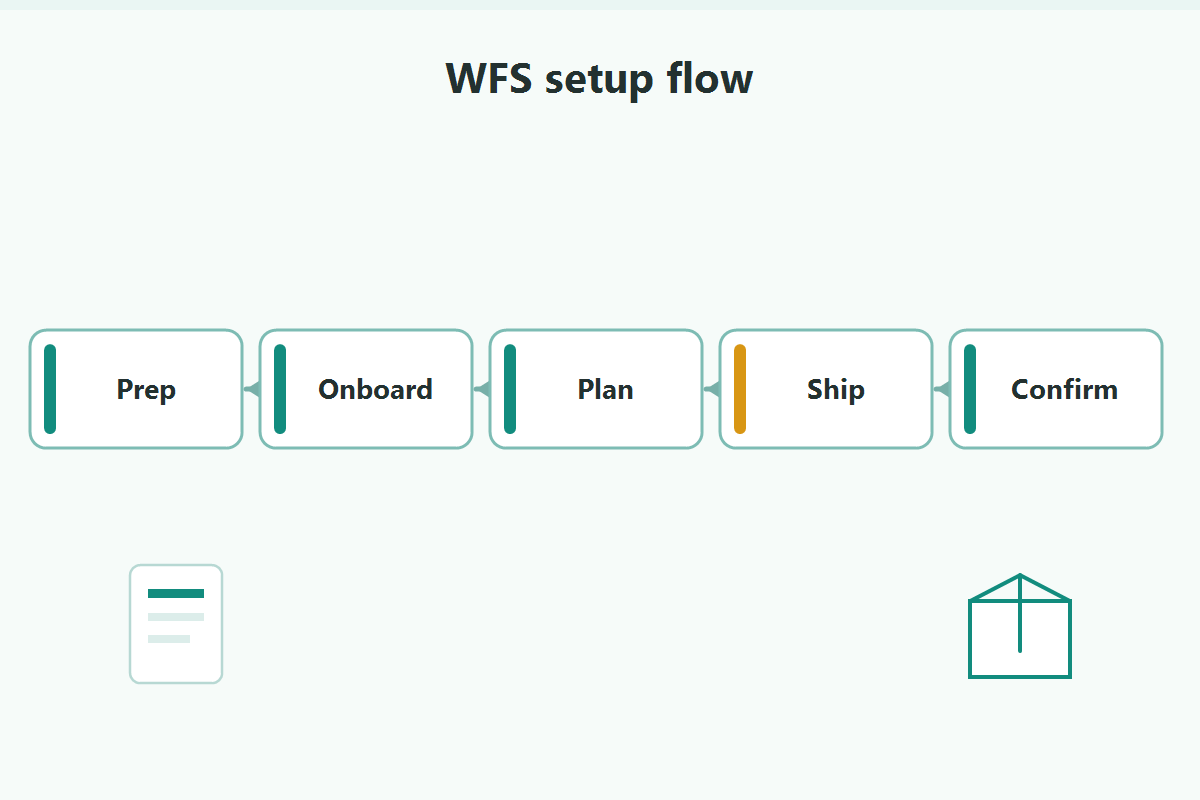
The Walmart WFS setup workflow should move from eligibility to launch monitoring. Treat each step as an operations checkpoint.
1. Confirm account and item eligibility
Items generally need to be WFS eligible before sellers can create an inbound order for Walmart-fulfilled inventory. Exact eligibility requirements should be verified in current Walmart documentation and Seller Center.
Check:
- Marketplace account status.
- WFS enrollment or access.
- Item publication status.
- Item category and restriction issues.
- Product identifiers and item setup completeness.
2. Clean the item record
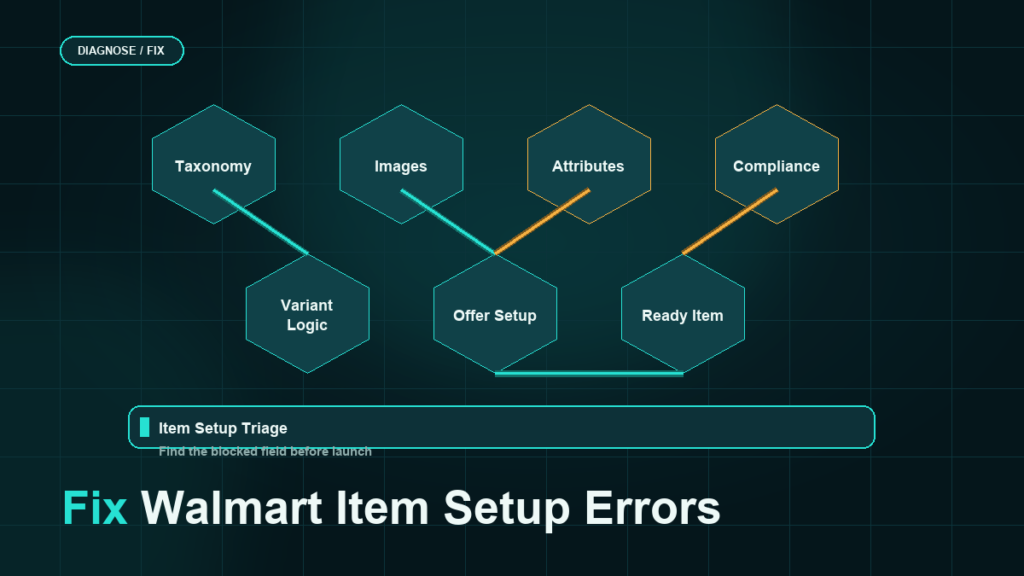
WFS inventory depends on item records that Walmart can identify and fulfill. Before sending inventory, review product title, images, attributes, brand, GTIN/UPC, SKU, dimensions, weight, and item condition.
Bad item data can affect listing quality, fulfillment accuracy, return handling, and customer experience.
3. Prepare inventory and packaging
Inventory should match the inbound order and physical cartons. Sellers should confirm quantity, item condition, packaging requirements, carton counts, labels, and prep needs.
Check:
- Units by SKU.
- Case pack or mixed-carton logic.
- Item and carton labels.
- Product dimensions and weight.
- Damage-prone packaging risks.
- Expiration or special handling issues if applicable.
4. Create the inbound order
The inbound order connects the seller's inventory to Walmart's fulfillment network. Current Seller Center labels, routing steps, and shipment requirements should be verified before publishing.
Keep records for:
- Inbound order ID.
- SKU and quantity.
- Ship-from location.
- Carton or pallet details.
- Carrier and tracking.
- Delivery and receiving status.
5. Monitor receiving and replenishment
WFS setup does not end at shipment creation. Sellers should monitor receiving, listing status, available inventory, order flow, return activity, and replenishment timing.
Use a launch checklist:
- Confirm inventory is received.
- Confirm the item is live and buyable.
- Check shipping promise and fulfillment status.
- Watch early order and return patterns.
- Build replenishment triggers.
- Review listing quality and customer-experience signals.
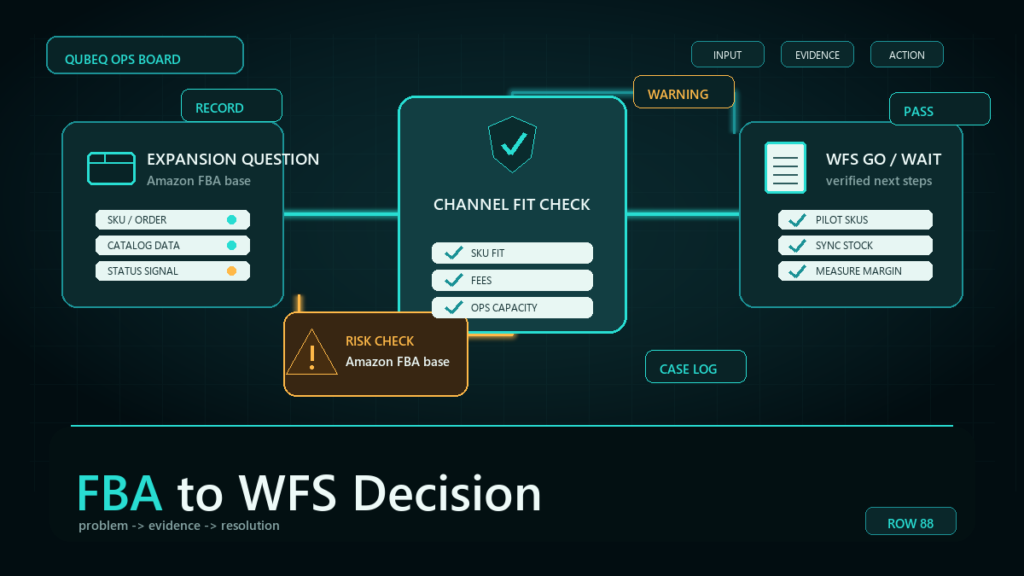
How WFS differs from Amazon FBA
WFS and Amazon FBA are both marketplace fulfillment programs, but sellers should not treat the setup workflows as interchangeable. Walmart has its own item setup, Seller Center terminology, fulfillment rules, and marketplace signals.
Key differences to verify:
- Item setup and catalog fields.
- Fulfillment eligibility.
- Inbound order process.
- Label and packaging requirements.
- Return handling.
- Performance and customer-experience signals.
- Reporting and reconciliation workflows.
If a seller copies an Amazon FBA SOP directly into Walmart WFS, the seller may miss Walmart-specific item and fulfillment requirements.
Mini-scenario: WFS launch blocked by item data
A seller wants to move a fast-selling SKU into WFS. The inventory team is ready to ship, but the catalog review shows missing item attributes, uncertain package dimensions, and a SKU naming mismatch between Walmart and the warehouse system.
The team pauses the inbound order. They clean the item record, confirm SKU mapping, update dimensions, and align the warehouse pick list before sending inventory. The launch is slower by a few days, but the receiving and replenishment trail is cleaner.
FAQ
What is Walmart WFS setup?
Walmart WFS setup is the process of preparing eligible Marketplace items for Walmart Fulfillment Services, including item data, inventory, packaging, inbound order creation, and replenishment.
Do all Walmart sellers qualify for WFS?
Not necessarily. WFS access and item eligibility depend on current Walmart requirements. Sellers should verify eligibility in Seller Center or current Walmart documentation.
Is WFS the same as Amazon FBA?
No. WFS and FBA are both fulfillment programs, but Walmart and Amazon have different setup workflows, item data requirements, fulfillment rules, and reporting systems.
What should sellers check before sending inventory to WFS?
Sellers should check item eligibility, SKU mapping, identifiers, dimensions, packaging, labels, inbound order details, tracking, and replenishment planning.
Can Qubeq help with Walmart WFS setup?
Yes. Qubeq can help prepare Walmart item records, SKU mapping, WFS inventory workflows, and ongoing marketplace operations.
Set up WFS like an operations system
Walmart WFS setup is smoother when sellers prepare the catalog, inventory, warehouse records, and replenishment plan before the first inbound order. If your team needs help cleaning item data or building a WFS operating workflow, Qubeq can support Walmart marketplace operations alongside Amazon backend work.