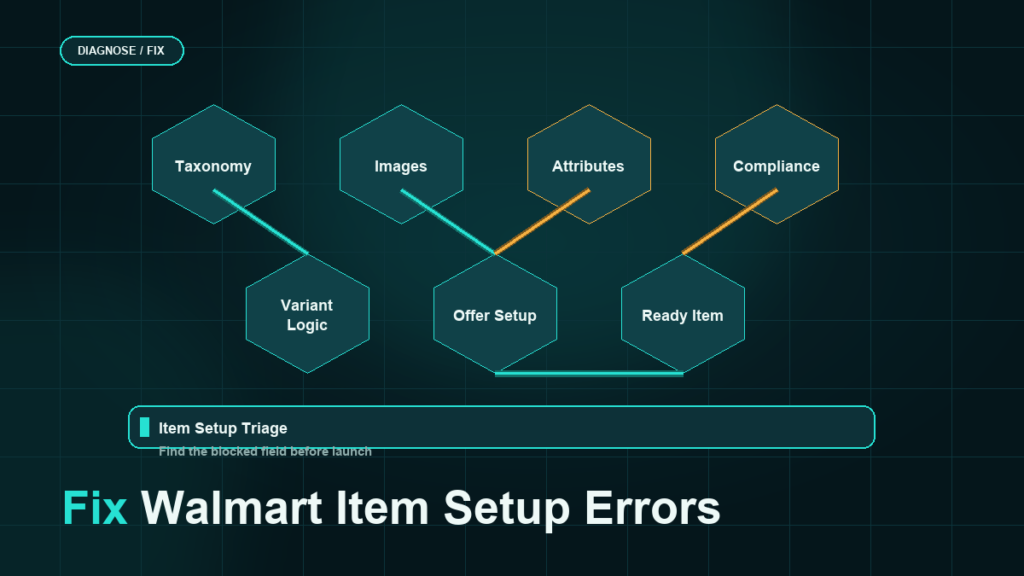
Walmart item setup errors cluster into five families: spec and file errors, product type and attribute mismatches, GTIN conflicts with the existing catalog, image rejections, and items stuck in processing or unpublished after a clean upload. Amazon-first sellers hit these harder than expected because Walmart's setup is spec-driven and match-first, which punishes the habit of pasting Amazon data into a Walmart template and hoping.
Key Takeaways
- Walmart validates items against a product type spec, and most setup failures are data that does not satisfy the spec, not platform bugs.
- Walmart matches your GTIN against its existing catalog first; if the product already exists, you are creating an offer on that item, not a new item, and fighting the match causes conflicts.
- The feed status and error report in Seller Center is the Walmart equivalent of Amazon's processing report: read it row by row before re-uploading anything.
- Amazon listing data does not map one-to-one: attribute names, valid values, image rules, and category taxonomy all differ.
- A data-mapping pass before the first upload prevents most of the error backlog that migrations otherwise spend weeks clearing.
How Walmart Item Setup Differs from Amazon
Two differences drive most of the friction.
First, Walmart is spec-driven: items are created against a product type spec with required attributes and valid values, submitted as single items, spec file uploads, API calls, or through integration partners. The spec version matters, and errors reference it.
Second, Walmart is match-first: the GTIN you submit is checked against Walmart's existing catalog. A match means you are adding an offer to an existing item page, and much of your submitted content may be ignored in favor of the existing item's content. Sellers who expect their content to win the page, as brand owners often do on Amazon, misread this as an error when it is the design.
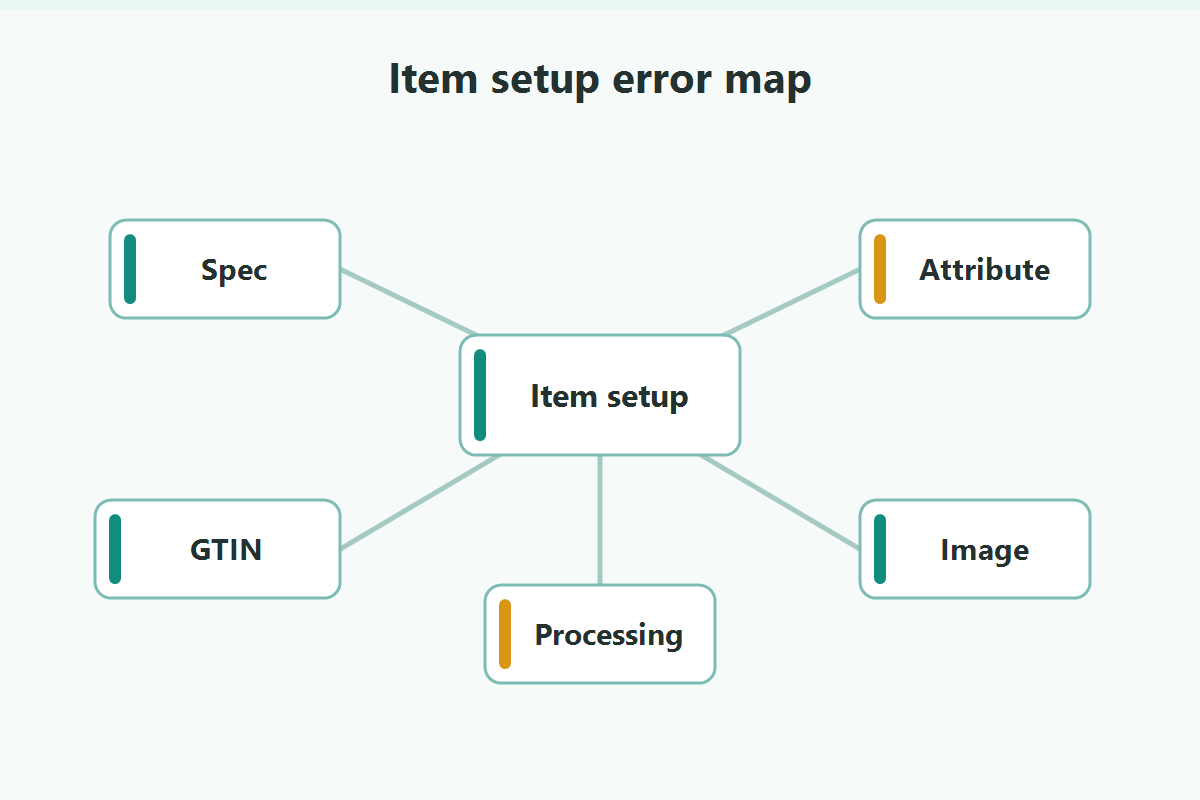
The Five Error Families
1. Spec and file errors
The upload itself fails or rows reject: wrong spec version, missing required columns, invalid values, malformed data. These surface in the feed status view with row-level messages. The fix is mechanical: correct the named field, resubmit the failed rows.
2. Product type and attribute mismatches
The item lands in the wrong product type, or required attributes for the chosen type are missing or invalid. Symptoms include rejected rows naming attribute requirements and items publishing with degraded content. Fix by selecting the product type deliberately (not by keyword guess) and completing its required attributes per the current spec.
3. GTIN conflicts and existing-item matches
Your GTIN matches an existing Walmart item (sometimes a stale or wrong one), or two of your own rows collide. If the match is correct, proceed as an offer and accept the existing page. If the match is wrong (your code points at a different product in their catalog), stop and resolve it with Walmart support before publishing; selling against a mismatched page creates returns and trust damage.
4. Image rejections
Images failing current requirements: size, background, watermarks, or borrowed marks. Amazon-compliant images usually pass, but not always; check the rejection text against Walmart's current image rules rather than assuming parity.
5. Stuck in processing or published-but-unpublishable
The upload succeeded, but the item sits in processing, or publishes and immediately unpublishes. Common causes: incomplete offer data (price, shipping, inventory), a lifecycle status issue, or a quality gate. Check the item's status reasons in Seller Center before re-uploading, because duplicate submissions of a stuck item create their own conflicts.
Reading the Feed Status and Error Report
Treat Walmart's feed status view the way you treat Amazon's processing report:
- Wait for the feed to finish processing before judging it.
- Read the per-row errors and group them by message; a hundred errors are usually four causes.
- Fix causes in the source data, not just the failed file, so the next full upload does not regress.
- Resubmit only the failed rows where the workflow allows it.
- Archive the feed ID and error report with the upload file for traceability.
Prevention for Amazon-First Sellers
The migration mistake is treating Walmart as an export target instead of a second catalog. Before the first bulk upload:
- Map attributes explicitly: Amazon field to Walmart spec field, with valid-value translations written down.
- Resolve your GTIN posture: confirm your codes are GS1-clean, since Walmart's matching amplifies code problems.
- Decide product types deliberately for each product family using Walmart's taxonomy, not keyword similarity.
- Pilot with five to ten items end to end (setup, publish, order test if possible) before pushing hundreds.
- Keep a SKU map between marketplaces from day one, so pricing, inventory, and reconciliation stay sane.
Mini-Scenario: The Migration Stuck at 60% Published
A home-organization brand pushed 220 Amazon listings to Walmart through a spec upload. A week later, 130 items were live and 90 were not, and the team was re-uploading the same file daily hoping for movement. The feed error report, read properly, showed three causes: 40 items had GTIN matches to existing Walmart pages (they needed offer setup, not item creation), 35 had missing required attributes for their product type (the Amazon export never carried those fields), and 15 had price-and-inventory gaps that left them unpublishable.
Re-uploading the same file could never fix any of those. Splitting the 90 into three lanes cleared the backlog in four days, and the attribute mapping document the team built for lane two became the template for every future product launch on Walmart.
FAQ
Why is my Walmart item stuck in processing?
Usually incomplete offer data (price, inventory, shipping), a quality or lifecycle gate, or a conflict from duplicate submissions. Check the item's status reasons in Seller Center before re-uploading.
Why does Walmart say my UPC already exists?
Walmart matched your GTIN to an existing catalog item. If the match is the same product, set up as an offer on that item. If it points at a different product, resolve the mismatch with support before selling against it.
Can I reuse my Amazon listing content on Walmart?
As a starting point, yes, but attribute names, valid values, taxonomy, and image rules differ, and matched items may keep existing page content. Map the data; do not paste it.
Where do I see Walmart item errors?
In the feed status and error views in Seller Center (or via the API response for API submissions). Read row-level errors and group by message before fixing.
Do Walmart item errors affect my seller account?
Setup errors are operational, not punitive. The account risks live elsewhere: performance metrics, policy compliance, and selling against wrong matches, which generates the returns and complaints that do hurt.
Launch the Walmart Catalog Without the Error Backlog
Walmart rewards sellers who arrive with mapped data and clean GTINs, and grinds down sellers who export-and-pray. If your migration is stuck partway, or you want the first upload to publish clean, Qubeq can map the catalog, resolve the match conflicts, and run the item setup end to end alongside your Amazon operation.