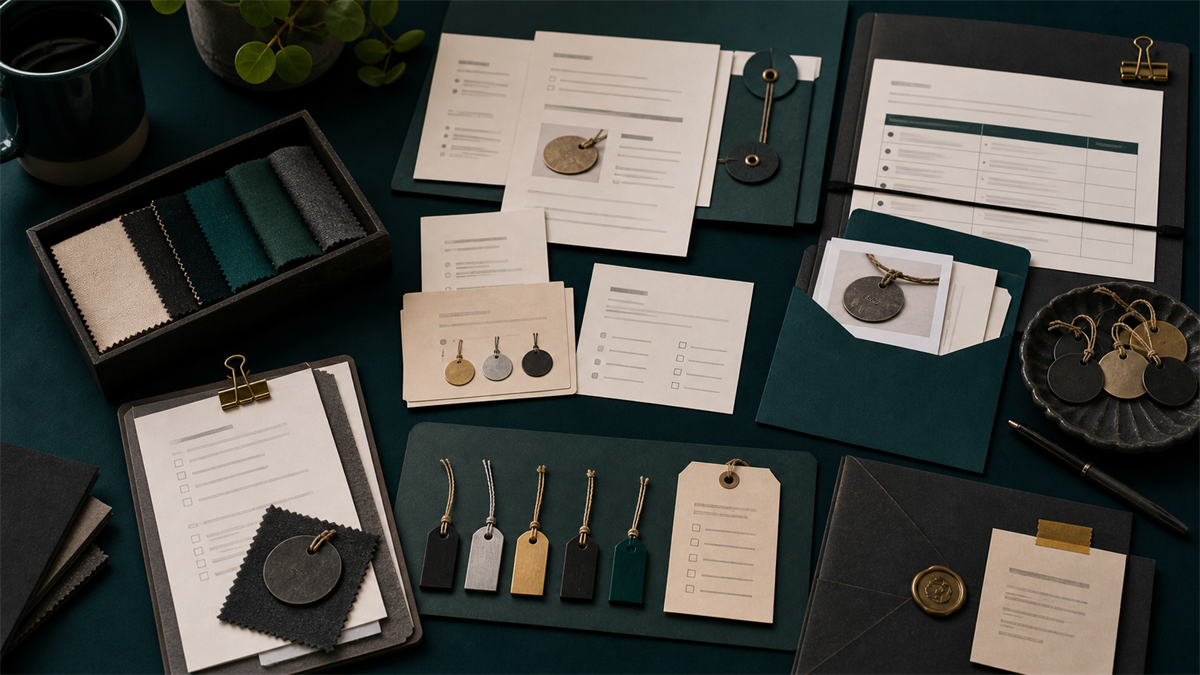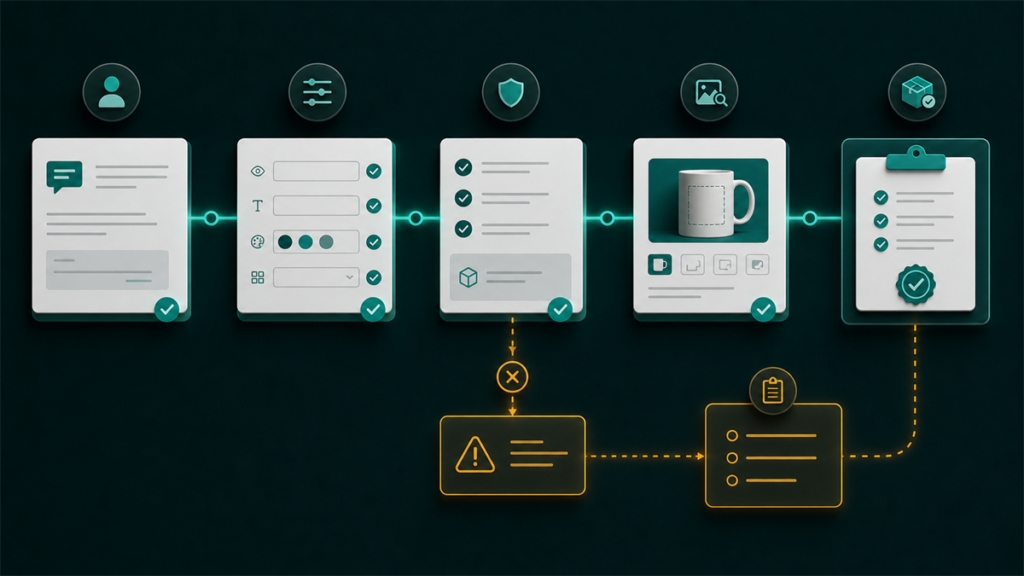
Personalized Etsy products can convert well because buyers feel the item was made for them. But personalization also adds risk. If the buyer enters unclear text, misses a required detail, or expects a proof you do not provide, a simple order can turn into a message thread, delay, or refund request.
The best personalized listing does two jobs at once: it sells the item and collects production-ready information.
Freshness note: Listing personalization and custom order requests are different, so the checklist should stay focused on exact buyer input, proofing policy, and production readiness.
Key Takeaways
- Personalization fields should ask only for details needed to produce the order.
- Clear examples reduce buyer mistakes.
- Custom requests and standard personalization are not the same workflow.
- Sellers should decide whether proofs, edits, and character limits are included.
- Production time should match the extra work required for personalized items.
Personalization Versus Custom Orders
A personalized listing is a standard listing with buyer-provided details, such as a name, date, short message, color choice, or monogram. A custom order is more open-ended. It may require a separate conversation, design approval, price quote, or private listing.
Sellers get into trouble when they use a normal personalization field for work that should be treated as a custom project. If the buyer can choose from fixed options, use personalization. If the buyer is asking you to design something new, quote separately.
What Your Personalization Field Should Ask
Source note: Sellers should check Etsy’s current personalized-listing guidance before publishing a custom listing, because personalization fields, buyer instructions, and custom-order workflows need to match the product and the current Etsy Help flow.
Ask for the exact input production needs. If you engrave a name, say whether buyers should enter first name only, full name, initials, or capitalization exactly as desired. If you print a date, show the required format. If you need font, thread, color, or layout choices, explain which options are valid.
Avoid vague instructions like "tell us what you want." That creates inconsistent buyer inputs and slows down production.
Add Examples Without Overloading Buyers
Good instructions are short, specific, and visible. Use examples such as:
"Enter name exactly as it should appear: Sarah"
"Enter initials in this order: first, last, middle"
"Enter date as MM/DD/YYYY"
If the item has limits, say so before checkout. Character limits, unsupported symbols, image-quality requirements, and proofing rules should be obvious.
Build a Proofing Policy
Some sellers send a proof for every personalized order. Others produce exactly what the buyer typed. Either can work, but the listing needs to say which one applies.
If proofs are included, explain how long buyers have to approve and what happens if they do not respond. If proofs are not included, make it clear that the entered text will be used as submitted.
Production Readiness Checklist
Before publishing a personalized listing, test it like a buyer. Does the field ask for everything needed? Is processing time realistic? Are variations and personalization instructions consistent? Is the product photo showing an example rather than a misleading one-off? Can the team produce the item without extra messages?
FAQ
What should an Etsy personalization field ask for?
It should ask for the exact information the seller needs to produce the item, such as name, date, color choice, wording, or format. The field should be specific enough that the buyer knows what to enter.
Why should sellers limit free-form buyer instructions?
Open-ended instructions can create unclear requests, production delays, and order disputes. Sellers should guide buyers toward the details they can actually fulfill.
How can personalization create fulfillment risk?
Personalized orders can fail when the buyer provides incomplete details, the seller does not define proofing steps, or production time is underestimated. The listing should make the input, proofing, and timing expectations clear before checkout.
Bottom Line
Etsy personalization should make the buying experience easier, not more confusing. The strongest listings collect clean inputs, set clear limits, and match production promises to the extra work custom details require.