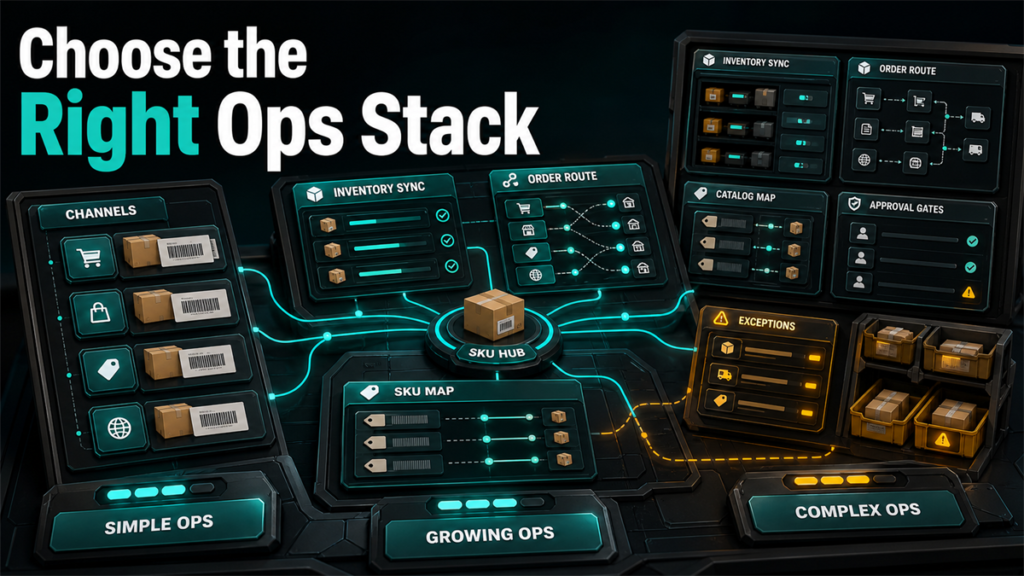
Multichannel management tools centralize listing, inventory, and order management so a catalog can live on several marketplaces without three people retyping the same data. Sellbrite, Linnworks, and Sellercloud all do this, but they target different points on a complexity curve. Picking the wrong point is expensive in both directions: outgrow a simple tool and you fight it; overbuy a complex one and you pay for capability and implementation you never use. This comparison maps each to where it fits.
Key Takeaways
- All three centralize multichannel listing, inventory, and order management; they differ in the catalog and operational complexity they are built for.
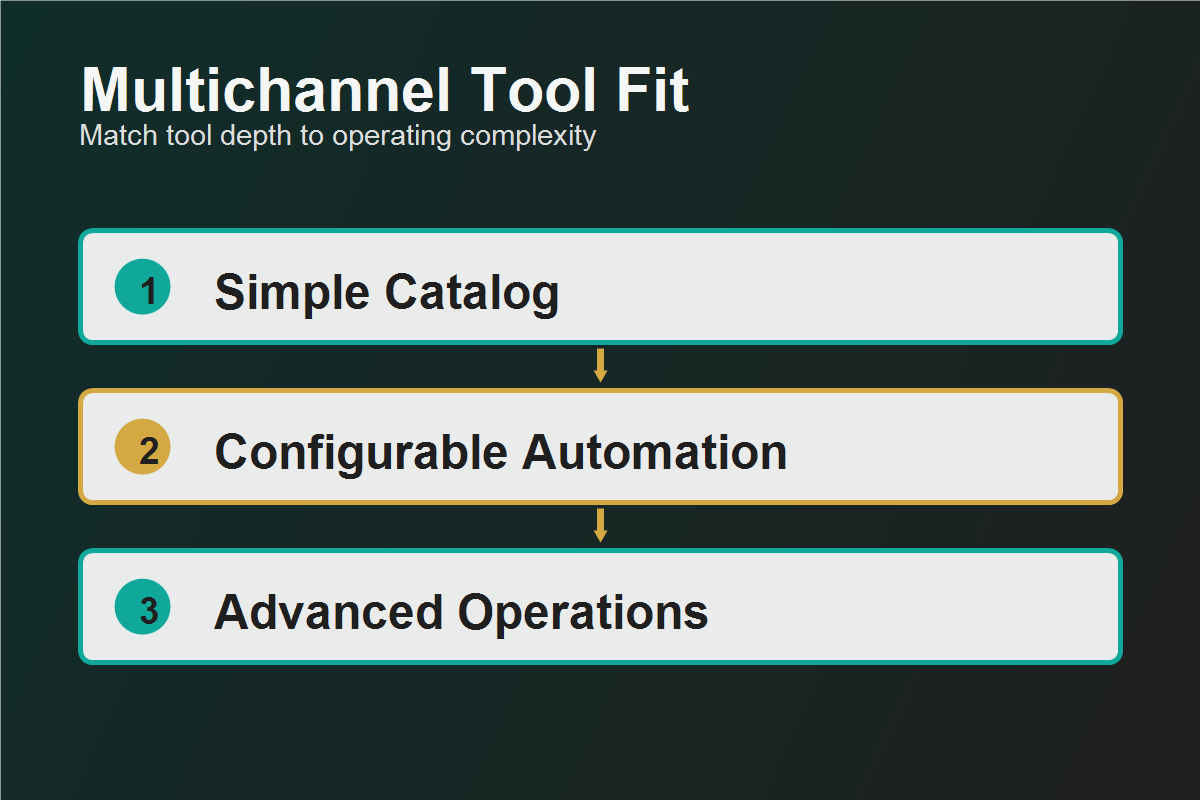
- Sellbrite is commonly positioned toward simpler, faster setup for sellers centralizing a manageable catalog across core channels.
- Linnworks is commonly positioned for broader, more configurable operations with deeper automation.
- Sellercloud is commonly positioned for complex catalogs and operations needing extensive customization.
- Decide on four axes: catalog size and complexity, channel count, price tier, and implementation effort you can absorb.
What This Category Does
A multichannel management platform becomes the single source of truth for product data, stock levels, and orders, syncing them outward to each connected channel and pulling orders back for fulfillment. Done well, it ends overselling, reduces listing errors, and lets a small team operate many storefronts. The cost is setup: someone has to map products, channels, and rules correctly, and the more powerful the platform, the more of that work it expects.
These tools are not repricers, advertising platforms, or profit analytics tools. Keep those separate.
The Three, at a Category Level
Each platform's exact capabilities and positioning move over time; verify specifics at the source.
Decision Axis 1: Catalog Size and Complexity
This is usually the deciding axis. A few hundred straightforward SKUs across core channels is a different problem from tens of thousands of SKUs with variations, kits, bundles, and supplier complexity.
Be honest about trajectory, not just today's catalog, but do not buy two sizes up "just in case."
Decision Axis 2: Channel Count and Type
Count your actual channels and confirm each is natively supported with the depth you need. A tool that technically connects a channel but supports it shallowly can be worse than a focused integration. If your channels are mainstream and few, integration breadth matters less; if you run many or unusual channels, breadth and depth become primary.
Decision Axis 3: Price Tier
Pricing in this category scales with catalog size, order volume, channels, or features and changes regularly, so this stays at the level of what to evaluate. Map where each platform's pricing triggers the next tier against your volume, and weigh total cost including any onboarding or support fees. Confirm current pricing directly with each vendor.
Decision Axis 4: Implementation Effort
The most overlooked cost. More powerful platforms expect more configuration, data mapping, and sometimes dedicated onboarding. Ask honestly who will do the setup and whether you have the time and skill in-house or need implementation help. A capable platform that never gets configured properly underperforms a simpler one that is fully set up.
Who Should Pick Which
Mini-Scenario: Overbuying the Platform
An apparel seller with a clean catalog of a few hundred SKUs across three mainstream marketplaces selected the most configurable platform available, reasoning that they would grow into it. Months later the implementation was still unfinished; the team lacked the time to map the extensive configuration, and the daily operations they needed were buried under capability they did not use. A right-sized tool would have been live in weeks. They eventually scaled back to a platform matched to their actual catalog and channel count. Buy for your real complexity plus a realistic near-term trajectory, not a hypothetical future.
FAQ
Which is easiest to set up: Sellbrite, Linnworks, or Sellercloud?
Generally, simpler-positioned platforms set up faster and more configurable ones take longer. But effort depends on your catalog complexity and whether you have implementation support. Confirm current onboarding expectations with each vendor.
Do I need one of these if I sell on only one or two channels?
Maybe not yet. The value rises with channel count and catalog complexity. With one or two channels and a small catalog, native tools or a lighter solution may suffice.
Will these tools stop overselling across channels?
Centralized inventory sync is designed to reduce overselling by keeping stock counts aligned. Effectiveness depends on correct setup and the depth of each channel integration. Verify sync behavior for your specific channels.
How do the prices compare?
Pricing scales differently by catalog size, orders, channels, or features and changes over time. Model each against your volume and confirm current numbers directly.
Can I migrate between these platforms later?
Yes, but migration costs setup time in remapping products, channels, and rules. Factor switching cost into the first decision.
Right-Size the Decision
The best multichannel platform is the one matched to your real catalog complexity, channel count, and the implementation effort you can absorb, not the one with the most features. If you want the shortlist narrowed against your actual catalog and channels, Qubeq can scope the fit and the setup before you commit.