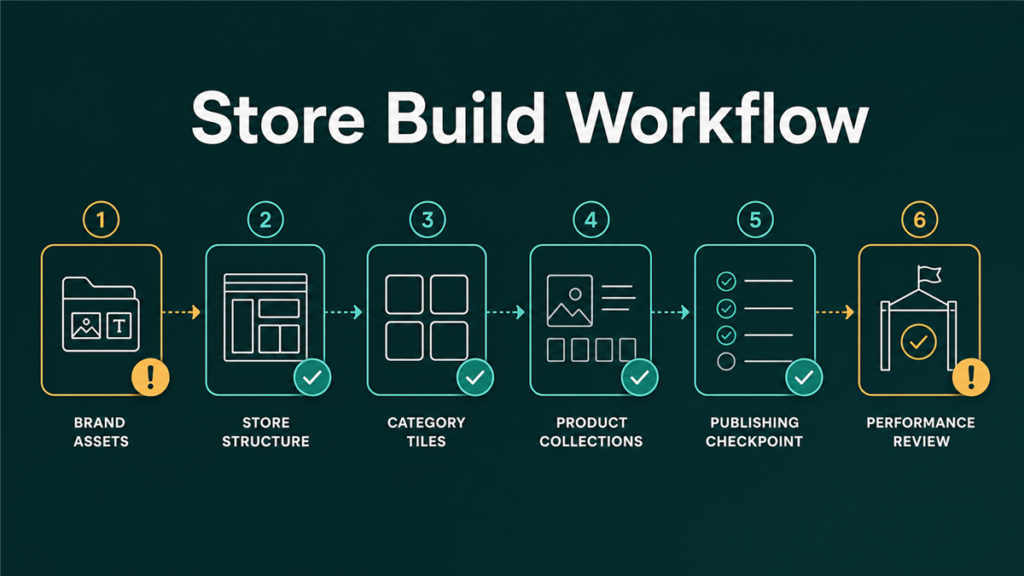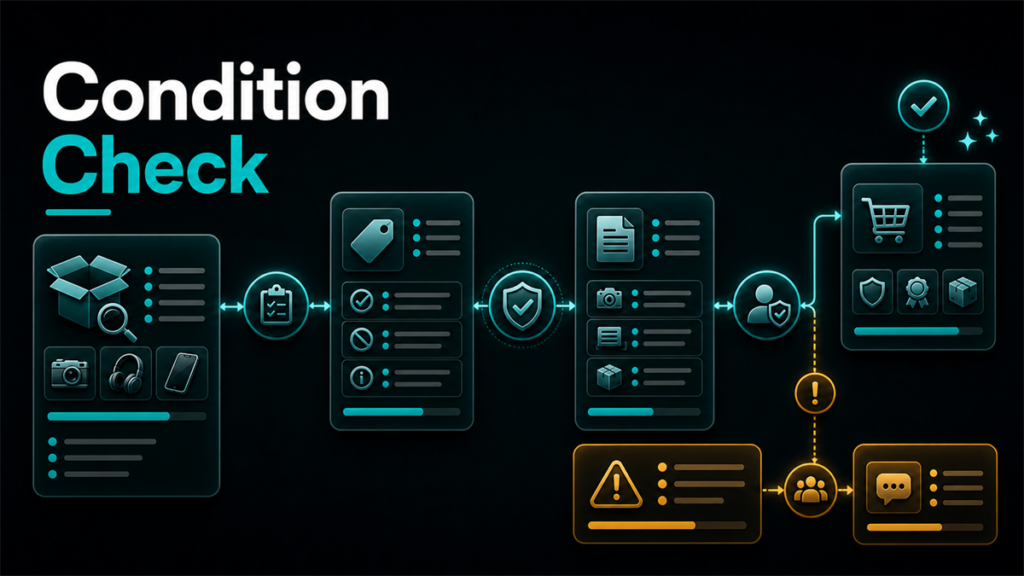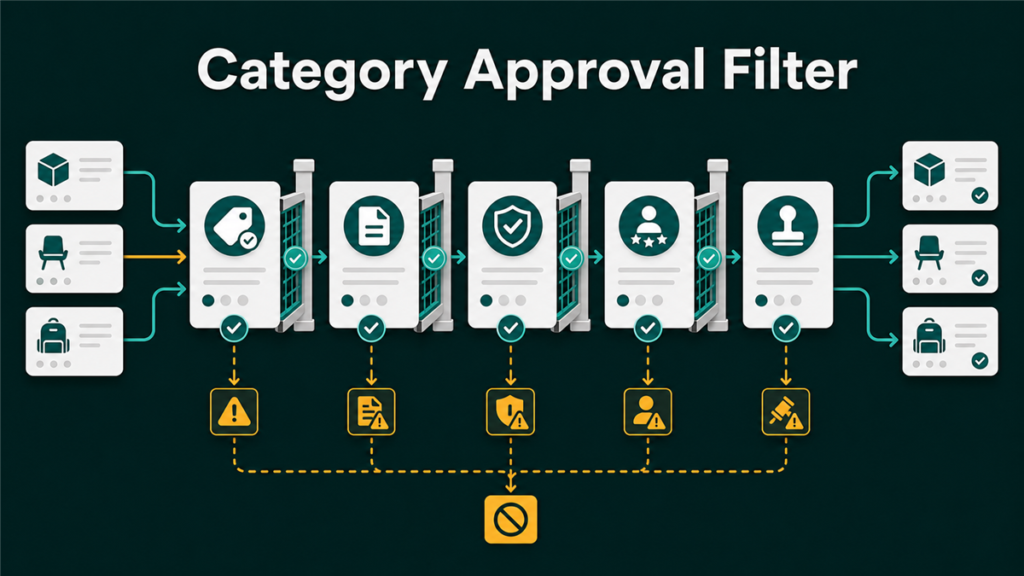
Restricted categories on Amazon are areas of the catalog where sellers need approval before listing, and the restriction can sit at the category, brand, ASIN, condition, or account level. The expensive mistake is sourcing inventory first and discovering the gate second. This guide explains how the restriction layers work, how to check any product before you buy it, what approval reviews ask for, and how to keep rejection risk low. One thing no guide can promise: approval. Amazon evaluates applications case by case, and preparation improves odds without guaranteeing outcomes.
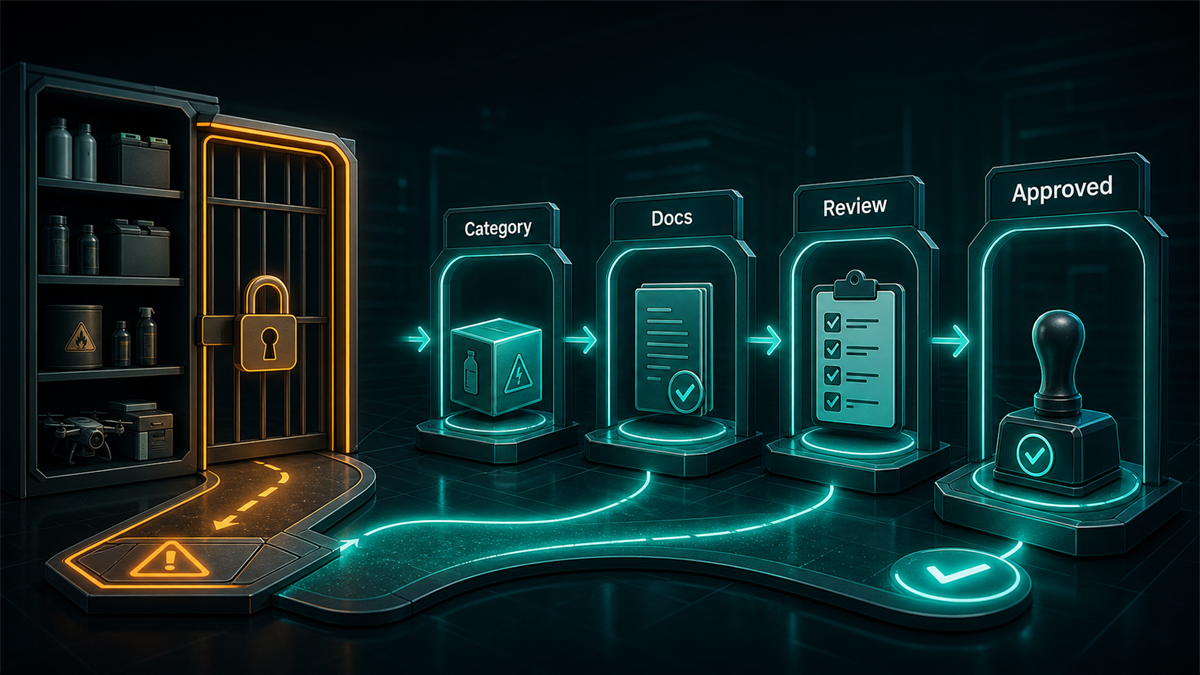
Key Takeaways
- Restrictions exist at multiple levels. Category approval does not imply brand approval, and brand approval does not imply every ASIN is open. Diagnose which gate you are actually facing before applying.
- Check restrictions before sourcing, in your own account. The Add a Product workflow shows whether an item needs approval for you, and answers differ between accounts.
- Approval reviews commonly involve invoices from your supplier, authorization documents, or compliance documentation depending on the product. Document hygiene decides most outcomes.
- Retail receipts are generally not what Amazon means by invoices. Source from suppliers whose paperwork can support an application.
- Restrictions exist because of regulation, safety, and authenticity concerns. Treat the gate as a compliance signal about the product, not just an obstacle.
Why Amazon Restricts Categories and Products
Amazon describes parts of its catalog as open to all sellers, parts as requiring a Professional selling plan, parts as requiring approval, and parts as closed to third-party sellers entirely. The reasons cluster around regulatory compliance for products governed by law, customer safety, authenticity protection for frequently counterfeited brands, and quality control in categories with elevated risk.
For sellers, the useful reframe: a gate is information. It tells you the product carries compliance weight, that customers in that category have been burned before, or that a brand actively manages its channel. All three facts should inform your sourcing, not just your application.
The Four Restriction Levels
Sellers say "gated category" for at least four different situations:
| Level | What is restricted | Example pattern |
| Category | Listing in the category at all requires approval | Categories with regulatory or authenticity concerns |
| Brand | Listing products of a specific brand requires approval, even in open categories | Frequently counterfeited or channel-controlled brands |
| ASIN / product | An individual product requires approval or is blocked, even where the category and brand are open | Products with safety or compliance requirements |
| Condition | A condition type is restricted for the product or category | Used offers blocked where new is allowed |
The diagnosis matters because the fix differs. A brand gate is usually answered with purchase documentation from a legitimate supplier or brand authorization. A compliance-driven product gate is answered with certificates and documentation. Applying with the wrong evidence for the gate type is a common, avoidable rejection.
Account-level factors sit underneath all four: selling plan, account health, and account history influence what Amazon offers you. The same ASIN can be open for one seller and gated for another, which is why someone else's experience is not evidence about your account.
How to Check a Product Before You Source It
Make this a standing rule: no purchase order until the listing path is confirmed in your own Seller Central account.
- Search the product in the Add a Product workflow, by name, UPC, or ASIN.
- Read what Amazon shows you. An open item offers a listing path; a restricted one shows an approval request option, and a blocked one tells you no.
- Check the condition options, not just the listing option, if you plan to sell anything other than new.
- Use the Amazon Seller app the same way when scouting in person; it surfaces restriction and eligibility information against your account.
- For a planned catalog of many items, check a representative sample across brands and subcategories before committing to a supplier relationship.
Interface labels and exact behavior change over time, so the current workflow is the authority. The principle does not change: your account's view is the only one that counts.
What Approval Reviews Ask For
Requirements vary by category, brand, and product, and Amazon states them inside the application itself. The recurring document families:
- Invoices from your supplier showing your business name and address, the supplier's details, the products, and quantities. Amazon's expectations have generally pointed at wholesale-style invoices rather than retail receipts. The supplier behind the invoice matters as much as the format: paperwork from a legitimate distributor or the brand itself carries weight that marketplace receipts do not.
- Authorization documents, such as a letter from the brand or evidence of an authorized reseller relationship, where brand gates are involved.
- Compliance documentation for regulated products: safety documentation, test reports, or program enrollment depending on what the product is.
- Business information consistent with your account: names and addresses on documents should match the Seller Central account exactly.
Two preparation rules carry most applications. First, read the application's stated requirements and answer exactly those, completely, in one submission. Second, make every document legible, complete, and consistent: matching names, real letterheads, visible dates, and quantities that meet whatever minimum the application states.
Reducing Rejection Risk
- Fix account basics first. Approval reviews happen in the context of your account; outstanding health issues and incomplete business information work against you.
- Source from suppliers who can stand behind the paperwork. If a supplier cannot produce a real invoice with their business details, that is a sourcing problem before it is an application problem.
- Match details exactly. Business name and address mismatches between documents and the account are a leading rejection cause across every Amazon review process.
- Redact prices if you wish, but never product names, quantities, dates, or party details.
- Respond fast to follow-ups. Reviews that ask clarifying questions are live; slow answers stall them.
- Do not spam resubmissions. If rejected, identify what was deficient, fix that, then reapply with a materially better application.
What not to do, because each of these creates risk beyond a simple rejection: fabricating or editing invoices, buying "ungating service" documents from parties who were never your supplier, and misrepresenting your supply chain. Document authenticity problems can escalate from a failed application to an account-level investigation.
After Approval: Staying Approved
Approval is an entry, not a permanent status. The same evidence standards apply to your ongoing selling:
- Keep buying from suppliers whose documentation would survive a fresh review, because authenticity complaints can trigger exactly that.
- Keep compliance documents current for regulated products, and store them retrievably.
- Watch account health; deteriorating metrics can put gated access at risk.
- Expect re-verification when policies tighten in a category, and treat documentation requests as priority cases.
Mini-Scenario: The Pallet Before the Check
A reseller committed to a wholesale lot of branded personal care products at a strong price, then discovered at listing time that the brand required approval and the application asked for distributor invoices. The lot's paperwork was a broker's sales receipt, two transactions removed from any authorized distributor. The application was rejected, the appeal with the same document was rejected, and the inventory eventually moved through other channels at a loss. The sequence error was the whole story: a five-minute Add a Product check before the purchase would have revealed the gate, and the sourcing decision could have been made with the documentation requirement in view. Check first, buy second.
FAQ
Which categories are restricted on Amazon?
The set changes over time and differs by marketplace and account, which is why static lists go stale. Some catalog areas are open to all sellers, some need a Professional plan, some need approval, and some are closed to third parties. Check the specific products you intend to sell in your own Seller Central account.
How do I apply to sell in a restricted category or brand?
Find the product through Add a Product, choose the approval request option when it appears, and submit exactly what the application asks for: typically supplier invoices, authorization documents, or compliance documentation depending on the gate.
How long does Amazon category approval take?
It varies from near-instant decisions for some requests to extended reviews for regulated products. Complete, consistent, legible documentation in the first submission is the main thing a seller controls about timing.
Why was my ungating application rejected?
The common causes are retail receipts where invoices were required, supplier details that do not match a legitimate wholesale source, business information that does not match your account, illegible or incomplete documents, and applying with the wrong evidence type for the gate. The rejection notice usually points at the gap.
Do I need a Professional selling plan for restricted categories?
Some catalog areas require a Professional plan, and approval workflows generally assume established accounts in good standing. Check the plan requirement for your target category in current Amazon guidance.
Can I sell a restricted product if I am the brand owner?
Brand ownership helps with brand-level gates, especially alongside Brand Registry, but category and compliance gates still apply on their own terms. A brand owner selling regulated products still provides the compliance documentation the category requires.
Sourcing With the Gate in View
Restriction-aware sourcing is the whole discipline: check the product in your account before buying, diagnose which gate you face, source from suppliers whose paperwork supports the application, and keep the documentation standard up after approval. Sellers who work in that order treat gates as a manageable step. Sellers who buy first donate inventory to the lesson.
If approval rejections, restriction surprises, or stranded gated inventory are already on your account, Qubeq handles this kind of diagnosis and case work as part of catalog and account operations. We can review the blocked listings and map the fastest compliant path for each.