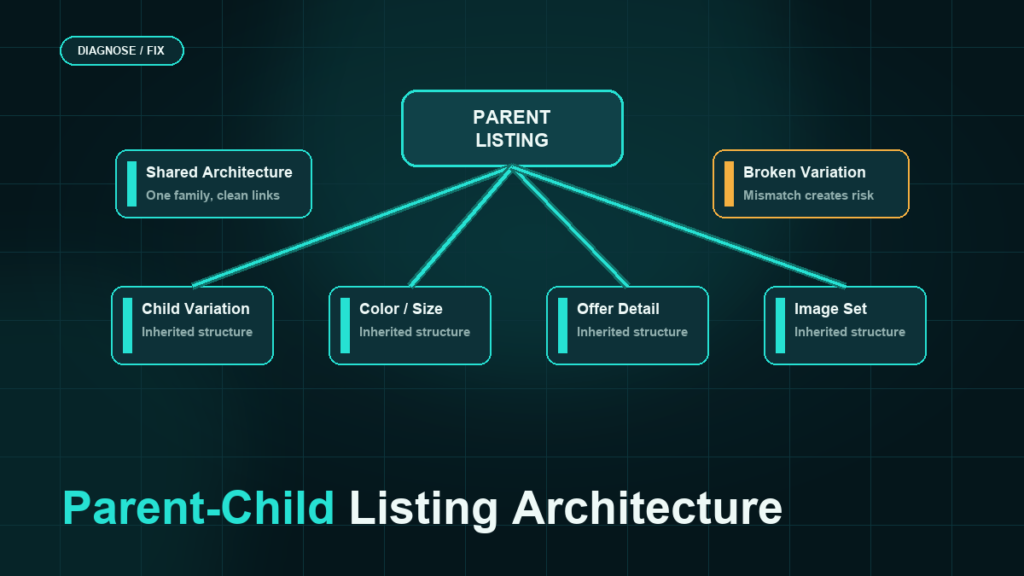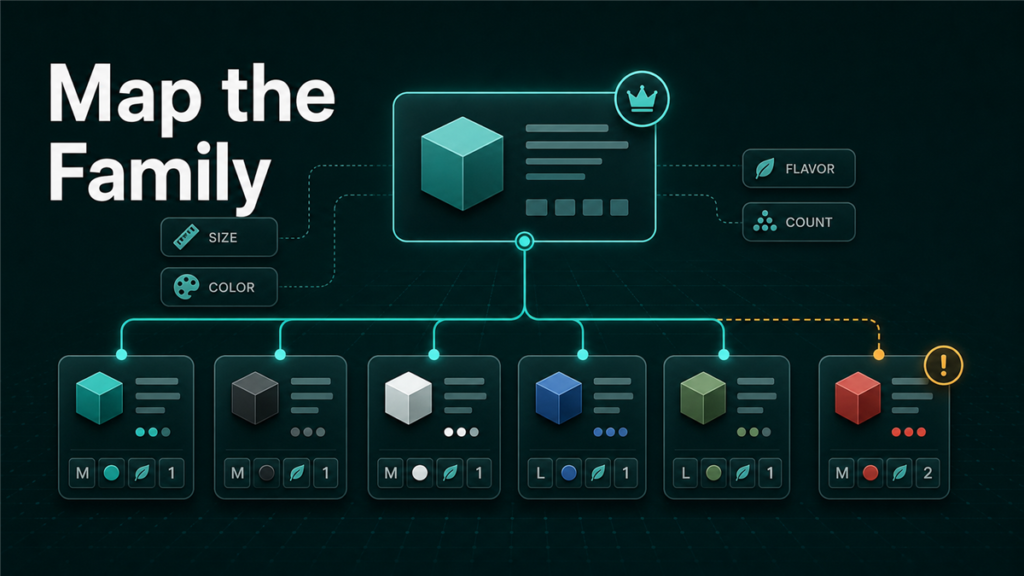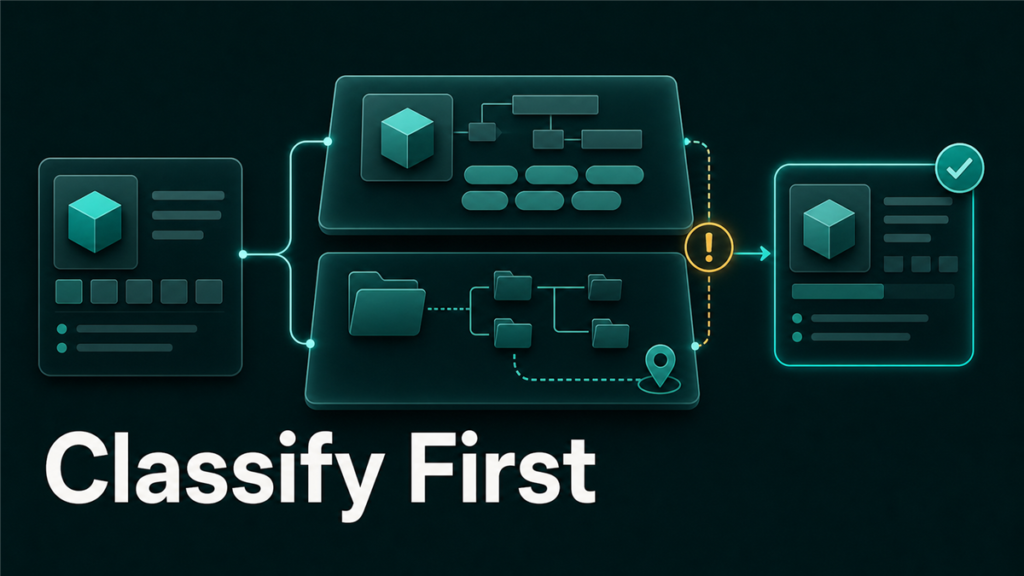
Amazon product type vs browse node is a common source of confusion because both affect how a product is organized in Amazon's catalog. Product type controls the backend data rules for the listing, while browse node controls where shoppers and Amazon systems place the product in the browsing hierarchy. When either one is wrong, the seller may see rejected edits, missing attributes, poor discoverability, or a listing that appears in the wrong category.
Key Takeaways
- Amazon product type defines the backend attribute requirements for a product.
- Amazon browse node describes where the product sits in Amazon's customer-facing catalog hierarchy.
- Product type and browse node can affect different problems, so sellers should diagnose both.
- Wrong product type often causes template, attribute, variation, or listing edit errors.
- Wrong browse node often causes category placement, ranking context, or visibility problems.
What Is an Amazon Product Type?
An Amazon product type is the backend classification that determines which attributes, valid values, and listing data requirements apply to a product.
In practical seller terms, product type tells Amazon what kind of catalog record the ASIN is. A luggage product, supplement, shirt, cable, and kitchen tool can each have different required fields, allowed values, and variation rules. If the product type is wrong, the listing workflow may ask for irrelevant fields or reject fields that should be valid.
Product type affects:
- Required listing attributes
- Flat file template structure
- Valid values in upload templates
- Variation theme options
- Attribute validation
- Some feed processing errors
- Some catalog contribution conflicts
For technical teams, Amazon's Product Type Definitions API provides product type definitions and attribute requirements for listing workflows. Most sellers do not use the API directly, but the concept matters because the same product type rules are reflected in Seller Central templates and listing validation.
What Is an Amazon Browse Node?
An Amazon browse node is a catalog location in Amazon's browsing hierarchy.
Browse nodes are how Amazon organizes collections of products so customers can navigate from broad categories to more specific product groups. A product may sit inside a node path that helps Amazon decide where it belongs in category browsing, filters, and category context.
Browse node issues often show up as visibility or placement problems:
- The product appears in the wrong department or subcategory.
- The product does not show in expected category browsing paths.
- A product has weak category context even though title and keywords look correct.
- The listing's sales rank or category display looks wrong.
- Seller Support asks for category or browse node evidence.
Browse nodes are not the same as keywords. A listing can contain relevant keywords and still be misclassified in a way that weakens discovery.
Product Type vs Browse Node: The Simple Difference
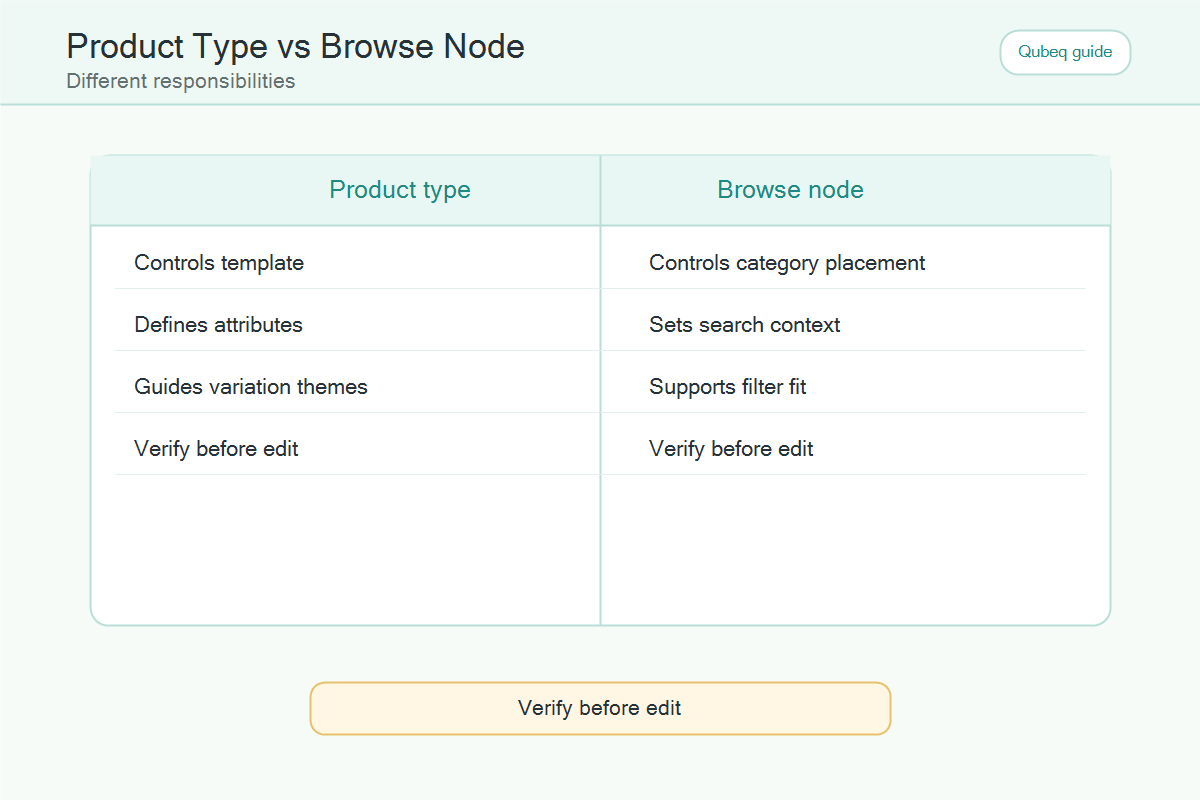
Product type controls the rules for the product data. Browse node controls where the product fits in Amazon's catalog navigation.
Use this table as a quick distinction:
| Question | Product type | Browse node |
| What does it control? | Backend data model and requirements | Catalog placement and browsing hierarchy |
| What breaks when wrong? | Attributes, templates, variations, edit validation | Category placement, browse visibility, category context |
| Where does it show up? | Seller Central templates, feed validation, listing schemas | Category paths, browse placement, some search/category signals |
| Who notices first? | Catalog operator or flat file specialist | Seller, PPC manager, or merchandising team |
| Best evidence | Correct comparable ASINs, product details, template rules | Correct category path, comparable ASINs, customer use case |
The two classifications can interact. A wrong product type can lead to wrong browse recommendations, and a wrong browse node can make the listing look misplaced even when the core product data is mostly accurate.
How Wrong Product Type Creates Listing Problems
Wrong product type usually creates operational errors before it creates a visible merchandising problem.
Here are common symptoms:
Flat File Columns Do Not Match the Product
The seller downloads a template and finds irrelevant fields, missing expected fields, or validation errors that do not make sense for the product. That may mean the selected product type is wrong.
Required Attributes Seem Incorrect
Amazon may require fields that do not apply to the product or reject values that are normal for the product category. The required attribute set comes from the product type definition.
Variation Theme Is Not Allowed
Variation rules depend on product type. A theme that works for one product type may fail for another. If the product type is wrong, even a logical variation family may be rejected.
Listing Edits Do Not Apply
The seller updates a field, but the live detail page does not change. The issue may be contribution authority, locked catalog data, or product type mismatch. Product type should be part of the diagnosis.
How Wrong Browse Node Creates Visibility Problems
Wrong browse node usually creates placement and discoverability problems.
Here are common symptoms:
The Product Appears in the Wrong Category
The listing may be active, but it shows in a category that does not match how customers shop for the product.
The Listing Has Weak Category Context
The product may index for branded terms but struggle to appear where shoppers browse or filter by category. The copy may be fine, but the catalog placement is poor.
Category-Specific Filters Do Not Fit
If the product is in the wrong node, the available filters may not match the product. This can hurt customer discovery and make the page feel misplaced.
Seller Support Gives Circular Replies
Browse node fixes often require precise evidence. A vague request like "change my category" may be rejected or misunderstood. The case should explain the current node, desired placement, comparable ASINs, and why the product belongs there.
How to Diagnose Product Type vs Browse Node Issues
Sellers should diagnose classification issues in layers instead of guessing.
Use this workflow:
- Confirm the live ASIN, SKU, marketplace, and affected variation family.
- Identify the visible issue: upload error, edit rejection, wrong category, missing discovery, or detail page mismatch.
- Check whether the issue is backend validation or customer-facing placement.
- Compare the product against similar, accurate ASINs without copying their data.
- Review the product type or template requirements.
- Review the category path or browse placement.
- Gather evidence before opening a Seller Central case.
- Request one specific correction at a time.
If the issue is an upload error, start with product type. If the issue is wrong category placement, start with browse node. If both are unclear, document both layers before making a change.
Evidence to Gather Before Opening a Case
A classification case works better when the seller provides clean evidence.
Prepare:
- ASIN and SKU
- Current product title
- Current product type if visible
- Current category or browse path if visible
- Desired product classification
- Three to five comparable ASINs in the correct classification
- Product packaging or official product evidence if needed
- Screenshots of the live issue, if allowed by the support workflow
- Processing report if the issue came from a file upload
- Clear requested action
Do not overload the case with unrelated complaints. A focused request gives support a better path to route the issue to the correct catalog team.
Product Type vs Browse Node Decision Map
Use this decision map before changing the listing:
| Seller sees | Likely layer to check first | Why |
| Flat file rejects a valid-looking field | Product type | Attribute rules may not match the product |
| Variation theme not accepted | Product type | Themes are product-type specific |
| Product appears in wrong department | Browse node | Customer-facing placement may be wrong |
| Filters do not match product | Browse node | Category path may be misaligned |
| Required fields seem irrelevant | Product type | Template may be wrong |
| Listing active but hard to find by category | Browse node | Browse placement may be weak |
| Edits fail silently | Product type, contribution authority | Backend rules or locked data may block edits |
Mini-Scenario: The Product That Looked Like an SEO Problem
A brand notices that a product stopped appearing in a category where it used to generate sales. The PPC team assumes the listing needs better keywords. The catalog operator checks the title, bullets, backend search terms, and images. Everything looks acceptable.
The real issue is classification. The product is still active, but the category placement has shifted. The listing is in a weak browse path for the customer use case, so the product is no longer competing in the expected browsing context.
The fix is not keyword stuffing. The fix is to gather comparable ASINs, document the correct placement, and open a focused catalog case requesting a classification review.
FAQ
Is product type the same as category?
No. Product type controls backend listing requirements. Category and browse node describe where the product sits in Amazon's browsing structure.
Can a wrong product type hurt visibility?
Yes, indirectly. Wrong product type can create missing attributes, invalid variations, or incorrect classification signals that affect how the product is managed and understood.
Can a wrong browse node cause flat file errors?
Usually flat file errors point first to product type, required attributes, valid values, or formatting. Browse node problems are more often placement and visibility issues.
Should I copy a competitor's browse node?
No. Comparable ASINs can be evidence, but the seller should classify the product based on the actual product, customer use case, and Amazon rules.
What should I ask Seller Support to change?
Ask for one specific correction with evidence. For example, request a product classification review or browse node correction for named ASINs. Avoid vague requests like "fix my listing."
Fix the Classification Before Rewriting the Listing
Product type and browse node problems often look like SEO, PPC, or conversion problems from the outside. The listing may need better copy, but a catalog classification issue should be solved first.
If your Amazon listings keep rejecting valid attributes, appearing in the wrong category, or losing visibility after catalog changes, Qubeq can audit the product type, browse path, variation structure, and support evidence before your team opens another circular case.