Amazon image compliance problems happen when listing images fail Amazon's technical, category, or content requirements. A main image issue can suppress a listing, reduce trust, or block content updates. The safest fix is to separate main image compliance, secondary image strategy, and replacement workflow before uploading new assets.
Key Takeaways
- Main images have stricter requirements than secondary images.
- A beautiful product image can still fail Amazon image compliance if the background, framing, text, props, or file quality is wrong.
- Image suppression should be handled like an operational issue, not only a creative issue.
- Creative teams need a pre-upload checklist so catalog operators are not forced to troubleshoot preventable violations.
- Exact Amazon image rules should be verified in Seller Central before publishing or upload because category guidance can change.
What Is Amazon Image Compliance?
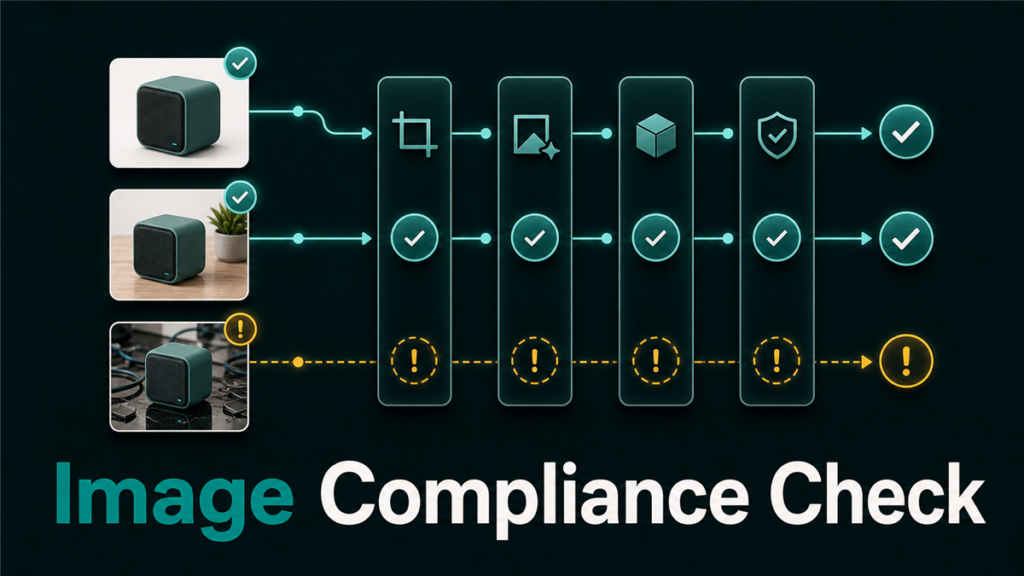
Amazon image compliance is the set of technical and content requirements that product images must meet before Amazon displays them correctly on a listing. Compliance affects main images, secondary images, lifestyle images, infographic images, and sometimes category-specific creative requirements.
Common seller-facing problems include:
- The main image is rejected.
- The listing loses image visibility.
- The ASIN is suppressed because the image is missing or noncompliant.
- A secondary image uploads but does not display.
- Amazon chooses a different image as the visible main image.
- Creative assets look strong but fail marketplace rules.
Image compliance sits between creative, catalog, and operations. A designer may create a good-looking image, but a catalog operator still needs to confirm whether the image can pass Amazon's listing rules.
Main Image Rules Sellers Should Check First
Main image compliance should be checked before any other image improvement work. The main image is the highest-risk image because it affects search results, product detail page trust, and listing eligibility.
The exact current requirements should be verified in Seller Central, but sellers should commonly check:
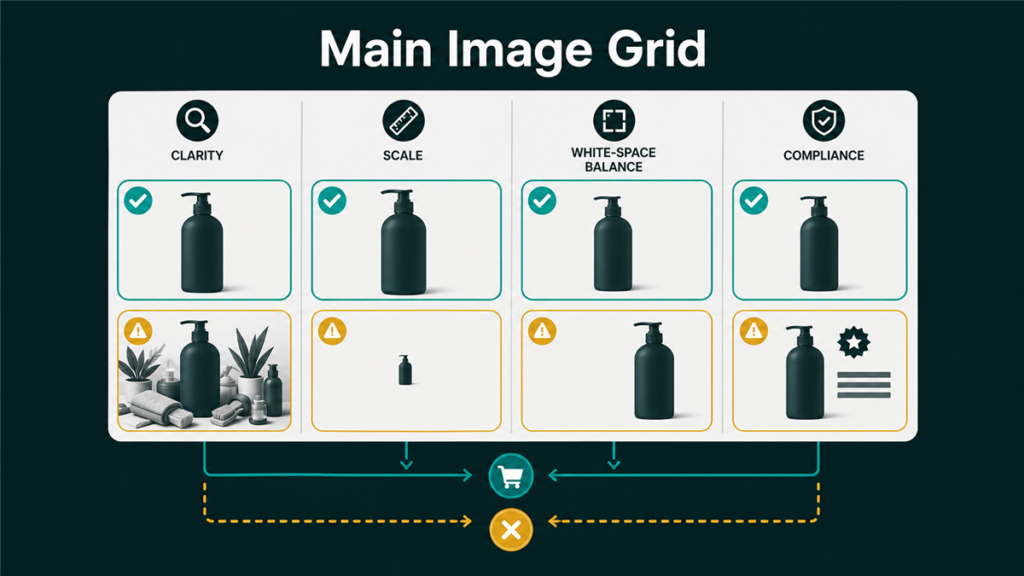
- Whether the main image shows only the product being sold.
- Whether the product is clear, accurate, and not misleading.
- Whether the background and framing follow category expectations.
- Whether text, logos, watermarks, badges, props, or extra graphics are allowed.
- Whether the file type, size, resolution, and color mode meet Amazon requirements.
- Whether the product fills enough of the image frame without being cropped.
- Whether the image represents the actual item and included components.
Do not treat main image compliance like a design preference. Treat it like a listing control point. If the main image fails, the rest of the listing can be affected.
Common Amazon Image Violations
Most Amazon image violations are preventable when the creative brief includes compliance rules from the start. Problems usually appear when a marketplace image is created like a social media graphic instead of a product listing asset.
| Violation Type | Why It Causes Risk | Safer Fix |
| Text on main image | Main images often have stricter rules than infographics | Move text to secondary infographic images |
| Watermark or badge | Can appear promotional or misleading | Remove badges from main image |
| Extra props | Customer may think props are included | Show only included product components |
| Cropped product | Product may look incomplete or low quality | Reframe with full product visibility |
| Poor resolution | Zoom and detail page quality suffer | Replace with high-resolution asset |
| Wrong variation image | Customer sees the wrong color, size, or bundle | Match image to the exact child ASIN |
| Lifestyle as main image | May fail main image expectations | Use lifestyle images as secondary assets |
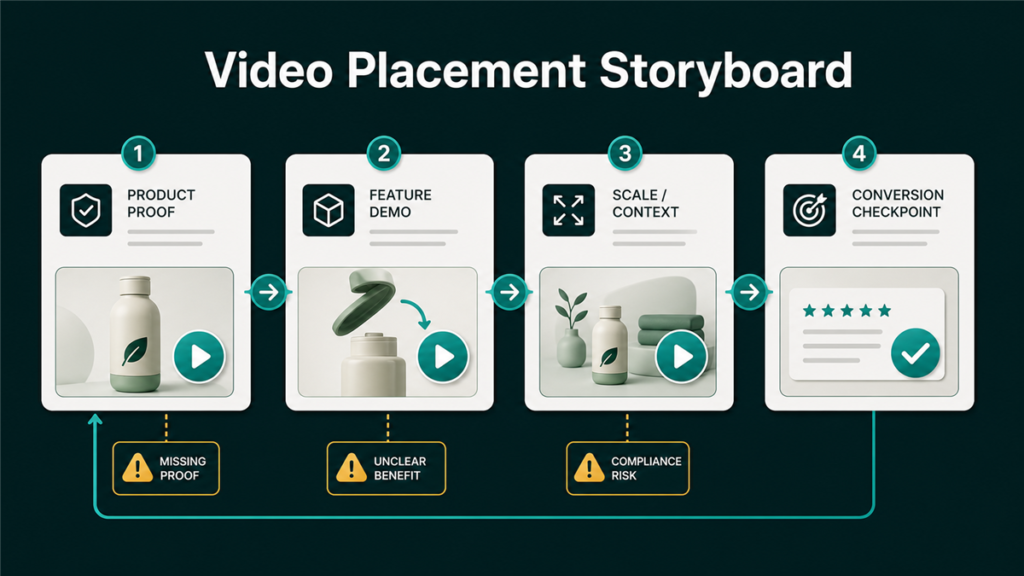
The goal is not boring images. The goal is to separate compliance from conversion. The main image should be clean and accurate. Secondary images can carry lifestyle context, feature callouts, dimensions, use cases, and comparison visuals when allowed.
How Image Violations Lead to Suppression
Amazon image violations can lead to suppression when Amazon decides the listing does not meet minimum display or compliance standards. A suppressed listing may lose visibility until the seller fixes the underlying image problem.
Sellers should check:
- Whether the ASIN has an image issue in listing quality, submission status, or inventory status tools.
- Whether the issue affects the main image or a secondary image.
- Whether the affected image belongs to a parent ASIN or child ASIN.
- Whether a recent upload changed the wrong variation image.
- Whether Amazon rejected the file or accepted the file but did not display it.
- Whether the listing has other catalog issues that appear as an image issue.
The fix path depends on the failure. A file formatting error needs a different response than a main image compliance rejection. A variation image mismatch needs child-level cleanup. A suppressed ASIN may need both image replacement and catalog review.
Safe Replacement Workflow for Amazon Image Compliance
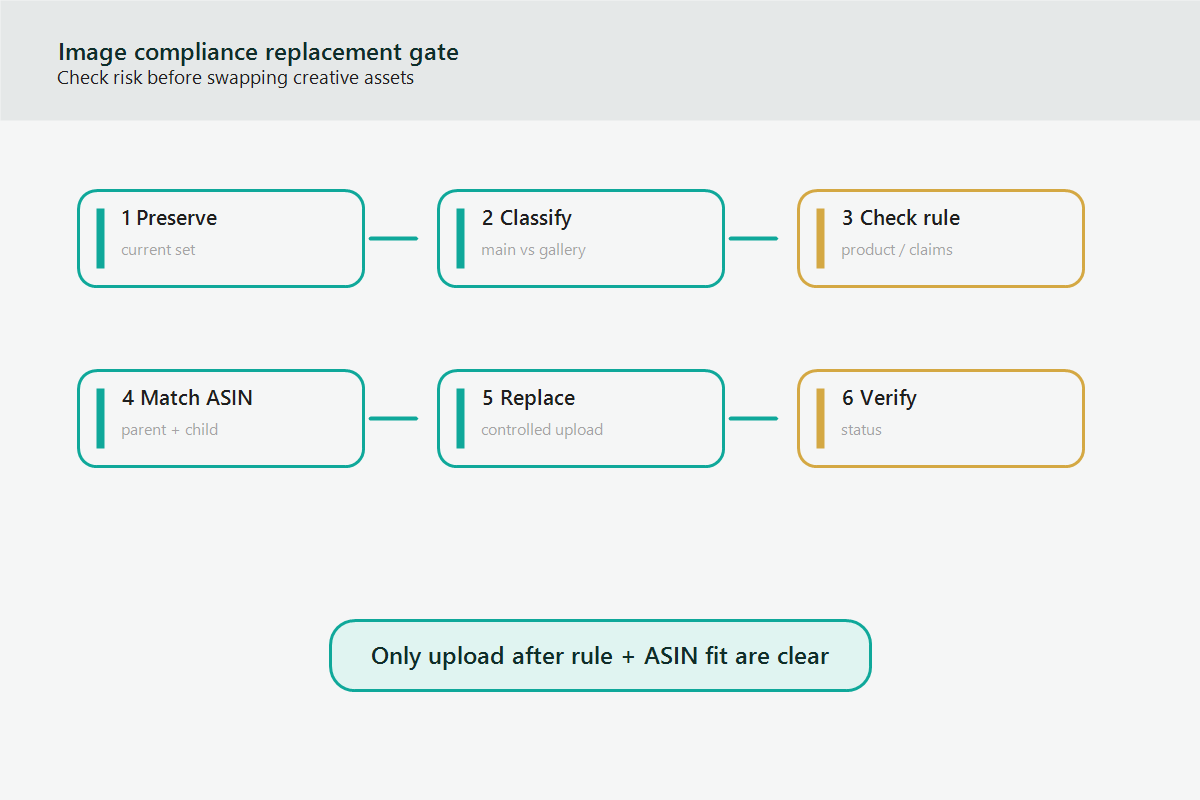
A safe image replacement workflow reduces rejections and prevents creative teams from repeatedly uploading images that do not match marketplace rules.
Use this workflow:
- Capture the current live image order for the parent and child ASINs.
- Identify whether the violation affects the main image or secondary images.
- Pull the current Amazon image requirements from Seller Central or official guidance.
- Create a compliance checklist for the product category.
- Review the new main image against the checklist before upload.
- Confirm the image matches the exact SKU, color, size, count, and bundle contents.
- Upload one controlled replacement first if the ASIN is high risk.
- Monitor submission status and live detail page display.
- Save before-and-after evidence for future catalog cases.
This workflow is slower than a random image upload, but it prevents the expensive loop where creative fixes create new catalog problems.
How to Brief Creative Teams Without Generic Image Advice
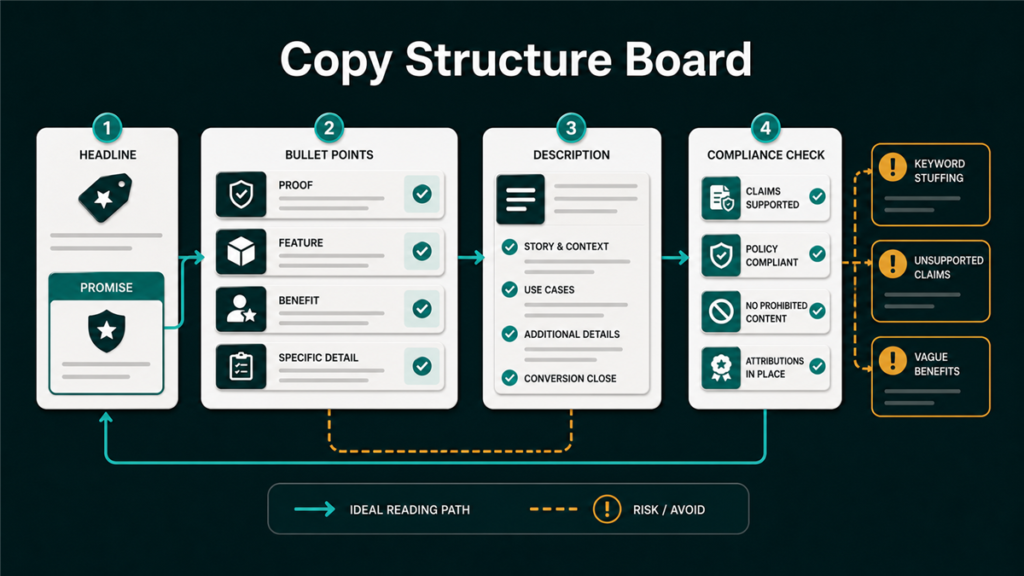
Creative teams need precise marketplace constraints, not vague notes like "make it Amazon compliant." A good brief tells the designer what the main image cannot do and what the secondary images should communicate.
Include:
- Product type and category.
- Parent ASIN and child ASIN list.
- Main image restrictions to verify.
- Included components and excluded props.
- Variation-specific image requirements.
- Required secondary image themes, such as dimensions, use case, material, features, compatibility, or package contents.
- Image order plan.
- Compliance reviewer and upload owner.
This is how creative work becomes an operating system. The designer knows the boundaries, and the catalog operator has a clean upload plan.
Mini-Scenario: The Image Looks Better, But the Listing Gets Suppressed
A brand replaces an old main image with a polished graphic showing the product, feature labels, and a usage badge. The image looks stronger in a design review, but Amazon suppresses the ASIN after the upload.
The issue is not image quality. The issue is that the new main image behaves like an infographic. The team moves the feature labels to a secondary image, creates a clean main image that shows only the product, checks the child variation images, and reuploads with evidence saved. The listing returns to a safer structure because creative and compliance are separated.
FAQ
What is Amazon image compliance?
Amazon image compliance means the listing images meet Amazon's technical, content, and category requirements for display on the product detail page and in search results.
Why was my Amazon main image rejected?
Amazon may reject a main image because of text, badges, watermarks, props, poor resolution, incorrect product representation, category mismatch, or technical file issues.
Can I use lifestyle images on Amazon?
Lifestyle images are often useful as secondary images, but sellers should verify category rules and keep the main image compliant with stricter main image requirements.
Can an image violation suppress a listing?
Yes, image problems can contribute to listing suppression when Amazon determines that the ASIN does not meet required listing standards.
Should I replace every image at once?
Not always. For high-risk ASINs, a controlled replacement sequence can make it easier to identify which image caused a rejection or display issue.
How Qubeq Helps With Amazon Image Compliance
Image compliance problems are not only creative problems. They affect catalog health, search visibility, and listing operations. If your team is dealing with rejected images, suppressed listings, or variation image mismatches, Qubeq can help connect the creative brief, compliance review, and Seller Central execution.