Amazon Manage Your Experiments lets eligible brand owners test product detail page content instead of guessing which title, image, bullet, description, or A+ Content change will perform better. The tool can be useful, but sellers need a clean hypothesis, stable listing structure, and a plan for acting on the result.

Key Takeaways
- Manage Your Experiments is Amazon's listing content testing tool for eligible brand-registered sellers.
- Sellers can test elements such as images, titles, bullet points, descriptions, and A+ Content when the ASIN qualifies.
- A test should start with a clear hypothesis, not a random rewrite.
- The safest tests isolate one business question at a time, even when multi-attribute testing is available.
- Teams should document the winner, the reason, the publish action, and any follow-up test.
What Is Amazon Manage Your Experiments?
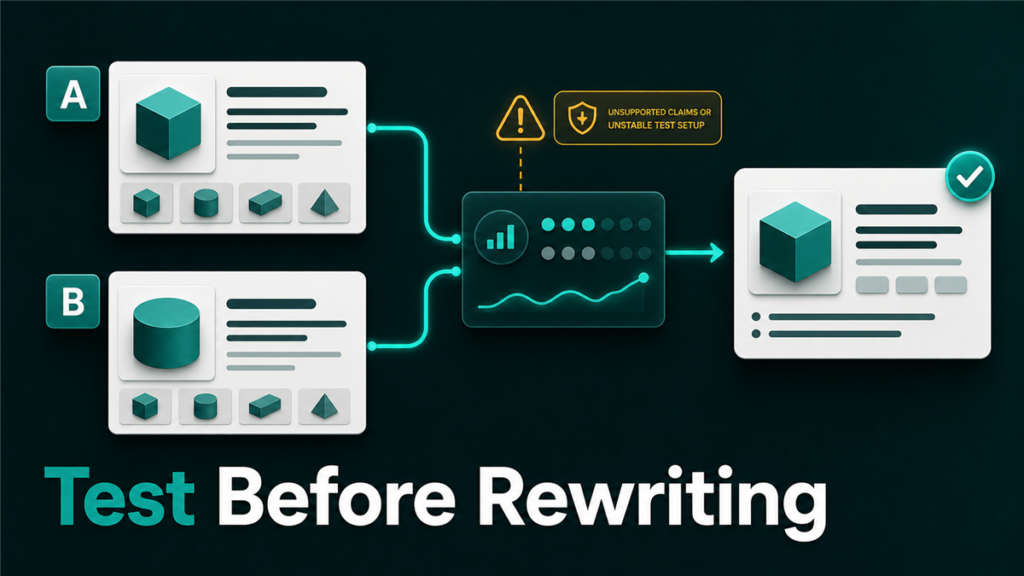
Amazon Manage Your Experiments is a Seller Central tool that lets eligible sellers compare two versions of listing content. Amazon shows different versions to shoppers during the experiment, then reports performance signals such as sales, conversion rate, units sold, and sample size when enough data is available.
In plain operator language, it is a controlled way to ask:
"Will this listing change improve the result, or are we just changing content because we feel stuck?"
That distinction matters. Many sellers rewrite titles, swap images, or change bullets without knowing whether the change helped. Manage Your Experiments gives the team a more disciplined way to test content changes.
Who Can Use Manage Your Experiments?
Amazon states that sellers need a Professional selling account and must be a Brand Representative for a brand enrolled in Amazon Brand Registry. The product also needs enough recent traffic to produce valid experiment results.
That means not every ASIN will qualify. A new product with low traffic may need more sessions before it can support a useful test. A mature ASIN with stable traffic is usually a better candidate.
Before planning a test, check:
- Is the brand enrolled in Brand Registry?
- Does the user have the right Brand Representative role?
- Is the ASIN eligible inside Manage Your Experiments?
- Is the listing stable enough to test?
- Is traffic high enough to expect a meaningful result?
Do not force experiments onto broken listings. If the detail page has catalog conflicts, suppressed content, incorrect variation structure, or image compliance issues, fix those first.
What Should Sellers Test First?
Sellers should test the element most likely to affect the specific conversion problem they are seeing. The wrong test wastes traffic.
| Problem signal | Better first test | Why |
| High sessions, weak conversion | Main image or title | Shoppers may not understand the offer quickly |
| Strong click interest, weak add-to-cart | Bullets or A+ Content | Details may not answer purchase objections |
| High returns or complaints | Images, bullets, or comparison content | Expectations may be unclear |
| Weak brand trust | A+ Content or Brand Story | The product may need better context |
| Confusing variant selection | Images or copy by child ASIN | Shoppers may not understand the difference |
Avoid testing a full rewrite first. If everything changes at once, the team may see a result but still not know why it happened.
How To Build A Clean Experiment Hypothesis
A good hypothesis connects one content change to one business outcome. It should be specific enough that the team can judge the result later.
Weak hypothesis:
"New content will improve sales."
Better hypothesis:
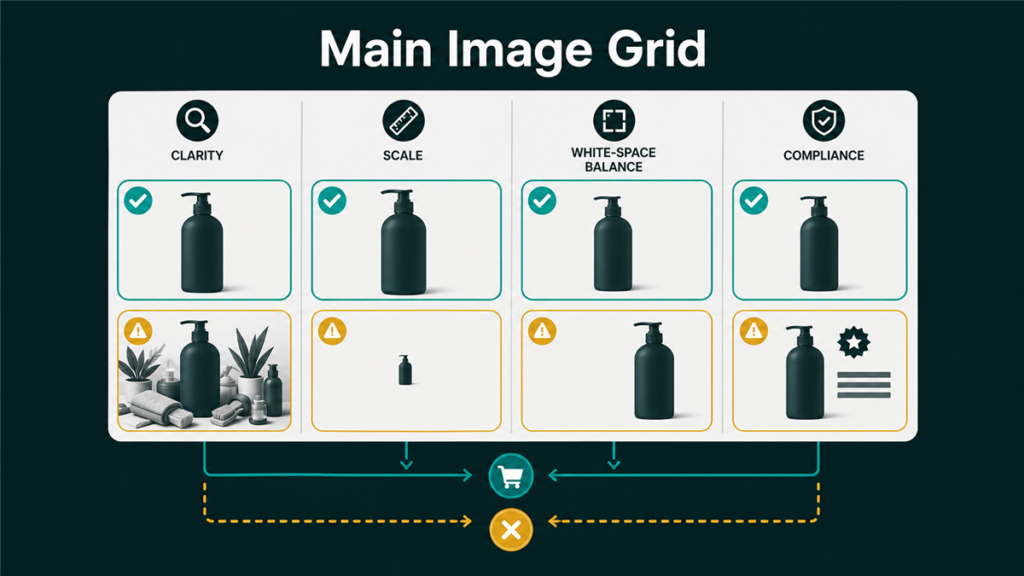
"A main image that shows the product scale more clearly will improve conversion because shoppers currently cannot judge size from the hero image."
Use this simple format:
- We see this problem.
- We believe this content element is causing friction.
- We will test this specific change.
- We expect this measurable result to improve.
- If the result wins, we will publish it and document the learning.
This structure keeps the test from becoming a design opinion contest.
A Practical Testing Workflow
Use a simple workflow for each experiment:
- Diagnose the listing issue.
Start with search terms, sessions, conversion rate, reviews, returns, and customer questions. Identify the friction before touching the content.
- Pick one testable element.
Choose the content area that most directly matches the issue: title, image, bullet, description, A+ Content, or Brand Story.
- Create Version B.
Keep the change focused. If the test is about image clarity, do not also rewrite the title and bullets unless the experiment is intentionally multi-attribute.
- Check compliance and catalog risk.
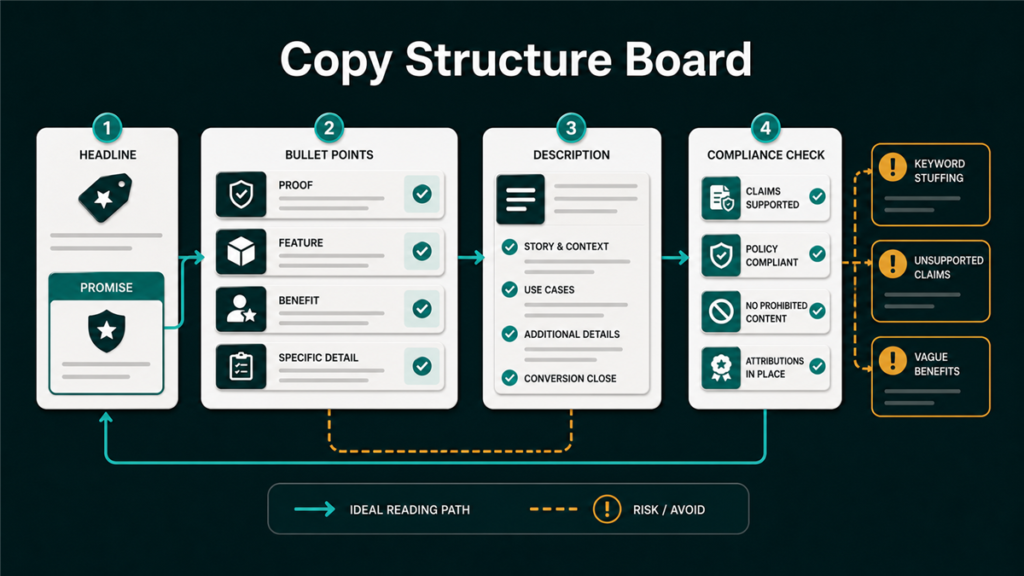
Make sure the alternate content follows Amazon content standards and does not introduce claims the brand cannot support.
- Launch and monitor.
Do not make unrelated listing changes during the test unless they are required. Other changes can make results harder to interpret.
- Record the result.
Document the winner, sample context, result summary, and next action.
- Apply the learning.
If Version B wins, publish it where appropriate. If it loses, document why the team thinks the current version performed better and plan the next test.
What Not To Test Carelessly
Some listing changes can create more risk than value if they are rushed.
Be careful with:
- Compliance claims such as medical, safety, pesticide, or restricted product language.
- Titles that add unsupported keywords or create readability problems.
- Images that imply included accessories that are not in the box.
- Comparison language that cannot be substantiated.
- Variation-specific claims that apply to only one child ASIN.
- A+ Content changes that create conflict with bullets, images, or packaging.
For sensitive categories, testing should happen after claim review, not before.
Experiment Tracking Table
Teams should keep a simple log outside Seller Central so results do not disappear into individual operator memory.
| Field | What to record |
| ASIN | Product tested |
| Test element | Title, image, bullet, description, A+ Content, or Brand Story |
| Hypothesis | What the team expected and why |
| Version A | Current live content |
| Version B | Test content |
| Start date | When the test began |
| Result | Winner, loser, or inconclusive |
| Action | Publish, retest, reject, or revise |
| Learning | What the team should remember next time |
This kind of record becomes useful after ten or twenty experiments. It shows which types of changes actually move results for the brand.
Mini-Scenario
A brand sells a premium storage product. Sessions are strong, but conversion trails similar ASINs. The team wants to rewrite the title, update the hero image, and rebuild A+ Content at the same time.
Instead, the operator reviews customer questions and sees repeated confusion about dimensions. The first experiment tests a clearer main image with scale context. The test focuses on one friction point. If it wins, the team can update the image and then test bullet copy that reinforces size and use cases.
The improvement path becomes measurable instead of chaotic.
FAQ
Is Manage Your Experiments available to every Amazon seller?
No. Amazon says sellers need a Professional selling account and Brand Representative access for a brand enrolled in Brand Registry. Products also need enough recent traffic to support valid results.
What content can sellers test?
Amazon says sellers can test product images, titles, bullet points, descriptions, and A+ Content, including Brand Story, when eligible.
How long should an experiment run?
Amazon notes that when sellers choose their own duration, 8 to 10 weeks is recommended to allow enough time for statistically significant results. Some experiments may reach results sooner when the pre-selected duration runs until significance.
Should I test multiple attributes at once?
Only when you know why. Multi-attribute tests can be useful, but they can also make learning less clear. For most operators, one focused hypothesis is easier to trust.
What if the test result is inconclusive?
Treat it as a learning signal, not a failure. The listing may need more traffic, a stronger content difference, or a test tied to a sharper conversion problem.
Test Listing Changes Like An Operator
Manage Your Experiments is useful because it slows the team down in the right way. Instead of guessing, the seller can define a problem, test a focused change, and document the result.
Qubeq helps Amazon brands clean up listing structure, content workflows, image direction, catalog conflicts, and operational handoffs. If your team is changing content often but not learning from the changes, a structured experiment workflow is the next fix.