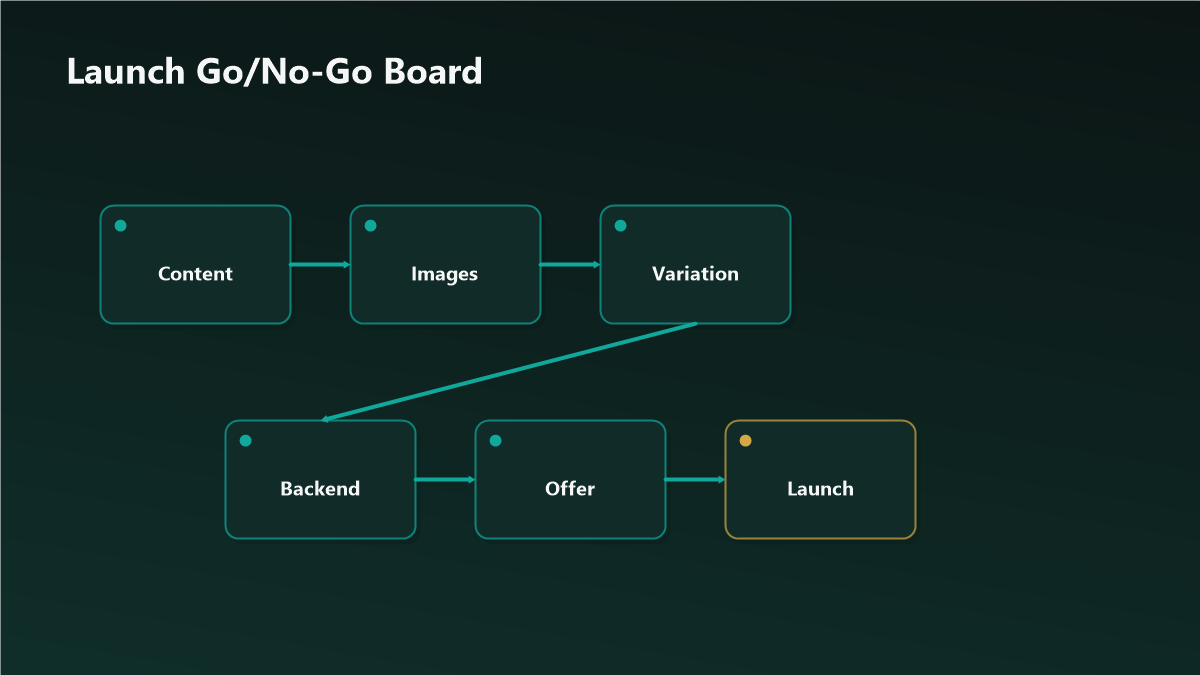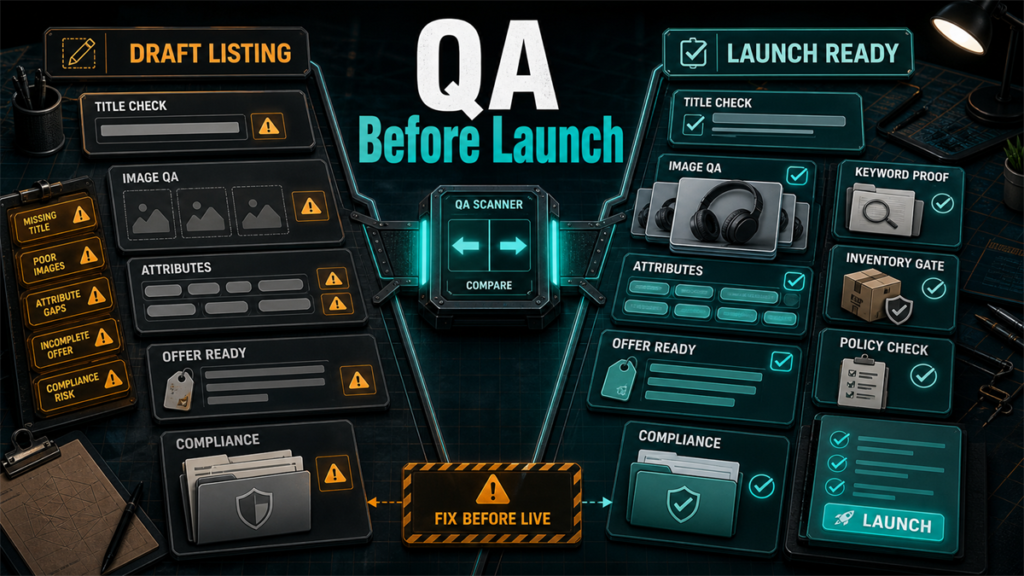
The worst time to discover a listing problem is the moment it matters most  launch. A new product gets its best shot at early traffic and momentum in the first stretch after going live, and a listing that is suppressed, missing the featured offer, or broken in its variation family burns that window while you scramble to fix it. Most of those failures are preventable with a deliberate QA pass before you hit publish. This is that pass: a structured walk across content, compliance, variation family, images, and the backend, designed to catch the issues that cause suppression and lost launch momentum.
Key Takeaways
- Launch momentum is fragile; a day-one suppression or featured-offer miss wastes the period when early traffic matters most.
- Run QA across five areas before publishing: content, compliance, variation family, images, and backend.
- Compliance and category-specific requirements are the most common silent suppression triggers  check them deliberately, not casually.
- Variation families fail in quiet ways  orphaned children, mismatched attributes, a missing parent  that are far cheaper to catch before launch.
- A repeatable QA checklist turns launch from a gamble into a routine, and is worth running even on relisted or migrated products.
Why Pre-Launch QA Pays Off
After publish, problems cost more than time. A suppressed listing earns no sessions while you diagnose it. A featured-offer miss means buyers land and cannot easily buy. A broken variation family fragments reviews and traffic across orphaned children. And every day spent fixing is a day of the early-traffic window spent not selling. The pre-launch pass moves all of that to a moment when fixing is free.
Area 1: Content QA
Confirm the title, bullets, and description are complete, accurate, and free of obvious defects  no placeholder text, no truncated copy, no contradictory specs between title and bullets. Check that claims are specific and supportable rather than superlative filler, and that nothing strays into prohibited claim territory for the category. Read it as a buyer: does it answer what the product is, who it is for, and why this one.
What good looks like: a title that is clear and not stuffed, bullets that each carry a distinct benefit, and a description or A+ that adds information rather than repeating the bullets.
Area 2: Compliance QA
This is where silent suppression hides. Categories carry their own requirements  documentation, safety markings, restricted ingredients or claims, packaging or labeling rules  and a listing can publish and then be pulled when a requirement is unmet. Before launch, confirm the product and its content meet the category's specific rules, that any required documentation is on file, and that the listing avoids claims that trigger review in regulated categories. If the category is gated or restricted, confirm approval is in place. Treat compliance as the first place to look, not the last.
Area 3: Variation Family QA
Variation families fail quietly. Check that the parent exists and is set up correctly, that every intended child is attached and none is orphaned, and that variation attributes (size, color, count) are consistent and correctly assigned. Confirm each child has its own complete content and images where it should, and that the family will display as one product with selectable options rather than as scattered standalone listings. A fragmented family splits reviews and traffic and is painful to merge after the fact.
Area 4: Image QA
Confirm the main image meets policy (clean presentation, correct framing) and that the gallery answers the buying questions  scale, context, contents, comparison. Check that every variation child shows the correct image for that variation, a common and embarrassing launch error. Verify images render correctly on a phone, since that is where most shoppers will see them.
What good looks like: a compliant main image, a gallery with no redundant slots, and every child mapped to its right photo.
Area 5: Backend QA
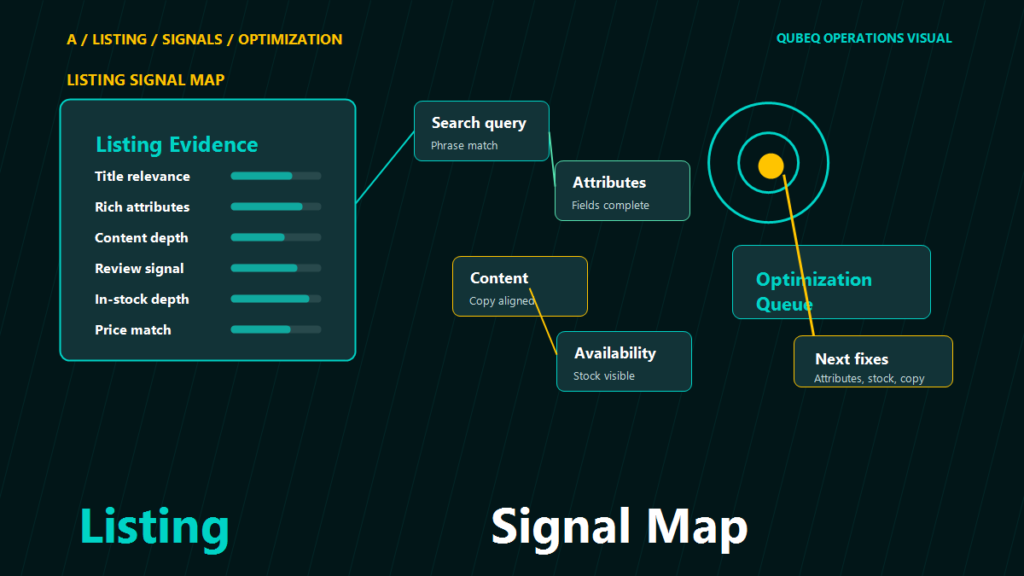
The parts buyers never see still decide outcomes. Confirm backend search terms are filled thoughtfully  relevant, not duplicated from the title, not padded with prohibited or competitor terms. Check that key product attributes and fields are complete and accurate, since gaps here can limit discoverability and filtering. Confirm pricing, fulfillment, and inventory are set so the listing can actually win the featured offer and ship on day one. A perfect front end with no inventory or a broken offer launches to nobody.
The Launch QA Checklist
- Content: no placeholders, no truncation, no contradictions; claims specific and category-safe.
- Compliance: category requirements met, documentation on file, gated approvals in place, no claims that trigger review.
- Variation family: parent correct, all children attached, attributes consistent, no orphans, displays as one product.
- Images: main image compliant, gallery answers buying questions, each child mapped to its correct image, renders on phone.
- Backend: search terms relevant and clean, attributes complete, pricing and fulfillment set, inventory ready to ship.
- Final: open the live preview on a phone and confirm it looks and behaves like a finished, buyable product.
Mini-Scenario: The Family That Launched in Pieces
A brand launched a five-size variation family and saw modest, scattered sales instead of the momentum they expected. Each size was selling as if it were a separate product. The pre-launch pass had been skipped under deadline pressure; the parent had been set up incompletely, and three of the five children published as standalone listings instead of attaching to the family. Reviews and traffic that should have pooled were spread across five thin listings. Merging them after the fact was slow and risked review loss. A ten-minute variation-family check before publish would have caught a parent that was not parenting.
FAQ
What causes a new listing to get suppressed at launch?
Most often a compliance or category-requirement gap, a main image that fails policy, or missing required attributes. These publish and then get pulled, which is why a deliberate compliance and content pass matters before launch.
How long does the launch momentum window last?
It varies by product and category, so treat it as "the early period after going live" rather than a fixed number of days. The point stands either way: do not spend it fixing preventable problems.
Do I need to QA a relisted or migrated product?
Yes. Migrations and relists frequently introduce variation, image-mapping, and attribute errors. The same checklist applies.
Should QA happen before or after the listing is live?
Before publish wherever possible, using preview and draft states. Anything you can only verify live should be checked within minutes of going live, before traffic builds.
Who should run the QA pass?
Ideally someone other than the person who built the listing  a second set of eyes catches placeholder text, mismatched variations, and skipped compliance steps that the builder reads past.
Launch on a Checklist, Not a Hope
A new listing only gets one strong launch window, and most of what wrecks it is preventable in the hour before publish. A repeatable QA pass across content, compliance, variations, images, and backend turns launch into a routine you can trust. If you want that pass run by a second set of eyes  or built into a standard operating procedure for your team  Qubeq can audit your launch process and run pre-publish QA on new listings.