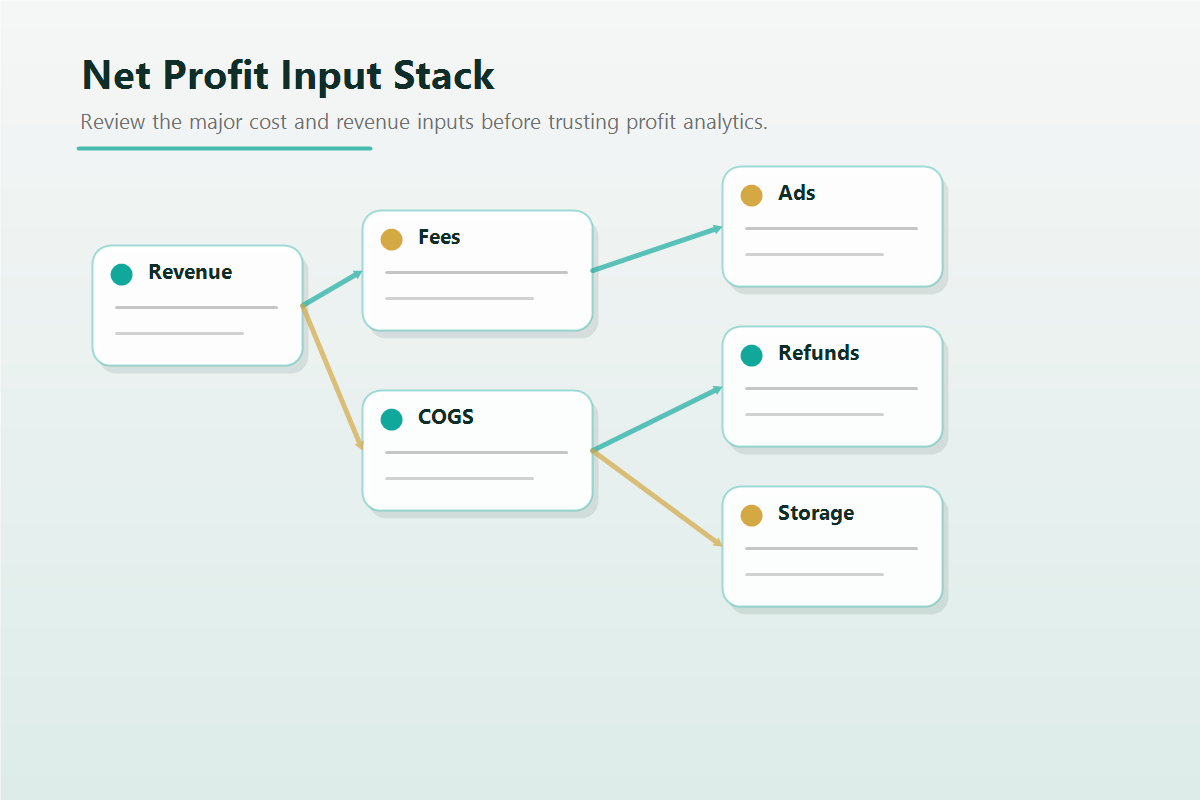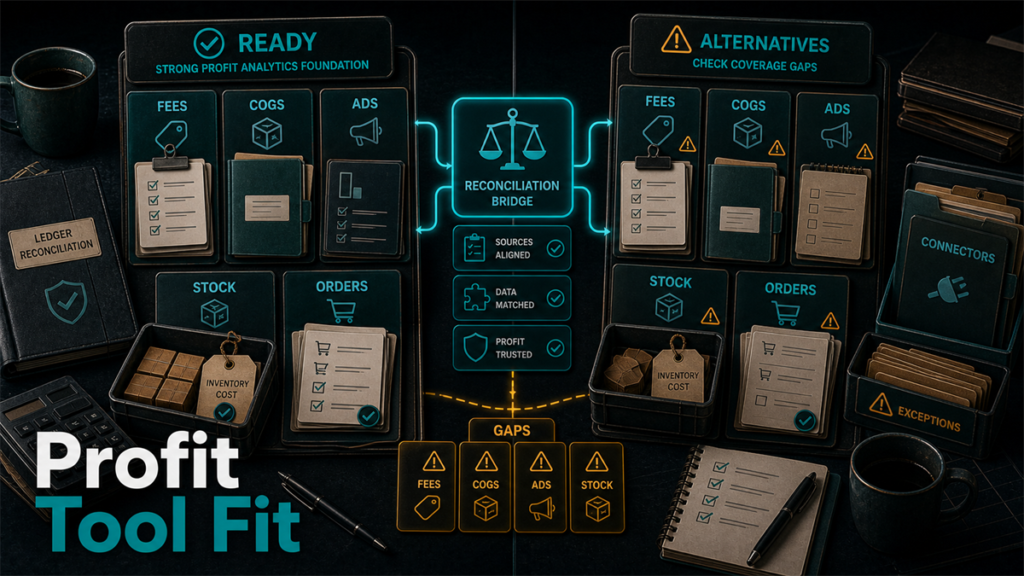
Seller Central tells you revenue and units; it does not cleanly tell you net profit after fees, COGS, advertising, refunds, and storage. Profit-analytics tools exist to close that gap and show what you actually keep. sellerboard is the most cited name, with Sellerise, ManageByStats, Shopkeeper, and Helium 10 Profits among the common alternatives. They all promise profit visibility; they differ in how accurately they capture costs, how usable their dashboards are, what they alert on, and how they price. This comparison helps you choose on the dimension that matters most: trustworthy numbers.
Key Takeaways
- These tools turn revenue into net profit by accounting for fees, COGS, ads, refunds, and storage; accuracy of that accounting is the whole point.
- The decisive axis is fee and COGS tracking accuracy  a pretty dashboard built on wrong inputs is worse than no dashboard.
- Dashboards, alerts, and reporting depth vary; match them to how you actually monitor the business.
- Pricing scales by order volume or features and changes often; confirm current numbers at the source.
- sellerboard is widely used; Sellerise, ManageByStats, Shopkeeper, and Helium 10 Profits are credible alternatives with different emphases.
What These Tools Actually Compute
A profit-analytics tool pulls your Amazon transactions and subtracts the real costs of doing business: referral and FBA fees, advertising spend, refunds and reimbursements, storage, and your own cost of goods. The output is net profit per order, per SKU, per day, and over periods. The value is entirely in getting those subtractions right, especially COGS, which the tool cannot know unless you maintain it accurately.
These are not repricers, advertising managers, or listing tools. They measure; they do not act.
The Field, at a Category Level
- sellerboard: widely used, known for detailed profit dashboards and a range of seller features.
- Sellerise: positioned as a broader seller toolkit that includes profit analytics.
- ManageByStats: a long-standing analytics and management suite.
- Shopkeeper: positioned around clear profit dashboards and forecasting.
- Helium 10 Profits: the profit module within a larger Helium 10 suite, relevant if you already use that ecosystem.
Each tool's exact feature set, accuracy, and pricing changes over time; verify specifics at the source.
Decision Axis 1: Fee and COGS Accuracy (the One That Matters)
Profit numbers are only as good as their inputs. Two checks dominate:
- Fee capture: does the tool correctly account for the full range of Amazon fees, including ones that are easy to miss (storage, long-term storage, returns processing, dimensional weight changes)? Incomplete fee capture overstates profit.
- COGS handling: how does the tool let you enter and maintain cost of goods, including landed cost, freight, and changes over time and across batches? A tool that only takes a single static cost will misstate profit as your costs move.
Favor tools that capture fees comprehensively and handle COGS with enough nuance for your business. This axis outweighs dashboard polish.
Decision Axis 2: Dashboards and Usability
Once the numbers are trustworthy, usability decides whether you act on them. Consider whether the dashboard surfaces what you check daily (net profit, margin, trends) without digging, whether it breaks down by SKU and period the way you think, and whether it loads fast enough to actually use. The best dashboard is the one you will open every morning.
Decision Axis 3: Alerts and Monitoring
Several tools alert on events that move profit: a SKU turning unprofitable, a fee change, a refund spike, low stock. Decide which alerts you need and confirm the tool delivers them in a channel you watch. Alerts turn analytics from a report you review into a system that catches problems early.
Decision Axis 4: Price
Pricing typically scales with order volume or feature tier and changes regularly, so evaluate how cost grows with your volume and whether the tier you can afford includes the COGS and fee handling you need. If you already pay for a larger suite (for example, Helium 10), its included profit module may be the economical choice if its accuracy meets your bar. Confirm current pricing directly.
Who Should Pick Which
- Pick sellerboard (profile) if: you want detailed profit dashboards and a broad feature set focused on profitability.
- Pick Sellerise or ManageByStats (profile) if: you want profit analytics inside a broader management toolkit.
- Pick Shopkeeper (profile) if: you prioritize clean profit dashboards and forecasting clarity.
- Pick Helium 10 Profits (profile) if: you already use Helium 10 and its profit module meets your accuracy bar without a second subscription.
- Trial before committing if: your COGS structure is complex (multiple batches, landed cost, frequent changes) or you sell high enough volume that pricing tiers matter.
Mini-Scenario: The Profitable SKU That Was Not
A seller trusted Seller Central's sales view and believed a high-revenue SKU was a winner. After connecting a profit-analytics tool and entering accurate landed COGS plus full fees, including long-term storage on slow-moving units, the SKU showed a slim loss. The revenue was real; the profit was not. The tool's value was not the dashboard but the discipline of complete inputs: full fee capture and honest COGS. They cut the SKU and reallocated the cash. A tool with incomplete fee logic or a single static cost field would have confirmed the wrong belief.
FAQ
Why not just use Seller Central for profit?
Seller Central shows revenue and units clearly but does not cleanly net out all fees, COGS, ads, refunds, and storage into per-SKU profit. Profit-analytics tools exist to compute the number Seller Central leaves implicit.
Which tool is most accurate?
Accuracy depends on comprehensive fee capture and how well you maintain COGS in the tool. Favor tools with complete fee logic and flexible COGS handling, and verify their current accuracy claims at the source rather than assuming.
Do I need a separate tool if I use Helium 10?
Not necessarily. Helium 10 includes a profit module. If its accuracy and dashboards meet your needs, a second subscription may be redundant. Compare its profit features against standalone tools.
How important are alerts?
Valuable if they reach a channel you watch. Alerts on unprofitable SKUs, fee changes, or refund spikes turn analytics into early warning rather than after-the-fact reporting.
How do these tools price?
Pricing usually scales by order volume or feature tier and changes over time. Confirm current pricing directly and check that an affordable tier still includes the fee and COGS handling you need.
Trust the Numbers, Then Act on Them
The right profit-analytics tool is the one whose fee and COGS accuracy you trust, wrapped in a dashboard you will actually open and alerts you will actually see. If you want help validating that your profit numbers are complete and correct before you make decisions on them, Qubeq can audit your fee and COGS setup and recommend the right tool.
—