The rating was fine yesterday and it is not fine today. The fastest way to make this worse is to react to the headline number instead of the metric underneath it. The rating is a roll-up; something specific moved it. Triage means finding the metric that moved, stopping it from getting worse, fixing in order of how close each item sits to suspension, and then watching it so the next drop never surprises you. This is the triage workflow, not a definition of the rating.
Key Takeaways
- The overall rating is a roll-up; a sudden drop is always one or more specific underlying items moving, so find those first.
- Triage by suspension risk, not by which number looks ugliest: policy and authenticity issues outrank cosmetic metric dips.
- Stop the bleeding before perfecting fixes; pause whatever is still generating new defects.
- Some items are one-time events you resolve; others are rate metrics that recover only as volume accumulates, and they need different handling.
- A short, regular monitoring cadence turns the next drop from a surprise into a scheduled finding.
Step 1: Find Which Metric Moved
Open the account health area and ignore the headline number for a moment. Look at the components beneath it and ask which one changed:
Identify the specific item and when it appeared. A drop driven by a single authenticity complaint is a completely different problem from a drop driven by a creeping defect rate, even if the headline moved the same amount.
Step 2: Classify What You Found
Sort each moved item into one of two buckets, because they recover differently.
Knowing which bucket you are in stops you from expecting an instant recovery on a rate metric or from treating a one-off event as a chronic condition.
Step 3: Triage by Suspension Risk
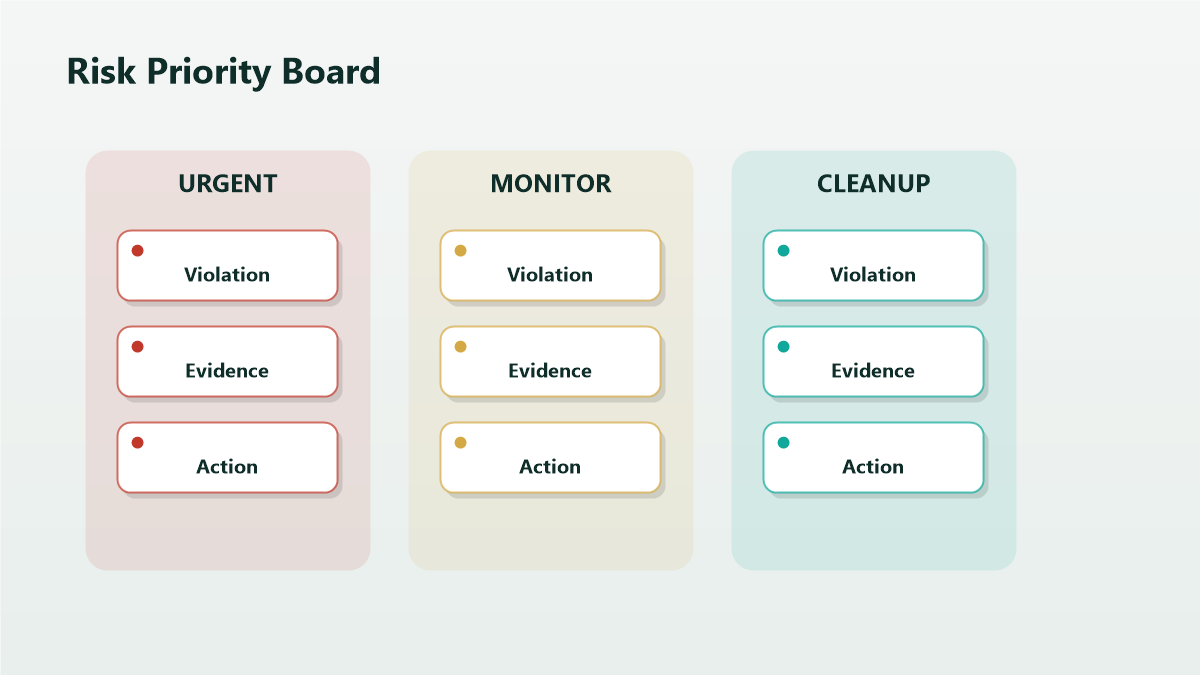
Rank fixes by how close each item sits to a serious action, not by how alarming the number looks.
Spend your first hours on the highest-risk item even if a less risky metric looks worse on the dashboard.
Step 4: Stop the Bleeding
For each high-risk item, cut off new damage before you optimize the fix:
The aim is that tomorrow's window does not add more of the same defect while you work the resolution.
Step 5: Work the Fixes in Order
- Address the highest-risk item first: resolve the event or correct the underlying cause, with evidence preserved.
- Respond through the channel the issue specifies, factually and non-promissory, and record case IDs.
- Move to the next item only once the first is contained.
- For rate items, confirm the cause is stopped and then let volume do the recovery; do not over-react to a number that will only move with time.
Step 6: Set a Monitoring Cadence
The drop surprised you because nobody was watching between crises. Fix that:
- A short check of account health several times a week, not just monthly.
- A named owner who reads the components, not only the headline.
- A log of each item, its bucket, its status, and the date.
- An alert habit for new notifications so a fresh flag is seen in hours, not days.
A drop you catch early is usually a drop you can contain before it threatens the account.
Mini-Scenario: The Drop That Was Two Different Problems
A seller saw the rating fall hard over a weekend and assumed a single cause. Triage showed two unrelated movers: one new authenticity complaint on a single ASIN, and a slow rise in a late-shipment rate from a warehouse change. They triaged by risk, not by appearance. The authenticity complaint, though small on the dashboard, was the suspension risk, so they paused that ASIN, gathered sourcing documents, and responded first. The late-shipment rate was a rate item: they fixed the warehouse process to stop new lateness, then let the window recover. Treating both as one emergency would have wasted the first hours on the lower-risk problem.
FAQ
Why did my account health rating drop overnight?
Because a specific underlying item moved: a new complaint or flag, or a rate metric crossing a threshold. The headline is a roll-up; open the components to see which item changed and when.
Which account health issues are the most urgent?
Policy, authenticity, IP, and restricted-product issues generally carry the most enforcement risk, so triage those first even when a cosmetic metric looks worse on the dashboard.
Why hasn't my rating recovered after I fixed the problem?
If it was a rate metric over a trailing window, it recovers as good orders accumulate and bad ones age out, not the moment you fix the cause. Event items clear faster once resolved.
How often should I check account health?
Often enough to catch a drop in hours rather than weeks. A short check several times a week with a named owner is far more protective than an occasional deep dive.
Can one bad metric suspend my account?
A single high-risk item, especially policy or authenticity, can drive serious action faster than a cosmetic metric ever would, which is exactly why triage ranks by risk rather than by appearance.
Triage the Drop, Then Make It Routine
A sudden health-rating drop is manageable when you treat it as triage: find the metric, classify it, fix by suspension risk, and then watch it so the next one is a scheduled finding rather than a weekend emergency. If the cause is unclear or a high-risk item is involved, Qubeq can read the components, identify what moved, and prioritize the response by actual risk.