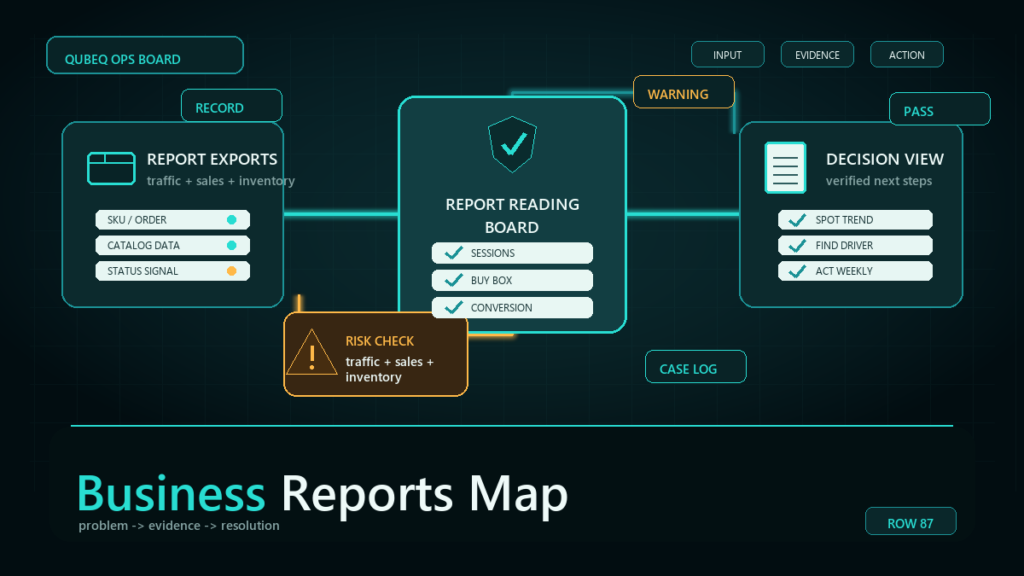
Amazon Business Reports exist to answer one operational question: when sales move, was it traffic or conversion? The Detail Page Sales and Traffic report family gives you sessions, page views, units, and unit session percentage per ASIN, and nearly every useful reading of Business Reports reduces to watching those four numbers and splitting every sales change into a traffic problem or a conversion problem.
Key Takeaways
- Business Reports cover ordered sales and on-Amazon traffic at the account and ASIN level; they do not cover profitability, fees, or advertising attribution.
- Four metrics drive decisions: sessions, page views, units ordered, and unit session percentage.
- The parent-level report reads demand for the product family; the child-level report localizes problems to specific variations.
- Every sales movement splits cleanly: sessions changed (traffic problem) or unit session percentage changed (conversion problem), and the two have different fixes.
- A 20-minute weekly reading of a handful of key ASINs beats an occasional deep dive after sales already fell.
What Business Reports Cover, and What They Do Not
Business Reports show ordered units, ordered product sales, sessions, page views, and derived percentages, by day at the account level and by ASIN over a date range. They are demand-and-conversion instruments.
They are not profitability tools (no fees or costs), not advertising tools (no spend or attribution), and not inventory tools. Pulling those questions out of Business Reports leads to wrong answers; pair the report with fee and advertising data when those questions arise. Metric definitions and report names follow the current Business Reports section, and session-counting methodology has changed over the years, so anchor on relative movement rather than absolute precision.
The Four Metrics That Drive Decisions
- Sessions: distinct visits to your detail page in the period. This is your traffic line.
- Page views: total views, including repeat views within a session. Page views well above sessions can signal comparison behavior or navigation loops.
- Units ordered: demand outcome.
- Unit session percentage: units ordered divided by sessions, the closest thing Business Reports has to a conversion rate.
Watch one more where available: the featured offer (Buy Box) percentage. A conversion collapse with steady sessions and a fallen featured-offer share is an ownership problem, not a listing problem.
Parent View or Child View?
The parent-level report aggregates a variation family, which is the right lens for demand questions: is this product line growing or shrinking? The child-level report breaks out each variation, which is the right lens for problem-locating: which size or color lost its conversion, which child went out of stock and bled sessions to a competitor.
Routine practice: read parents weekly for direction, open children only where a parent moved.
A 20-Minute Weekly Reading Routine
- Pull the sales and traffic report for the trailing week and the prior week, parent level.
- Rank by revenue and review the top movers in both directions, not the whole catalog.
- For each mover, split the change: sessions moved, unit session percentage moved, or both.
- Open the child view for movers to localize which variation carries the change.
- Log each finding as a hypothesis with an owner: "Sessions down 30% on parent X, suspect lost ranking on main keyword, check search performance."
- Recheck last week's hypotheses before adding new ones.
Turning Movements into Actions
Sessions fell, conversion held
A traffic problem. The listing converts as before; fewer buyers arrive. Look at search ranking changes, advertising changes, lost featured-offer share suppressing ad delivery, seasonal demand, or a stockout earlier in the funnel (a child out of stock stops earning sessions).
Sessions held, conversion fell
A conversion problem on the page. Look at price changes (yours and competitors'), review score movement, content changes, a new competing offer on the page, or losing the featured offer while traffic still lands.
Both fell
Usually an availability or suppression event: the listing was suppressed, lost the featured offer entirely, or went out of stock. Check listing state before touching content or ads.
Units rose but revenue fell
Mix or price: a cheaper child is absorbing demand, or a discount is moving volume. The child view answers which.
Mini-Scenario: The Conversion Drop That Was Not a Listing Problem
A kitchen brand's weekly reading flagged its lead parent: sessions steady, unit session percentage down by half. The first instinct was a content problem, and a listing rewrite was nearly commissioned. The child view showed the drop concentrated in one child, and the featured-offer percentage on that child had fallen sharply: an unauthorized reseller had taken the featured offer with a lower price and a slower ship promise. Buyers landed, saw the worse offer, and left. The fix was an enforcement and pricing response, not a rewrite. The report did not just find the problem; it prevented an expensive wrong fix.
FAQ
What is the difference between sessions and page views in Amazon Business Reports?
Sessions count distinct visits; page views count every view including repeats within a visit. Conversion math uses sessions.
What is a good unit session percentage on Amazon?
It varies widely by category, price point, and traffic mix, so benchmark each ASIN against its own history rather than a universal number. Direction beats absolutes.
Why do my Business Reports numbers differ from my advertising reports?
They measure different things with different attribution: Business Reports count on-Amazon detail page activity and ordered units; advertising reports count ad-attributed clicks and conversions under their own windows. Comparing them directly misleads.
How far back do Amazon Business Reports go?
Retention is limited and has changed over time. Export and archive the weekly report so your own history outlives the console's.
Should I read parent or child ASIN reports?
Parents for direction, children for diagnosis. Read parents weekly; open the children of anything that moved.
Read the Reports Before They Read You
Twenty minutes a week with the sales and traffic report catches ranking slips, hijacked offers, and conversion decay while they are still cheap to fix. If your team wants the routine run for them, or sales have already moved and the cause is not obvious, Qubeq can audit the account's traffic and conversion history and turn the findings into an action plan.