An Amazon GTIN exemption lets you create listings without a UPC, EAN, or other product ID for products that legitimately do not have one. The application itself takes minutes; approvals and denials are decided by whether your brand name, category, and product evidence line up exactly, which is where most applications fail.
Key Takeaways
- A GTIN exemption is the right path for private label products without barcodes, handmade goods, bundles, and many parts and accessories, not a workaround for products that already have manufacturer codes.
- Exemptions are typically scoped to a brand and category combination, so plan applications around how your catalog is structured.
- The evidence that decides the application is usually product and packaging images showing the brand name, or showing that no branding and no barcode exist.
- The most common denial cause is a mismatch: the brand name on the application does not exactly match the name on the product, packaging, or listing.
- After approval, the listing must be created with the same brand name and category the exemption covers, or the exemption will not apply.
When a GTIN Exemption Is the Right Path
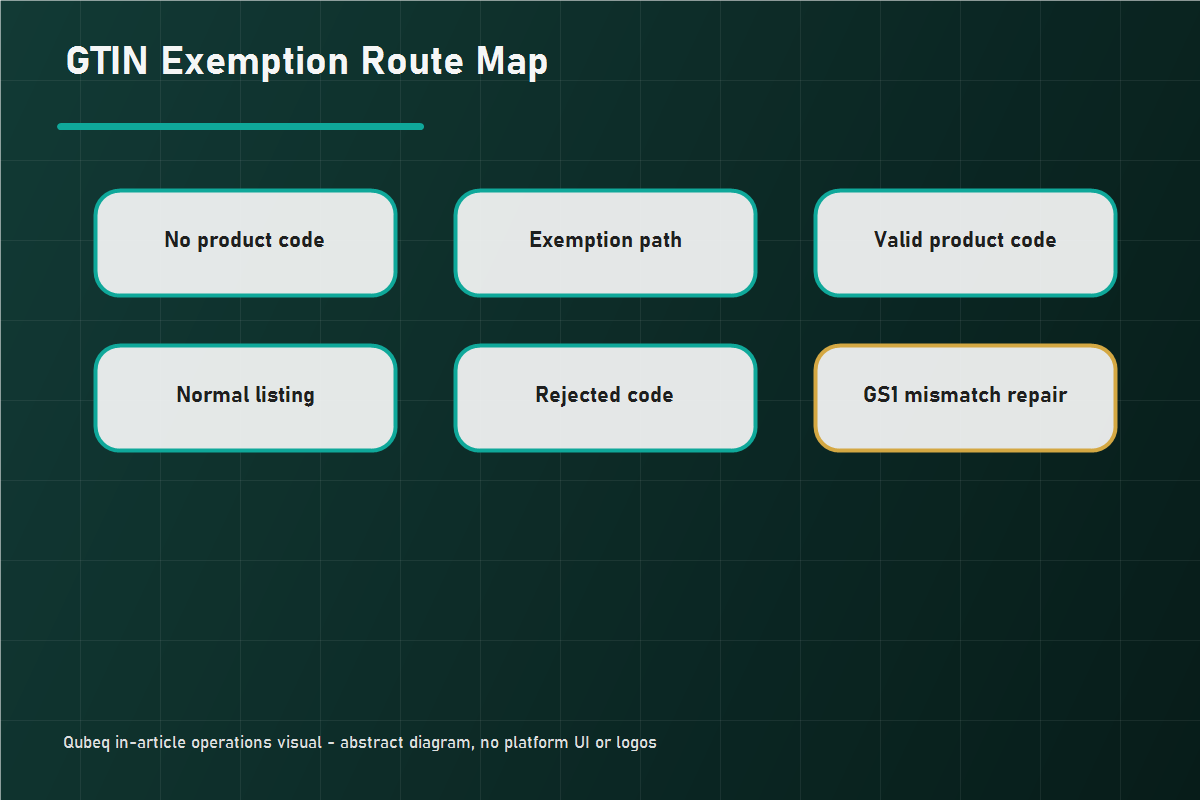
Apply for an exemption when the product genuinely has no GTIN:
- Private label products manufactured without barcodes.
- Handmade or custom products.
- Bundles you assemble yourself, since a bundle of branded items is a new product without its own manufacturer code.
- Generic parts and accessories sold without branded packaging.
Do not use an exemption to avoid buying legitimate codes for a standard branded product, and do not use it when the product already has a manufacturer GTIN: listing against the existing code (or the existing ASIN) is the correct route. If the product has a code that Amazon will not accept, that is a different problem with a different fix, covered in our GS1 mismatch guide.
An exemption also is not brand gating or category approval. You can hold a valid exemption and still need selling approval for a gated brand or category.
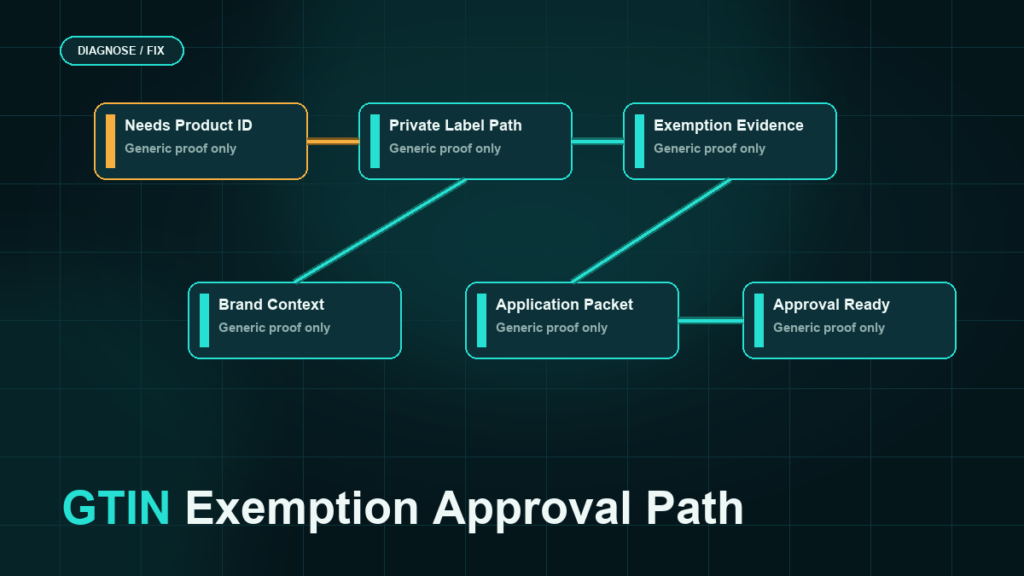
How to Apply, Step by Step
- Open the GTIN exemption application in Seller Central. The current entry point moves occasionally; search "GTIN exemption" in the help hub if it is not where you remember.
- Enter the brand name exactly as it appears on the product and packaging. For unbranded products, the application uses the generic option rather than a made-up brand name.
- Select the category or product type the exemption should cover. Approvals are typically scoped to the brand and category pair you request, so a multi-category catalog may need multiple applications.
- Upload the requested evidence, usually product images and packaging images. The current application form states exactly what the images must show; read it rather than reusing last year's checklist.
- Submit and track the status. Decisions often arrive quickly, but do not commit launch dates to an assumed review time.
The Evidence That Decides the Application
Image evidence does the persuading. Get these right:
- The brand name must be visible where the form asks for it, and it must match the application text character for character. "Acme Goods" on the form and "AcmeGoods" on the packaging reads as a different brand to a reviewer.
- For unbranded products, images should clearly show the product and packaging without branding and without a barcode. A visible barcode on the packaging contradicts the entire application.
- Use real photographs of the actual product. Renders and supplier catalog images invite rejection because they do not prove what your physical product shows.
- For bundles, photograph the assembled bundle as the buyer receives it, not the individual components.
Common Denial Causes and the Fix
- Brand name mismatch between application, product, packaging, or an existing Brand Registry record. Fix: align every surface to one exact string, then reapply.
- Visible barcode in the photos. Fix: if the product has a real GTIN, list with it instead; an exemption is the wrong path.
- Wrong category selected for the product. Fix: reapply under the category that matches where the product actually lists.
- Image quality or missing views. Fix: reshoot per the current form's stated requirements.
A denial is not a strike against the account. Fix the specific gap and resubmit rather than opening a case to argue, unless the denial is clearly wrong and you have the evidence to show it.
Listing After Approval
Create the listing with the exact brand name and within the category the exemption covers, and leave the product ID field empty where the flow allows it. If the listing tool still demands a product ID, the usual causes are a brand-name mismatch, the wrong category or product type, or the exemption not yet active. Confirm those three before opening a case.
Keep a simple internal record of approved exemptions: brand, category, date. Future catalog work, flat file uploads, and new team members will rely on it.
Mini-Scenario: The Bundle Brand Denied Twice
A seller assembling kitchen gift bundles applied for an exemption under the brand "Hearth & Home Bundles" and was denied twice. The photos showed the assembled bundle clearly, but the printed insert card in the box read "Hearth and Home," and the reviewer treated the ampersand difference as a brand mismatch. The team reprinted the insert to match the application exactly, reshot two photos, and the third application was approved. The fix was never about the bundle's eligibility; it was a four-character string mismatch.
FAQ
What is a GTIN exemption on Amazon?
It is an approval that lets you create listings without a UPC, EAN, or other product ID for products that legitimately lack one, scoped to a brand and category combination.
How long does GTIN exemption approval take?
Decisions often arrive within a day or two, but review times vary. Do not schedule a launch around an assumed turnaround.
Why was my GTIN exemption denied?
The most common causes are brand-name mismatches between the application and the product images, visible barcodes in the photos, the wrong category, or image quality issues. Fix the specific gap and resubmit.
Do I need a separate exemption for every product?
Generally no. Exemptions are typically scoped to brand plus category, so multiple products under the same pair are covered. Verify the current scoping rules on the application page.
Can I get an exemption for a branded product that has a UPC?
No. If a manufacturer GTIN exists, list with it. If Amazon rejects a legitimate code, that is a GS1 validation issue, not an exemption case.
Get the Catalog Listed Cleanly
GTIN exemptions are simple when the brand name, category, and evidence line up, and frustrating when one character does not. If your team is stuck in a denial loop, or you are planning a catalog launch with bundles, private label items, and parts that all need exemptions, Qubeq can prepare the applications, align the brand evidence, and get the listings created without the back-and-forth.