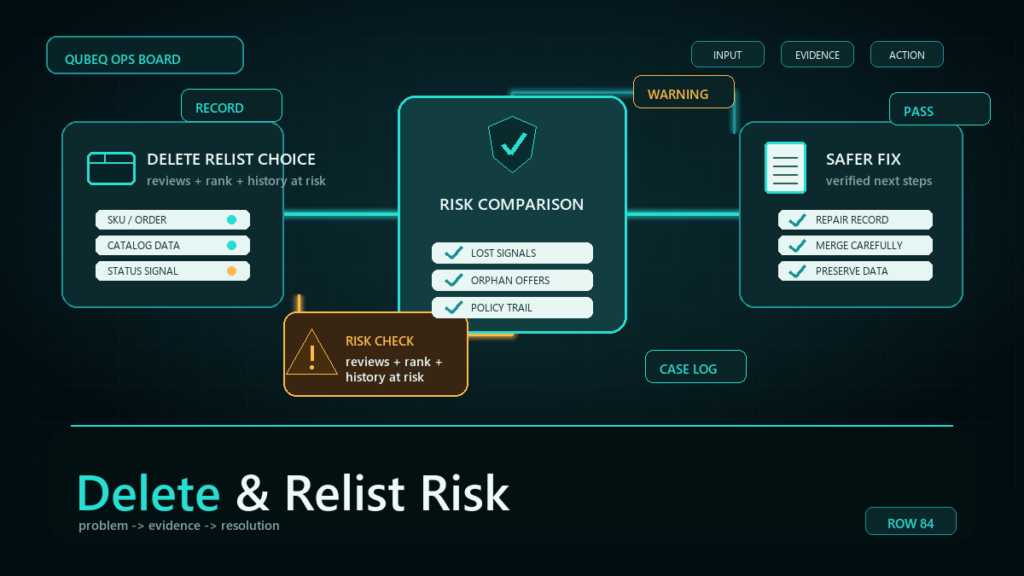
Deleting and relisting an Amazon listing rarely fixes what was wrong with it, because most listing problems live on the ASIN's catalog record or in your operations, and both survive the deletion. What deletion reliably does is strand your FBA inventory, break variation membership, and create SKU conflicts, which is why "start fresh" usually means "same problem plus three new ones."
Key Takeaways
- Deleting your SKU removes your offer; the ASIN's catalog record, with its content, history, and problems, generally persists and is what you relist against.
- FBA units attached to a deleted SKU become stranded immediately and start aging toward fees and possible auto-removal.
- Suppressions, complaints, and contribution conflicts follow the ASIN or your account, not the SKU, so they greet the relisted offer.
- Creating a new ASIN for the same product to escape history risks duplicate detail page policy enforcement on top of the original problem.
- Almost every motivation behind delete-and-relist has a targeted fix that does not destroy anything.
Why Sellers Reach for Delete-and-Relist
The reflex is understandable. A listing is suppressed for reasons that will not clear, content edits will not stick, a variation error will not resolve, or the page carries old negative signals the seller wants gone. Deleting feels like a reset button: remove the broken thing, create a clean one.
The mental model is wrong because an Amazon listing is not one thing. It is your offer (SKU), attached to a shared catalog record (ASIN), connected to inventory, variation structure, and history. Deletion removes the first and damages the connections; it does not touch the parts that were usually broken.
What Deletion Actually Does
Your offer disappears; the ASIN usually does not
Deleting the SKU removes your offer. The ASIN's detail page record, including its content state, review history, and any flags on it, generally persists in the catalog. Relist the same product and you reconnect to that record. The "fresh start" was never on offer.
FBA inventory strands immediately
Units in fulfillment centers belong to the SKU's offer. Delete it and the stock becomes stranded: unsellable, still accruing storage fees, and subject to the account's automated removal settings if it sits. Any delete decision on a SKU with FBA stock needs a relist or removal plan first.
Variation membership breaks
Deleting a child pulls it from the family; deleting a parent can orphan every child. Variation problems are also the place where panic-deletion most often makes a repairable structure unrepairable without a rebuild.
SKU history and reuse conflicts
The SKU's sales history, settings, and report continuity end with it. Reusing the same SKU code soon after deletion can produce conflicts while the deletion propagates, and reusing it for a different product later corrupts your own reporting. Treat SKU codes as permanent identifiers: retire them, do not recycle them.
The Problems Deletion Does Not Fix
- Suppression and policy flags: these attach to the ASIN or the account. The relisted offer inherits them, sometimes after a short deceptive gap while the catalog re-evaluates.
- Buyer complaints and condition issues: caused by your inventory or process, both of which survive.
- Contribution and content conflicts: other contributors' data and brand authority disputes live on the shared record; your deletion changes nothing about them.
- Ranking decay: deleting guarantees the loss you were trying to avoid; whatever momentum existed dies with the offer's continuity.
And the escalation move, creating a brand-new ASIN for the same product to escape the record, walks into duplicate detail page policy. Now the original problem has a compliance problem on top.
The Few Cases Where Deletion Is Correct
- True duplicates you created, after a deliberate merge decision, deleting the loser with no stock attached.
- Abandoned test or draft SKUs with no inventory, no sales history worth keeping, and no variation membership.
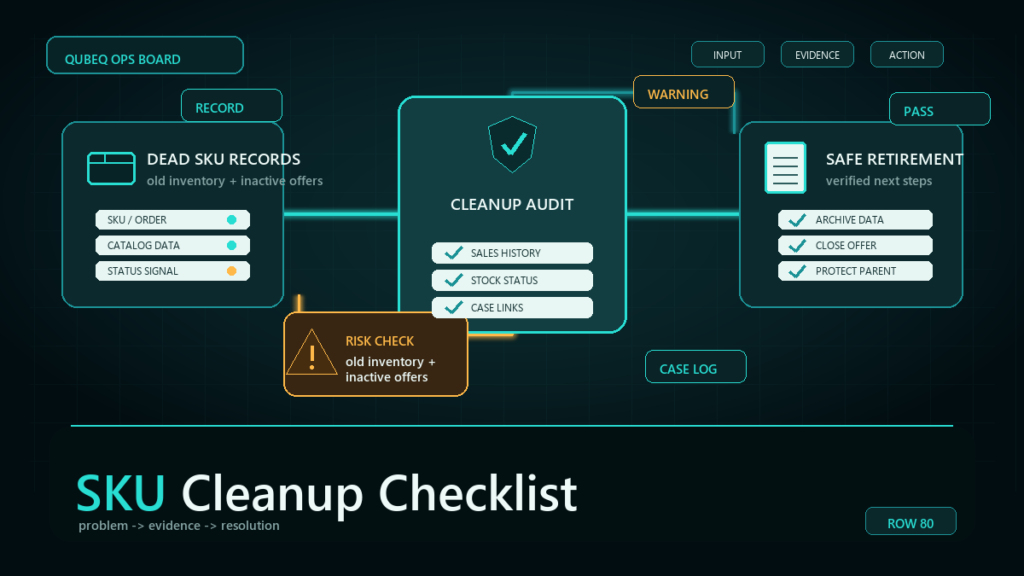
- Permanent discontinuation, after stock is removed or sold down, as a deliberate end-of-life step.
The pattern: deletion is an end-of-life tool, not a repair tool.
Safer Alternatives by Motivation
| You want to | Instead of deleting | Do this |
| Clear a suppression | Delete and relist | Diagnose the suppression reason and fix the defect; it follows the ASIN anyway |
| Make content edits stick | Delete and relist | Resolve the contribution conflict or brand authority issue on the record |
| Fix a broken variation | Delete the family | Repair parentage with a targeted flat file; rebuild only as a last resort |
| Escape bad reviews | New ASIN | Fix the product/process; review history persists per policy and new ASINs risk duplicate enforcement |
| Reset a stranded SKU | Delete the SKU | Use the stranded reason's repair path; deletion is how SKUs get stranded |
| Retire a product | Delete immediately | Sell down or remove stock first, then close, then delete as end-of-life |
Mini-Scenario: The Reset That Came Back in a Week
A pet-supplies seller deleted a suppressed listing after two failed fix attempts, planning to relist clean. Three things happened: 340 FBA units stranded the same day, the relisted offer reconnected to the same ASIN record and re-suppressed within a week for the same image compliance defect, and the original SKU code, reused immediately, threw conflicts for days. The eventual fix was the one available before the deletion: correcting the non-compliant images on the record. The detour cost two weeks of sales, storage fees on stranded stock, and a variation rebuild for the child that had been yanked from its family.
FAQ
Does deleting an Amazon listing delete the ASIN?
Generally no. Deleting your SKU removes your offer; the ASIN's catalog record typically persists, and relisting reconnects you to it, including its problems.
What happens to FBA inventory when I delete a listing?
It strands immediately: unsellable, still incurring storage fees, and exposed to automated removal settings. Plan relisting or removal before any deletion.
Will relisting reset my reviews or ranking?
Reviews live on the ASIN and persist with it. Ranking continuity is tied to your offer's history, so deletion forfeits momentum without clearing the page's negatives.
How long should I wait to reuse a SKU after deleting it?
Reuse soon after deletion can conflict while the change propagates, and no official safe window is published. The cleaner practice is never reusing SKU codes at all.
When is delete-and-relist actually the right move?
End-of-life situations: true duplicates after a merge decision, empty test SKUs, and permanent discontinuation after stock is cleared. As a repair tactic, it almost never is.
Fix the Listing, Keep the History
Nearly every delete-and-relist is a targeted repair that did not happen yet. If a listing will not unsuppress, content will not stick, or a variation family looks unrecoverable, Qubeq can diagnose the actual defect on the record and fix it without destroying inventory connections, history, or structure. And if the deletion already happened, we can run the recovery.