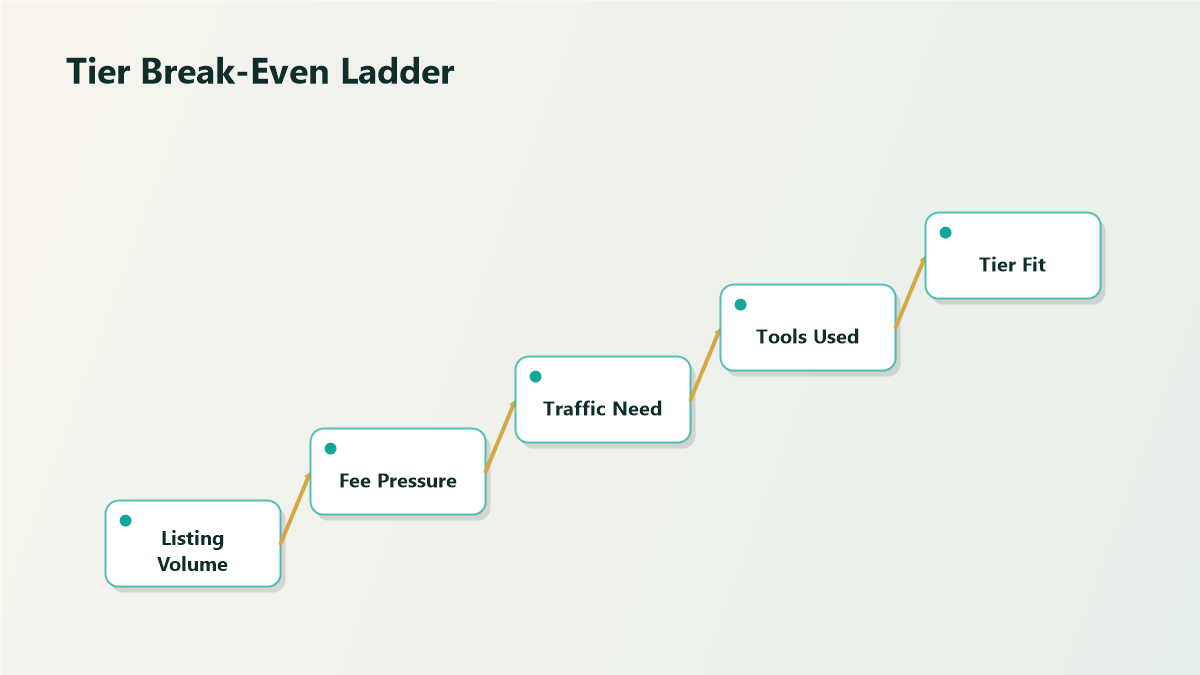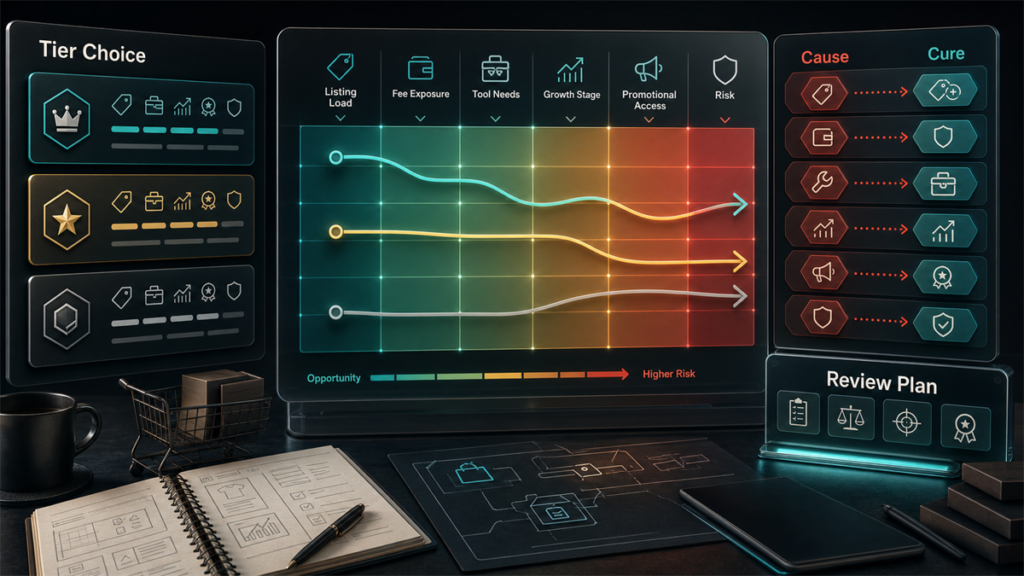
Most advice on eBay Store tiers leads with a feature list. That is the wrong starting point. The right tier is almost entirely a math question: how many listings do you run, and at what point does the subscription's lower listing and selling fees plus its free-listing allowance more than cover its monthly cost? Get the math right and the features sort themselves out. This guide gives you the decision framework, who each tier tends to suit, and how to tell when upgrading actually pays.
Key Takeaways
- eBay Stores come in multiple tiers; higher tiers cost more per month but include larger free-listing allowances and lower per-listing and selling fee rates.
- The choice is fundamentally a break-even calculation: a tier pays off when your volume makes its fee savings exceed its subscription cost.
- Listing volume is the primary driver; final-value and insertion-fee economics are the lever the subscription pulls.
- Upgrade when you consistently exceed your current tier's free-listing allowance or when your volume makes the next tier's lower rates cheaper overall.
- Exact prices, allowances, and fee rates are set by eBay and change, so run the math on current numbers, not the ones in any article.
How eBay Store Pricing Works (the Shape, Not the Numbers)
An eBay Store subscription does three things that affect your costs:
So a Store trades a fixed monthly cost for lower variable costs per listing and per sale. The whole tier decision is about where that trade turns positive for your specific volume. Because eBay sets and periodically changes the prices, allowances, and rates, treat every number as something to confirm on eBay's current fee pages before you commit.
The Only Calculation That Matters
To compare any two options (no Store, or two tiers), estimate for a typical month:
- Your number of active listings.
- Insertion fees you would pay above each option's free-listing allowance.
- Selling fees on your expected sales at each option's rate.
- The subscription cost of each option.
Add subscription plus insertion plus selling fees for each option. The lowest total wins. That is the entire decision. Features are tiebreakers, not drivers.
A useful shortcut: the moment you are regularly paying insertion fees because you have blown past your free-listing allowance, the next tier up is probably already cheaper, because its larger allowance and lower rates tend to swamp its higher subscription cost at that volume.
Who Each Tier Tends to Suit
Rather than name tiers and quote prices that will drift, here is the pattern by seller profile.
Low-volume or occasional sellers
If you list a handful of items, you may not need a Store at all, or only the entry tier. The subscription cost can outweigh the savings until your volume rises. Run the break-even before subscribing to anything.
Steady small-business sellers
Once you maintain a consistent inventory of listings and predictable monthly sales, a mid-range Store tier usually wins, because the free-listing allowance covers your catalog and the lower selling rates compound over every sale.
High-volume and growing sellers
Large catalogs and high sales volume push you toward the upper tiers, where the biggest free-listing allowances and the lowest fee rates produce the largest absolute savings. At this scale, staying on a lower tier to save on subscription is usually false economy; the per-listing and per-sale costs dwarf the monthly difference.
When Upgrading Pays Off
Upgrade when either signal appears:
- You consistently exceed your current tier's free-listing allowance and are paying insertion fees every cycle. The overage is often more than the upgrade would cost.
- Your sales volume has grown enough that the next tier's lower selling-fee rate saves more than the subscription difference.
Downgrade or reconsider when your volume falls and you are paying for an allowance and rate advantage you no longer use. The tier should track your actual selling, and your selling changes seasonally, so revisit it more than once.
Mini-Scenario: The Seller Paying to Stay Small
A collectibles seller had grown to a few hundred active listings but stayed on a lower Store tier to keep the monthly fee down. The monthly statement told the real story: insertion fees on the listings above their allowance, plus selling fees at a higher rate than the next tier offered, added up to noticeably more than the upgrade cost. Loyalty to the cheaper subscription was costing money every month. Moving up a tier raised the fixed fee but cut the insertion and selling fees enough to lower the total bill, and gave headroom to keep growing. The lesson: the cheapest subscription is not the cheapest tier once volume is real.
FAQ
Do I even need an eBay Store subscription?
Only if the math says so. If you list and sell little, the subscription cost may exceed the fee savings, and you are better off without one. Once volume rises, a Store's lower rates and free listings usually win. Run the break-even on current numbers.
How do I choose between eBay Store tiers?
Estimate your monthly listings and sales, then total each tier's subscription plus insertion plus selling fees. Pick the lowest total. Listing volume and fee rates decide it; features are tiebreakers.
When should I upgrade my eBay Store tier?
When you consistently pay insertion fees for listings above your allowance, or when your sales volume makes the next tier's lower selling rate save more than the higher subscription costs. Either signal usually means the upgrade already pays for itself.
How much do eBay Store subscriptions cost?
eBay sets the prices, allowances, and fee rates, and they change. Confirm the current figures on eBay's fee pages and run your own numbers rather than relying on quoted amounts.
Can I change tiers later?
Yes, tiers are meant to track your selling, which changes over time and seasonally. Revisit your choice periodically and adjust as your volume rises or falls.
Match the Tier to the Math
The right eBay Store tier is whichever one produces the lowest total of subscription, insertion, and selling fees at your real volume, nothing more complicated than that. Run it on current numbers and revisit it as you grow. If you want the break-even modeled across tiers for your actual listing and sales volume, Qubeq can analyze your eBay fee profile and recommend the tier that lowers your total cost.