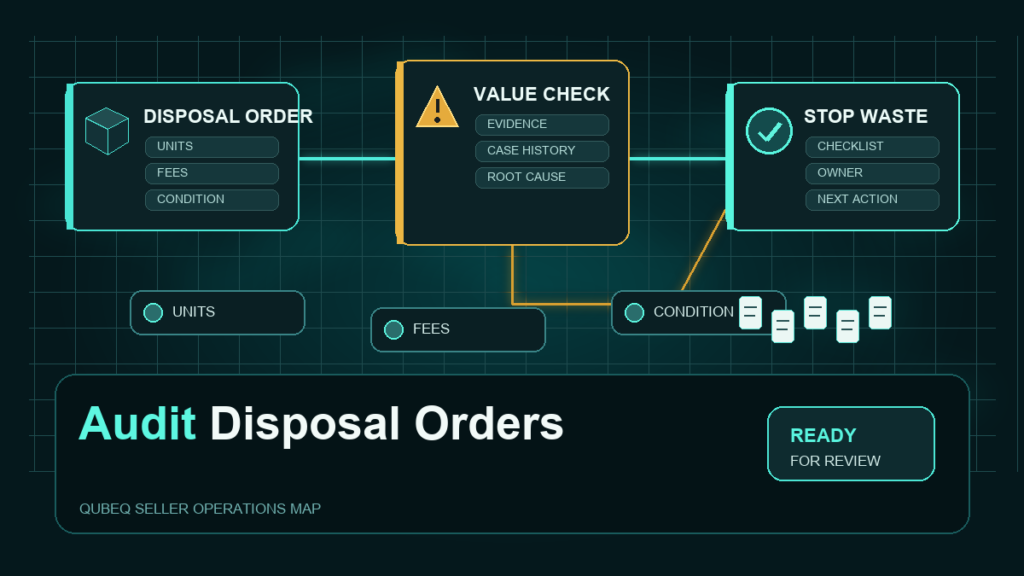
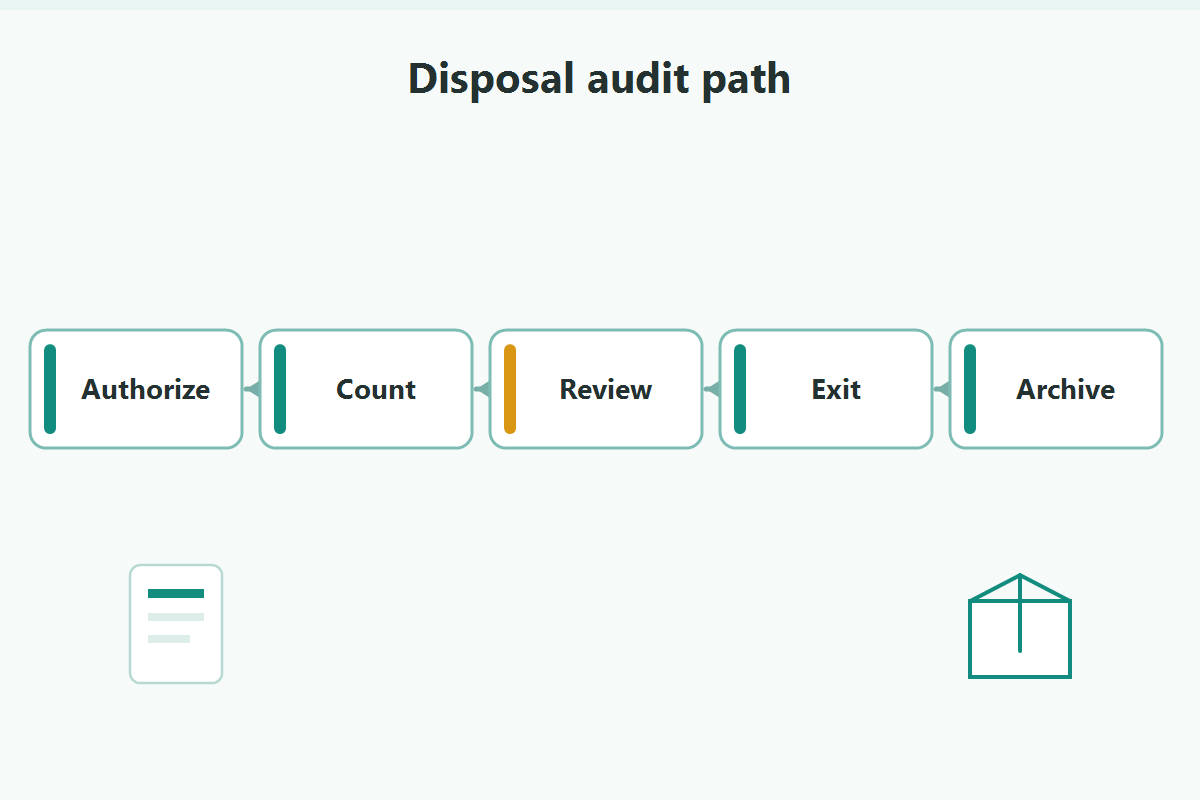
A disposal order pays Amazon to destroy your inventory, and on many accounts a meaningful share of disposed units were either sellable, miscounted, or disposed by an automated setting nobody remembers configuring. An FBA disposal order audit answers three questions per disposal: who authorized it, were the counts right, and was destruction actually the best exit for those units.
Key Takeaways
- Inventory reaches disposal three ways: manual disposal orders, automated unfulfillable inventory settings, and long-dwelling unsellable stock policies.
- Disposals are charged per unit under the current fee schedule, so every wrongful or unnecessary disposal costs twice: the destroyed value plus the fee.
- The audit trail lives in the removal/disposal order reports and the Inventory Ledger; disposals should reconcile against authorizations and counts.
- Better exits often exist: recovery removals to your own address, and liquidation or resale programs where available for the marketplace and category.
- A monthly disposal audit is short, and on accounts with automated settings enabled it routinely finds money.
How Inventory Ends Up Disposed
Manual disposal orders
Someone on the team created a disposal order, usually to clear unsellable returns or aged stock. These are the easiest to audit because there should be an authorization behind each one.
Automated unfulfillable inventory settings
Seller Central includes automated settings that can return or dispose of unfulfillable inventory on a schedule. Set once, often during onboarding or a fee panic, these run quietly forever. Setting names, options, and defaults follow the current Seller Central configuration, and they are the first thing a disposal audit should pull.
Policy-driven disposal of dwelling stock
Unsellable or long-stranded units can become subject to removal or disposal under Amazon's policies and your settings if they sit too long. These are the disposals that surprise teams who thought "we'll deal with it later" was a plan.
Why Disposals Deserve a Routine Audit
- The double cost: a disposed sellable unit costs its value plus the disposal fee. Even genuinely unsellable units may have had a cheaper or value-positive exit.
- Miscounts: disposal quantities should match the order and the ledger events. Gaps between authorized, reported, and ledger-recorded quantities are claim candidates.
- Wrongful disposals: units disposed without a matching order or outside your settings' scope may be reimbursable per current policy; you only find them by reconciling.
- Disposition drift: "unsellable" is a disposition, not a verdict. Customer returns graded unsellable for packaging damage are often perfectly resellable through other channels.
The Documentation Trail
Three sources reconstruct any disposal:
- The removal/disposal order reports: order IDs, SKUs, requested and completed quantities, dates, and fees.
- The Inventory Ledger: the disposal events per FNSKU, with dates and quantities that should match the order detail.
- Your own authorization record: who requested what, when, and why, including the configuration history of automated settings.
If the third source does not exist on your account, that is finding number one.
The Monthly Disposal Audit Routine
- Export the period's removal and disposal order detail and the matching ledger events.
- Match every disposal to an authorization: a manual order with an owner, or an automated setting whose scope covers it. Unmatched disposals go to the investigation list.
- Verify counts three ways: authorized vs reported vs ledger. Quantity gaps go to the claims-candidate list.
- Sample the dispositions: for a handful of disposed lots, check why the units were unsellable. If sellable-elsewhere units are being destroyed, the routing policy needs work, not the audit.
- Review the automated settings themselves quarterly: do the current toggles still match what the business wants destroyed without a human decision?
- Route findings: claims to the reimbursement lane, routing changes to operations, settings changes to the account owner with a change log entry.
Better Exits Than Disposal
Before disposal becomes the default for unsellable stock:
- Recovery removals: pulling units back to your address costs a removal fee but preserves rework, bundle, and off-Amazon resale options.
- Liquidation and resale programs: where available for your marketplace and category, these return a fraction of value instead of charging you to destroy it. Availability and terms vary; check the current program pages.
- Rework loops: returns unsellable for packaging reasons can often be removed, reworked, and shipped back in.
Disposal is the right call for genuinely worthless, hazardous-to-store, or contractually restricted units. It should be a decision, not a default.
Mini-Scenario: The Setting Nobody Remembered
A kitchen-brand audit matched three months of disposals against authorizations and found 240 units disposed with no manual orders behind them. The source was an automated unfulfillable-inventory setting toggled to dispose, configured two years earlier by a departed employee during a storage-fee cleanup. Sampling the dispositions showed most units were customer returns graded unsellable for damaged packaging, the exact category the brand profitably reworked through its own warehouse.
The fix: the setting moved from dispose to return, a monthly rework loop absorbed the returned units, and the reconciliation also surfaced an 11-unit gap between a disposal order and its ledger events, which became a documented case. The audit took an afternoon; the setting had been quietly destroying margin for two years.
FAQ
What is the difference between a removal order and a disposal order?
A removal order sends units to an address you choose; a disposal order instructs Amazon to destroy them. Both carry per-unit fees under the current fee schedule, but removal preserves the value, rework, and resale options that disposal ends.
Why did Amazon dispose of my inventory without me ordering it?
Most likely an automated unfulfillable inventory setting on the account, or policy-driven handling of long-dwelling unsellable stock. Pull the current settings and match the disposal to its trigger; unmatched disposals are worth a case.
Can I get reimbursed for wrongly disposed inventory?
If units were disposed in error, outside your orders and settings, reimbursement may be available per current policy. The evidence is the reconciliation: orders, settings scope, and ledger events that show the disposal lacked authorization.
Should unsellable returns be disposed automatically?
Only as a deliberate choice. Returns graded unsellable for packaging reasons are often resellable after rework, and liquidation programs may return partial value where available. Audit a sample before letting a toggle decide.
How often should I audit disposal orders?
Monthly matching plus a quarterly review of the automated settings. The monthly pass is short once the reconciliation template exists.
Make Destruction a Decision
Disposal should be the exit of last resort, audited like the expense it is. If your account has automated settings nobody owns, disposal charges nobody matches to orders, or unsellable stock that deserves a better exit, Qubeq can run the disposal audit, reconcile the gaps into claims, and rebuild the routing so value stops leaving in the destruction lane. No upfront cost for the reimbursement audit.