Faire Shopify inventory sync only feels simple when the underlying product links and inventory ownership are already clear. If linked products, variant matches, or inventory locations are messy, sync problems usually show up as trust problems rather than one obvious error.
Freshness note: Faire-Shopify sync settings can cover catalog import, inventory sync, price sync, order sync, product content sync, and fulfillment sync, so brands should test location behavior and linked-product behavior before enabling sync.
Key Takeaways
- Inventory sync depends on cleaner product and variant linking before it depends on the switch being turned on.
- Location settings matter because the sync pulls inventory from selected Shopify locations.
- Order sync and inventory sync should be understood together, not as isolated features.
- Sync settings reduce manual updates, but they do not fix weak inventory ownership.
- The safest rollout starts with a controlled linked catalog, not the full assortment.
What Inventory-Sync Readiness Means
Inventory sync between Faire and Shopify is not only a settings decision. It is an operating-model decision. The merchant is effectively choosing how inventory numbers will move between systems and which records are trusted enough to automate.
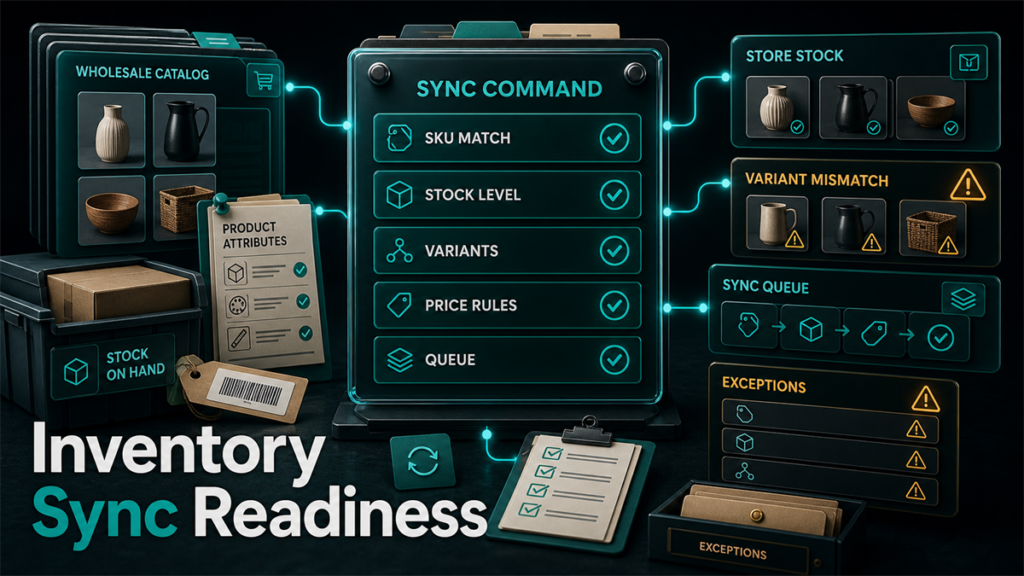
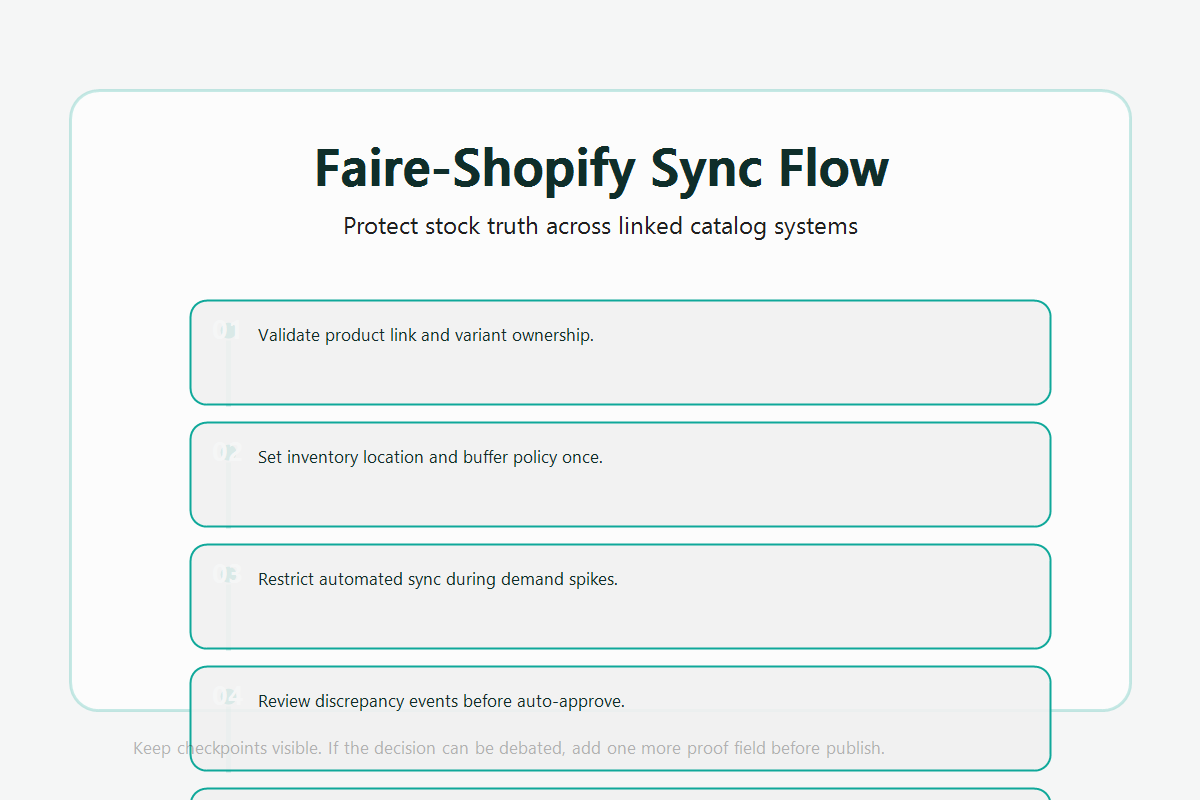
That means readiness is really about four questions:
- Are the right Faire products linked to the right Shopify products?
- Are all relevant variants linked correctly?
- Are the chosen Shopify inventory locations the right ones?
- Does the team understand how order sync affects the overall flow?
If one of those is weak, the sync can look active while still being unreliable.
The Control Points That Matter Most
Product linking
If the product connection is wrong, the sync can only reflect that mistake more efficiently.
Variant linking
Variant mismatches are easy to overlook until inventory starts moving incorrectly.
Location selection
Faire's own guidance makes it clear that sync behavior depends on which Shopify locations are selected. That means location choice is not a minor detail.
Order-sync relationship
If a merchant expects inventory to update across systems every time a Faire order is placed, the order-sync layer matters too.
Where Brands Usually Create Sync Problems
They turn on sync before checking the links
That makes the system look automated before the data is ready.
They assume all locations should be included
That is not always the safest choice.
They treat inventory sync like a substitute for inventory discipline
It is a tool, not a cure for weak stock ownership.
A Practical Sync Checklist
- Check that the correct Faire and Shopify products are linked.
- Verify variant-level matching for products with options.
- Review which inventory locations should actually feed the sync.
- Confirm the team understands how order sync changes the workflow.
- Test with a limited linked catalog before wider rollout.
Scenario: The Sync Worked but the Catalog Logic Was Loose
A brand connected Faire with Shopify and enabled sync quickly because the manual updates had become tedious. The system appeared to work, but a closer review showed several linked products were not as clean as the team assumed, and one location was feeding stock in a way that did not match actual wholesale availability.
The sync was not broken. The setup discipline was. Once the team tightened product linking and location control, the integration became much more trustworthy.
FAQ
Does inventory sync fix product-linking mistakes?
No. It usually reflects those mistakes faster.
Do locations matter for Faire inventory sync?
Yes. Selected Shopify locations affect where the sync pulls inventory from.
Should the full catalog be linked and synced immediately?
Usually no. A controlled rollout is safer.
Is inventory sync enough on its own?
No. The team still needs clear inventory ownership and sync expectations.
What is the biggest readiness mistake?
Treating automation as the first step instead of validating the linked catalog first.
Better Sync Results Usually Start Before The Sync
Faire Shopify inventory sync works best when the product links, variants, and inventory ownership are already organized. If your team is trying to tighten wholesale operations alongside broader marketplace systems, Qubeq can help you think through those other marketplace operations. If you want help pressure-testing the workflow before scale, contact us here.