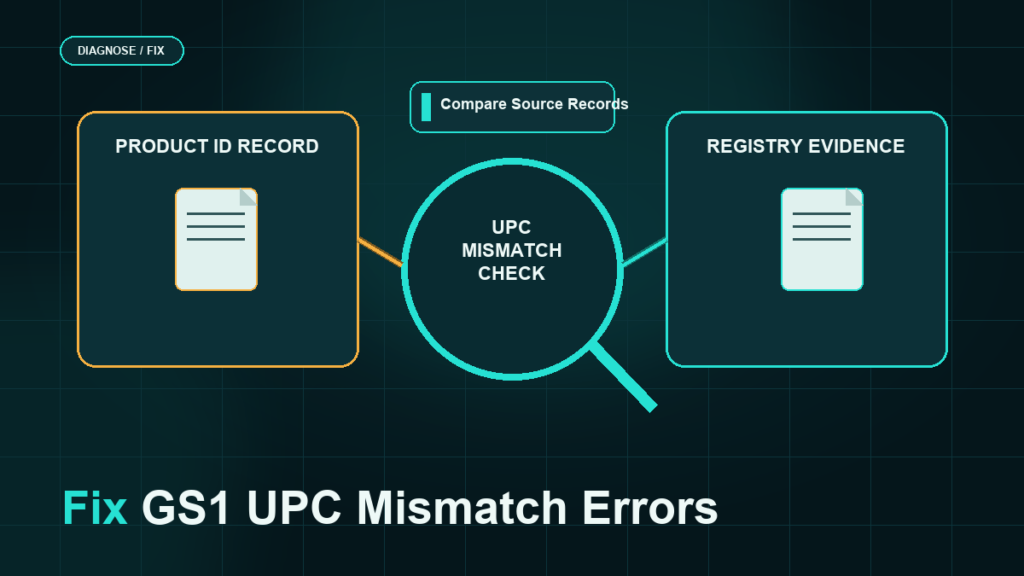
Amazon validates product IDs against GS1 records, so a UPC that is not registered to your brand's company prefix can be rejected at listing creation or flagged later, even if the listing worked for years. The fix depends on which of three patterns you are in: the code is invalid, the code is valid but registered to someone else, or the code is already attached to a different product in Amazon's catalog.
Key Takeaways
- Amazon checks GTINs against the GS1 database, and codes whose registered owner does not match your brand can be rejected or removed.
- Cheap UPCs from third-party resellers are the most common source of mismatch errors, because those codes remain registered to another company's prefix.
- You can check any code yourself against GS1's public verification lookup before Amazon does.
- Each error pattern has a different fix: relicensing from GS1, correcting the brand attribution, disputing a false flag with evidence, or switching to a GTIN exemption.
- Prevention is an internal GTIN registry: one licensed prefix, one code per product, never reused.
Why Amazon Validates UPCs Against GS1
GS1 is the global organization that licenses GTINs (the family of codes that includes UPCs and EANs). When a company licenses a prefix, every code built on it traces back to that company in GS1's records. Amazon uses that traceability to keep its catalog clean: one product per code, with the code's registered owner consistent with the brand on the listing.
That is why codes purchased from third-party resellers cause problems. Those codes were typically issued under the reseller's (or an older company's) prefix decades ago, so GS1's records show a different owner than your brand. The code "works" as a number, but it fails the ownership check.
Enforcement is uneven and has tightened over time: some mismatched codes sail through listing creation and surface as problems later, during brand registry work, catalog merges, or compliance sweeps. Treat a working mismatched code as deferred risk, not proof of safety.
The Three Error Patterns
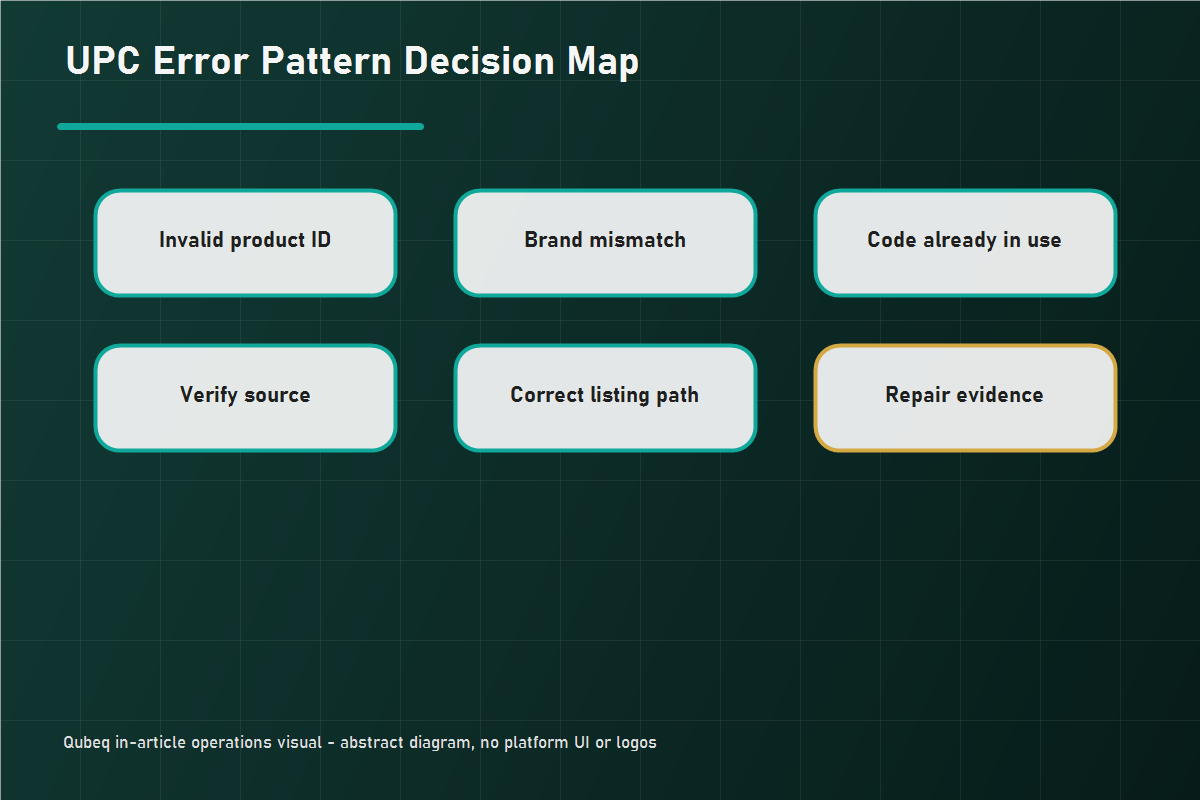
1. Invalid product ID
Amazon rejects the code outright at listing creation. The code may be malformed, never issued, or flagged in Amazon's data as unusable. There is no repair for the code itself; the fix is a legitimate code or an exemption.
2. Brand mismatch
The code is real, but its GS1 registration does not match the brand name on your listing. This is the classic reseller-UPC pattern, and it also appears when a brand renames itself without updating its GS1 records, or when a manufacturer's code is used with the seller's own brand name.
3. Code already in use
The code resolves to an existing ASIN for a different product. This is usually a reused or recycled code, either by you (reusing codes across variations) or by whoever sold the code. The error often presents as a duplicate ASIN conflict rather than a UPC error.
Match the fix to the exact error message you received. Wording changes over time, but these three families cover almost every case.
Verify the Code Yourself First
Before opening cases or buying anything, look the code up in GS1's public verification tool (Verified by GS1). The lookup shows whether the code is registered, and to which company. Three outcomes:
- Registered to your company: you have a strong dispute case if Amazon flagged it.
- Registered to someone else: relicensing or exemption, not a dispute.
- Not found: the code is not legitimate; replace it.
Run this check across your whole catalog once, not just the flagged SKU. Mismatched codes travel in groups, because they were usually bought in a batch.
Fix Paths by Pattern
- Code registered to someone else: license your own codes from GS1 (a company prefix for catalogs, or single GTINs for small counts where offered), assign new codes to the affected products, and update the listings. Plan this as a catalog project: code changes on live ASINs can require case support and careful sequencing.
- Brand attribution wrong but code is yours: update the GS1 registration data or the listing brand so the two match, then resolve the flag with a case if it does not clear automatically.
- Falsely flagged legitimate code: open a case with the GS1 verification result, your GS1 license certificate, and the product packaging showing the code. This is an evidence case; argue with documents, not frustration.
- No legitimate code and none needed: if the product qualifies (private label without barcodes, bundles, handmade), a GTIN exemption is cleaner than buying codes you do not need.
Prevention: Run a GTIN Registry
- License one GS1 prefix for the brand and issue every code from it.
- Keep a spreadsheet (or PIM record) of code, product, variation, and issue date. One code per product, forever; retired products keep their codes.
- Never buy codes from anyone except GS1.
- Check GS1 registration as a step in every new-product listing SOP, so a bad code never reaches Amazon.
Mini-Scenario: The Expansion That Surfaced Old Codes
A houseware brand expanding from 30 to 80 SKUs hit invalid product ID errors on a dozen new listings. The codes came from the same low-cost reseller batch the brand had used since launch. The GS1 lookup showed every code registered to an unrelated company. The existing 30 listings were live and unflagged, but the team treated them as the same risk: they licensed a GS1 prefix, issued fresh codes for the new SKUs, and scheduled a controlled re-identification project for the legacy SKUs during the slow season, with case support documented for each change. The expansion launched on clean codes, and the legacy risk was retired on the brand's own schedule instead of during a compliance sweep.
FAQ
Why does Amazon say my UPC is invalid?
The code is malformed, never issued, or unusable in Amazon's data. Check it in GS1's verification lookup; if it is not registered, replace it with a GS1-licensed code or apply for an exemption.
Can I use UPCs bought from a third-party reseller?
They may pass initially, but they remain registered to another company in GS1's records, which Amazon can flag at any time. Treat them as a liability to retire, not an asset.
How do I check who owns a UPC?
Use GS1's public verification lookup (Verified by GS1). It returns the registered licensee for any GTIN.
What if my legitimate GS1 code is rejected?
Open a case with the GS1 verification result, your license certificate, and packaging photos showing the code. Legitimate codes with matching brand data are usually reinstated on evidence.
Should I buy GS1 codes or get a GTIN exemption?
If the product is your private label without barcodes, a bundle, or handmade, an exemption is free and sufficient. License GS1 codes when you need codes that work across retailers, not just Amazon.
Clean Codes, Clean Catalog
UPC problems compound: one mismatched batch becomes listing blocks, duplicate conflicts, and brand-registry friction later. If your catalog runs on reseller codes, or a re-identification project feels too risky to run on live ASINs, Qubeq can audit the catalog's GTINs, sequence the code changes safely, and handle the case work so listings stay live through the transition.