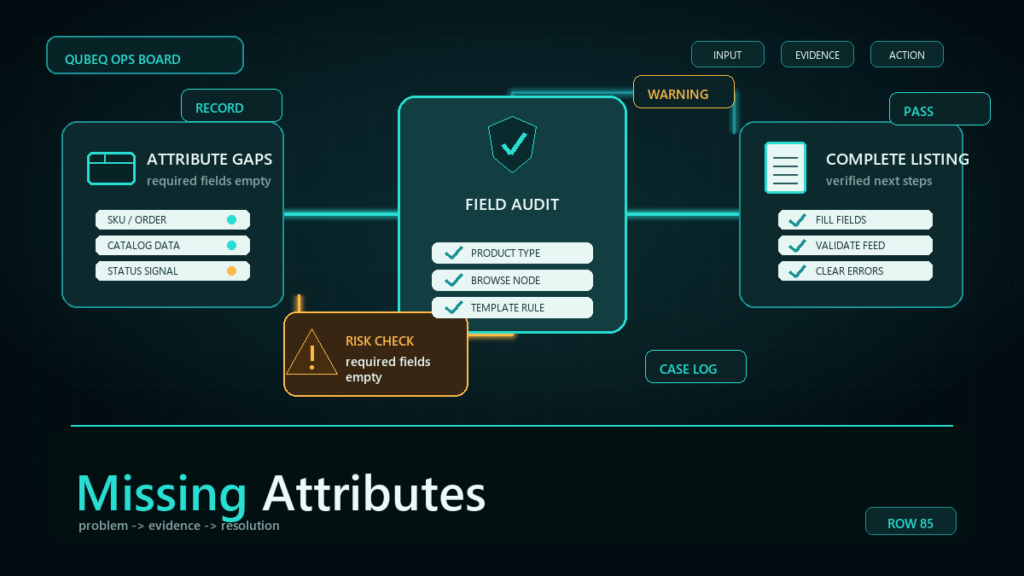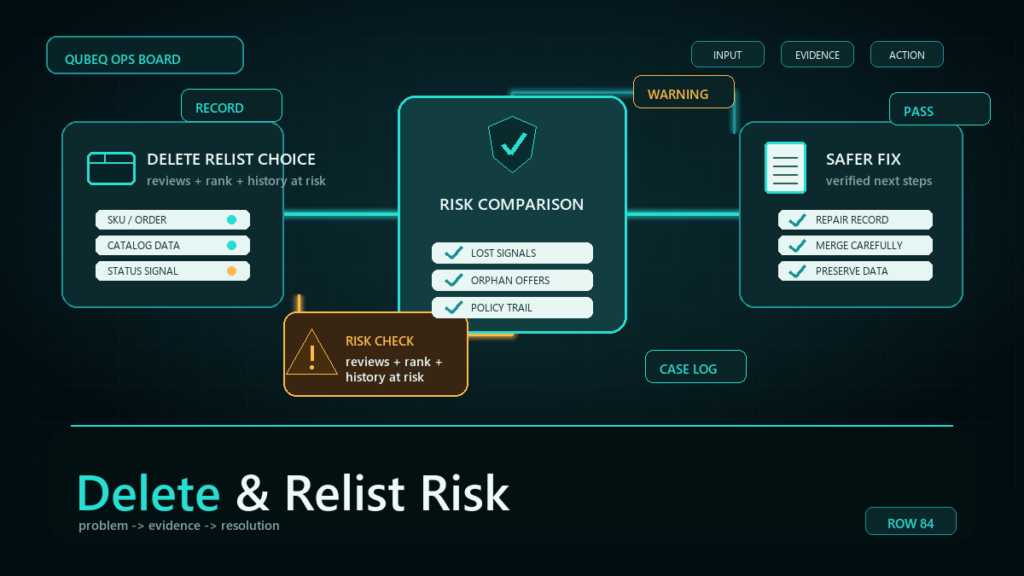
An Amazon retail contribution override happens when a retail, vendor, or stronger catalog source controls what appears on the detail page instead of the content a seller submitted. This is a specific catalog-authority problem, not a general listing-edit failure. The right response is to prove which source is controlling the attribute, document the correct value, and escalate with evidence rather than repeatedly uploading the same content.
If your listing content changed and you are not sure whether retail history is involved, start with the broader general listing content overwrite troubleshooting workflow. This page is for the narrower case where Amazon Retail, vendor data, or a stronger catalog contribution appears to be outranking the seller or brand submission.
Key Takeaways
- A retail contribution override is not the same thing as listing hijacking.
- Amazon may choose one contribution over another when multiple parties submit data for the same ASIN.
- Brand Registry can support ownership evidence, but it does not always guarantee immediate display control.
- Repeated edits without evidence can create more catalog conflicts.
- The best case package includes current live content, desired content, proof of accuracy, brand ownership, and a clear explanation of the affected attributes.
How Retail or Vendor Contribution Differs From Normal Catalog Overwrite
Not every overwritten Amazon listing is a retail contribution override. A retail contribution override is a source-authority issue: Amazon is displaying data from a retail, vendor, or stronger catalog source even though the seller submitted different content.
A normal listing content overwrite can come from many other causes, including flat file mismatch, Brand Registry role limits, product type conflicts, policy review, image compliance, or another seller’s contribution. Those issues may need a different workflow.
| Situation | What it usually means | Best first action |
| Retail or vendor history keeps returning | A stronger Amazon-controlled or vendor-linked source may be controlling the attribute | Gather source-authority evidence before escalating |
| Seller edit saves but does not appear live | Contribution priority or attribute lock may be blocking display | Compare submitted value, live value, and processing evidence |
| Flat file upload partially works | File or attribute mapping may be incomplete | Review processing report and required fields |
| Brand Registry edit does not display | Brand role or contribution priority may not be enough | Confirm brand role, then package proof |
| Content is rejected | Policy, formatting, or unsupported claim may be the blocker | Clean the content before resubmitting |
The goal is to avoid opening the wrong case type. If the issue is a general attribute overwrite, use the broader listing-content workflow. If the issue is retail or vendor contribution authority, build a source-focused evidence package.
Evidence to Gather Before Escalating a Retail Contribution Override
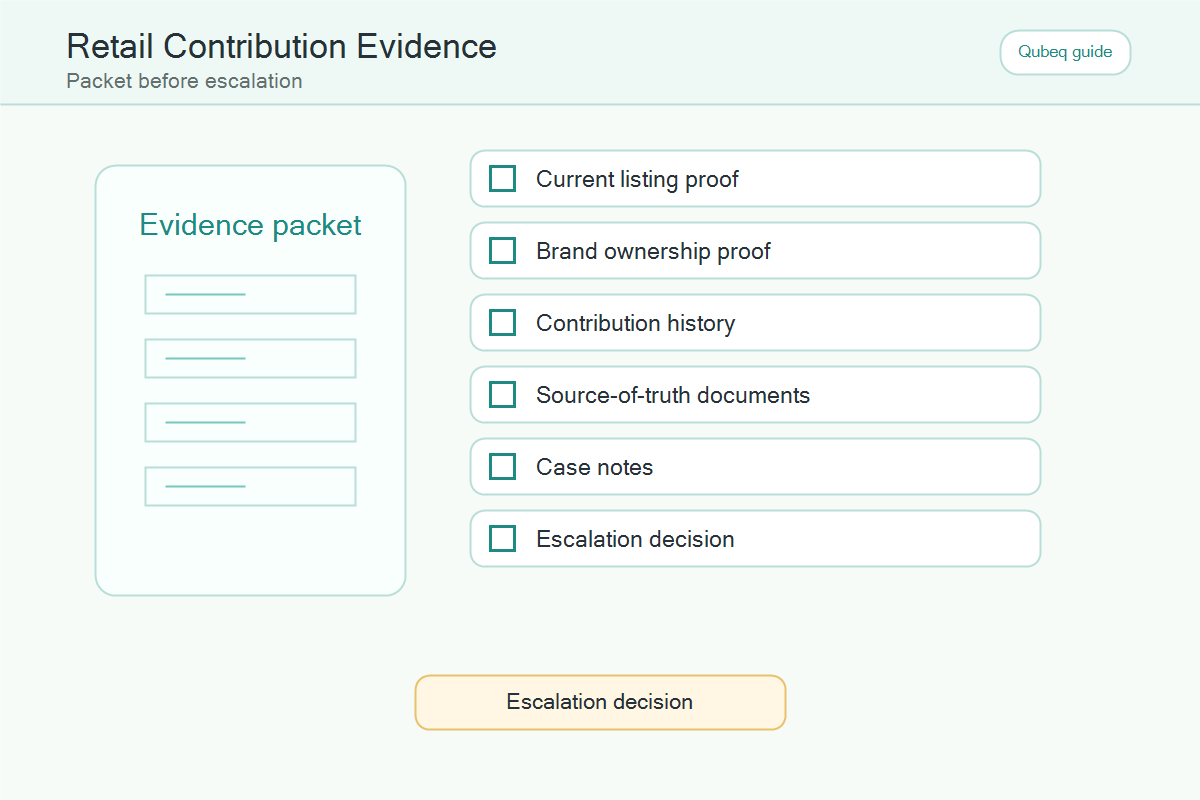
For a retail or vendor contribution conflict, the evidence package should prove more than “my edit is correct.” It should show why your source should control the attribute.
- ASIN, SKU, marketplace, brand name, and affected attribute.
- Current live detail page value.
- Submitted seller or brand value.
- Screenshot or export showing the submitted value in Seller Central or the feed.
- Processing report, batch ID, or case ID from recent attempts.
- Brand Registry ownership or authorized-user evidence.
- Manufacturer site, packaging, product photos, or official catalog proof.
- Any clue that retail, vendor, or historical contribution data is involved.
- A concise explanation of why the requested value is accurate and customer-helpful.
Do not ask Amazon to “fix the listing.” Ask Amazon to review a specific attribute conflict and attach proof that identifies the current live value, the requested value, and the source authority behind the request. If the case needs escalation, prepare it with Brand Registry case escalation evidence and connect recent batch IDs to the bulk listing update workflow.
What Is an Amazon Retail Contribution Override?
An Amazon retail contribution override is a catalog conflict where Amazon displays content from a stronger or competing source instead of the seller's submitted content. The overwritten content may include the product title, bullet points, description, images, variation data, brand value, manufacturer value, or product details.
Sellers often describe the problem as:
- Amazon changed my listing by itself.
- My bullet points keep reverting.
- My title updates in Seller Central but not on the detail page.
- Brand Registry says the content is submitted, but customers see the old version.
- Seller Support says the contribution was accepted, but the live ASIN is unchanged.
The important distinction is that the seller may not be dealing with a bad actor. The seller may be dealing with Amazon's catalog contribution priority, retail history, vendor data, older ASIN data, or another authorized contributor.
Retail Override vs Listing Hijacking
A retail contribution override and listing hijacking can look similar, but the diagnosis is different. Hijacking usually involves an unauthorized seller changing or attaching to a listing in a way that harms the brand. A contribution override may involve Amazon choosing a different content source inside the catalog system.
| Issue | Typical Signal | Best First Step |
| Retail contribution override | Your submitted content saves but does not display | Compare live detail page content against submitted content |
| Vendor or retail history | Old content keeps returning after updates | Identify whether retail or vendor data exists on the ASIN |
| Authorized contributor conflict | Another team or distributor controls content | Audit brand users and contribution sources |
| Listing hijacking | Offer, brand, or product identity changes suspiciously | Gather abuse evidence and report through the correct path |
| Catalog quality rejection | Content disappears or is rejected after upload | Check policy, formatting, and product detail page rules |
Mislabeling the issue matters. If a seller opens an abuse complaint for a contribution priority issue, the case may stall. If a seller treats a hijack like a harmless override, the brand may lose time while the listing gets worse.
Why Amazon Overwrites Listing Content
Amazon overwrites listing content when the system decides another contribution is more authoritative, more complete, more compliant, or more aligned with the catalog record. The seller may not see the internal scoring or source priority.
Common causes include:
- Amazon retail or vendor contribution history on the ASIN.
- Multiple seller contributions for the same product detail page.
- Brand Registry role or permission limits.
- A product detail page rule that blocks the submitted change.
- Old catalog data attached to the ASIN before the brand cleaned it up.
- A flat file update that changes one field but leaves a conflicting required field.
- Duplicate ASINs or merged ASIN history.
- Images or content that fail compliance review.
This is why sellers need an evidence package, not a vague case that says, "Please update my listing."
What Evidence Should Sellers Gather?
The evidence package should prove that the requested content is accurate, brand-owned, and customer-helpful. The package should also make it easy for Seller Support or catalog teams to see the exact difference between the live content and the requested content.
Gather:
- ASIN and SKU list.
- Current live detail page screenshots or saved page evidence.
- Desired title, bullets, description, images, and product details in a clean table.
- Brand Registry ownership or authorized user evidence.
- Manufacturer website or packaging evidence when available.
- Product photos showing the disputed attribute.
- Flat file upload batch ID and processing report if a file was used.
- Case IDs from prior attempts.
- A short statement explaining why the current live content is inaccurate.
The strongest cases are specific. Do not ask Amazon to "fix everything." Ask Amazon to correct a named attribute on a named ASIN, then attach evidence that proves the requested value.
How to Avoid Making the Listing Messier
Sellers should avoid rapid repeated edits when a contribution conflict is unresolved. Every new upload can add noise to the catalog record, especially when different tools, users, or agencies are submitting different versions of the same content.
Use this safer sequence:
- Freeze unnecessary edits on the affected ASINs.
- Capture the current live content and current Seller Central contribution.
- Confirm which fields are actually wrong.
- Check whether the desired content complies with product detail page rules.
- Update only the affected attributes, not every field.
- Use a flat file only when the field mapping is clear.
- Keep one owner responsible for all case replies and uploads.
- Escalate with evidence if the correct content is accepted but not displayed.
This is where Qubeq's operating model matters. One manager and one standard reduce conflicting uploads, mixed messages, and case history that pulls the catalog in multiple directions.
When Brand Registry Helps, And When It Does Not
Brand Registry helps when the brand needs to prove ownership, report incorrect information, manage authorized users, or support content accuracy. Brand Registry does not always mean every submitted attribute will immediately display on the product detail page.
Brand owners should still check:
- Whether the brand name on the ASIN exactly matches the registered brand.
- Whether the user has the right Brand Registry role.
- Whether the ASIN is correctly connected to the brand.
- Whether the requested change would fundamentally alter the product detail page.
- Whether another contribution has a stronger catalog history.
If Brand Registry support accepts the content but the live page does not change, the next step may be a tighter evidence package, not another full content rewrite.
Mini-Scenario: The Title Keeps Reverting
A brand updates a product title to match its packaging and current website. The title saves in Seller Central, but the live detail page reverts within two days. The team suspects a hijacker and opens several urgent cases.
The account review shows an older retail contribution attached to the ASIN and multiple recent uploads from different users. The fix is to stop the uploads, document the live title versus the accurate title, attach packaging evidence, include the brand ownership path, and ask for correction of the title attribute only. The case becomes easier to understand because the request is smaller and better supported.
FAQ
Why does Amazon keep changing my product title?
Amazon may keep changing the product title because another catalog contribution, retail history, vendor data, or product detail page rule is overriding the seller's submitted title.
Is a retail contribution override the same as listing hijacking?
No. A retail contribution override is usually a catalog source conflict. Listing hijacking usually involves unauthorized or abusive listing activity. The evidence path is different.
Can Brand Registry stop Amazon from overwriting content?
Brand Registry can help support brand ownership and content accuracy, but it does not guarantee that every submitted change will display immediately.
Should I open a new case every time the content reverts?
Not usually. Repeated cases with incomplete evidence can create confusion. Build one clean case package with ASINs, affected fields, current content, requested content, and proof.
Can a flat file fix a contribution override?
A flat file can help when the issue is incomplete or incorrect submitted data. It may not fix the issue if Amazon is choosing a stronger competing contribution.
How Qubeq Helps With Amazon Catalog Contribution Conflicts
When listing content keeps changing, the goal is not more random edits. The goal is to identify the contribution conflict, prepare the evidence, and make one clean correction path. If your listings keep reverting, Qubeq can review the ASIN history, catalog fields, and case strategy before the issue spreads.